
Published: 21 September 2026 | Category: 5G
1. Why Does 5G Die the Moment You Go Indoors?
Many Hongkongers run into this exact scenario: you're streaming videos flawlessly on 5G out on the street, easily clocking over 500Mbps on speed tests, but the second you get home or step into the office, your 5G signal drops to one or two bars, or even auto-switches back to 4G. Why does this happen? It actually has everything to do with the physics of 5G. Hong Kong's primary "golden" 5G spectrum is 3.5GHz (the N78 band), which is a much higher frequency than the 1.8GHz or 2.6GHz bands traditionally used for 4G. In physics, the higher the frequency, the weaker the penetration power. When 5G signals hit Hong Kong's notoriously thick concrete walls, or the soundproof, heat-insulating Low-E glass that new builds love to use, the signal gets severely weakened or completely blocked. So, if you can't get 5G indoors, your phone isn't broken—it's just an inherent physical limitation.
- High frequency, low penetration: While the 3.5GHz and 4.9GHz bands offer massive capacity and blazing speeds, their ability to diffract and penetrate walls is incredibly poor.
- Building material barriers: Hong Kong's building density is extreme. The structural walls in public housing and the insulated glass in private estates are natural enemies of 5G signals.
- Base station distance: If there isn't a transmitter near your home or office, relying solely on distant Macro Cells to push the signal indoors makes it virtually impossible to get full bars across the whole house.
On top of that, with Hong Kong being so densely populated, the cost of deploying indoor base stations inside every single building is astronomical. Even the major telcos have to prioritize indoor coverage for large shopping malls or MTR stations, leaving regular residential estates and commercial buildings less comprehensively covered. This explains why your network always feels a bit sluggish once you step inside your home.

2. HK Mainstream Telcos: Indoor Coverage Comparison
To solve indoor coverage issues, a telco's infrastructure strategy is key. Currently, Hong Kong's big four mobile operators (CSL, CMHK, SmarTone, 3HK) all tackle indoor 5G coverage differently. Some use low-frequency bands (like 700MHz or 900MHz) to patch up indoor dead zones, leveraging their high penetration power to ensure a stable connection, even if it's not the absolute fastest. Others focus heavily on installing Small Cells in large residential estates and commercial buildings. Let's use the table below to briefly compare the common strategies and advantages of each telco when it comes to indoor coverage, giving you a handy reference for your next port-in.
| Telco | Main Indoor Coverage Strategy | Spectrum Advantages & Features |
|---|---|---|
| CMHK | Aggressive deployment of Digital Indoor Systems (DIS) | Holds a large amount of spectrum, including 4.9GHz and 700MHz; low frequencies help penetrate indoors. |
| CSL (HKT) | Excellent mall/MTR coverage, relies on massive base station clusters for estates | One of the highest base station densities in HK, backed by a strong fiber network backbone. |
| SmarTone | Dynamic Spectrum Sharing (DSS) technology | Flexibly allocates 4G/5G spectrum, widening 5G coverage and ensuring stable indoor connections. |
| 3HK | Refarming low-frequency spectrum for 5G | Uses low bands like 700MHz to penetrate residential estates, focusing on value for money. |
Of course, these are just overall strategies. Hong Kong's buildings are incredibly diverse. Even within the same building, high floors vs. low floors, or sea-facing vs. mountain-facing units can have wildly different reception. That's why you can't just pick a telco based on their marketing—it's best to test it yourself. Generally speaking, if your home or office sits right above a large shopping mall, your indoor coverage will likely be pretty decent, as telcos usually extend the mall's base station signals slightly upwards.
⚠️ Note: Don't ever assume that just because you get great signal in the MTR, you'll get the same at home. The dedicated infrastructure telcos build for MTR stations is completely different from the signals trying to punch through your walls from the street!
3. Testing 5G Dead Zones at Home/Office: The 3 Major Disaster Areas
After countless field tests, we've identified the three major "5G dead zone disaster areas" in Hong Kong's indoor environments. If you spend a lot of time in these spots, you need to think twice before signing a contract or buying home 5G broadband—or at least have a backup plan ready. The biggest disaster area is the building's core, which often means your home's bathroom, kitchen, or the office pantry near the lifts. These areas are surrounded by load-bearing structural walls. Even 4G struggles here, let alone high-frequency 5G. Walk in, and you might instantly become a "missing person."
- Ultra-high-floor units (30th floor and above): Think living higher up means better reception? Wrong! Ultra-high floors often suffer from the "island effect" or "ping-pong effect." Your phone picks up weak signals from multiple distant base stations simultaneously, causing interference and making your 5G incredibly unstable.
- Inside old industrial buildings: Many HK startups love renting industrial spaces, but these buildings have complex layouts and thick walls. Plus, telcos rarely install indoor micro-cells in older industrial buildings, leaving these offices with frequent 5G dead spots.
- "Black bathrooms" and corridors in new builds: Recently built private estates feature highly compact designs, often with windowless bathrooms ("black bathrooms"). Combine that with thick, heavy fire doors at the entrance, and the moment you shut the door, you block out whatever faint signal was left in the corridor.
So, before you sign up for any $198/mo or $258/mo unlimited 5G mobile plan, make sure you know exactly where you use your phone the most at home. If you usually scroll in bed, but your bedroom happens to be a dead zone, paying that 5G monthly fee is just throwing money down the drain.
4. No 5G Indoors? 4 Ultimate Self-Rescue Hacks
If you're unlucky enough to find out your home or office desk is a 5G dead zone, and you're still locked into a contract so you can't port out, what do you do? Don't despair. Here are four ultimate self-rescue hacks to fix your connection woes. The simplest and most direct method is to manually lock your phone's network to 4G (LTE). Since a weak 5G signal makes your phone constantly jump between 4G and 5G (which drains your battery and drops your connection), you're better off locking it to 4G. At least the speed is stable, and it's more than enough for watching YouTube or replying to WhatsApp. The second hack is to leverage technology: turn on your phone's Wi-Fi Calling feature.
- Enable Wi-Fi Calling (VoWiFi): As long as you have stable fiber broadband and Wi-Fi at home, turn on the Wi-Fi Calling feature in your phone's settings. Even if your mobile network only has one bar, you can make and receive crystal-clear calls over your Wi-Fi network.
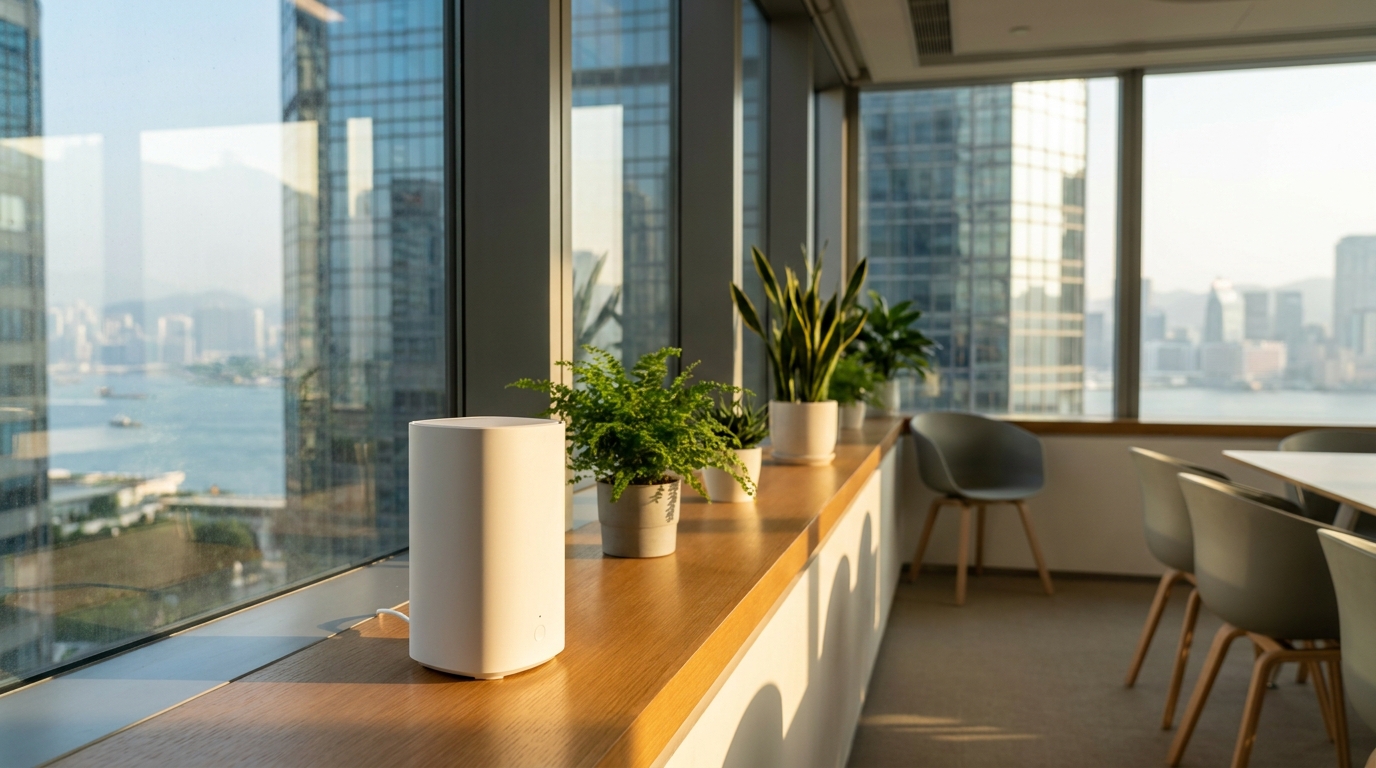
- Reposition your 5G home broadband router: If you're using a 5G CPE Router instead of traditional home broadband, you absolutely must place it near a window with an unobstructed view. Try different windowsills—sometimes moving it just two feet can make your speeds skyrocket from 50Mbps to 300Mbps.
- Use a Mesh Wi-Fi system: If you have a large home, don't expect a single 5G router to cover the whole place. Keep the 5G router in the spot with the best reception, then connect a few Mesh Wi-Fi nodes and place them in the bedrooms. Boom—zero dead zones across the house.
- Report it to your telco and request a follow-up: If the entire estate has terrible reception, you can team up with the Owners' Corporation to complain to the telcos (like HKBN, SmarTone, etc.) and lobby for a base station to be installed in the lobby or on the roof.
💡 Tip: Before buying a 5G router, we highly recommend grabbing a cheap, no-contract prepaid SIM card (like a SoSIM, MySim, or Duckchat for a few dozen bucks). Pop it in your phone, test the speeds by the window, and only sign up for a 5G broadband plan with the telco that actually gives you good reception!
5. Enterprise Exclusive: Office 5G Coverage Upgrade Solutions
For consumers, no 5G just means less gaming time; but for SMEs or large enterprises, zero network coverage in the office can directly impact business. Especially now that many companies are shifting to mobile workspaces where colleagues walk around with laptops, or rely on 5G for video calls and IoT devices, stable indoor 5G coverage is an absolute must. If your office genuinely can't get 5G, enterprise clients actually have access to professional upgrade solutions—you don't have to just suck it up like regular consumers do.
- Distributed Antenna Systems (DAS): Companies can contact the telco's enterprise sales team to arrange for engineers to do an on-site signal survey. If you have a large office, you can pay or negotiate with the telco to install an indoor antenna system, distributing the 5G signal evenly across the entire workspace.
- Dedicated Small Cells: For specific dead zones, like meeting rooms or the director's office, you can install enterprise-grade Small Cells. These plug directly into the company's commercial broadband network and convert it into a powerful mobile signal.
- Private 5G Networks: For enterprises with ultra-high data security requirements or a need for ultra-low latency (like logistics warehouses or factories), setting up a Private 5G Network is a great option. The data never touches the public internet, making it both secure and lightning-fast.
Enterprise solutions usually come with tailor-made services. While installation takes time, it's a once-and-for-all fix. The commercial teams at major telcos (like HKT, 3HK, etc.) have dedicated specialists for these projects. Once it's sorted, employee efficiency will shoot up, and no one will have to walk out to the corridor just to make a phone call.

6. Summary: Picking the Right Telco is the Ultimate Cure
With Hong Kong's dense concrete jungle, indoor 5G coverage is undeniably a tough physical challenge. No matter how much a telco boasts about their 99% coverage, when it comes down to your specific desk at home or the office, good reception means 100%, and no reception means 0%. To completely fix your indoor 5G issues, you need to tackle the root cause. If you already have fiber broadband pulled into your home, using Wi-Fi Calling and indoor Wi-Fi solves half the battle. But if you're planning to switch to 5G home broadband, or rely entirely on mobile data, you absolutely must do your homework.
- Field testing is the safest bet: Don't just guess. Buy a few prepaid SIM cards from different telcos and run speed tests at home. The data won't lie.
- Read the refund terms carefully: If you really want to sign up for 5G home broadband, remember to ask if there's a "7-day trial period" or a "cooling-off period." That way, if you're stuck in a dead zone, you can still back out unscathed.
- Leverage comparison platforms: Every telco performs differently depending on the district. Want to know which one offers the best value and coverage in your area? Make sure you compare prices and read reviews.
At the end of the day, while 5G is fast, stability is what actually affects your mood during daily use. We hope this in-depth test and self-rescue guide helps you out, so you never have to rage over "dropping to 3G/4G" when you get home or go to work again. Want to know more about the latest quotes and promos for broadband and 5G mobile plans across all telcos? Keep an eye on our updates to find the most cost-effective internet solutions!