
Published: 9 July 2026 | Category: Practical Tutorial
1. What is WPA3 and Why Do You Need to Know About It?
When you go online at home, the first thing anyone asks is usually, "What's the Wi-Fi password?" But have you ever thought about the cybersecurity science hidden behind just typing in a password? From the old WEP and WPA days to the WPA2 we've all been using for over a decade, Wi-Fi security standards are constantly evolving. Now, WPA3 has officially taken over as the new-generation standard. Why do we absolutely need to know about WPA3? Because the old WPA2 has been exposed for having severe security flaws. Hackers can use specific methods to snoop on your internet data without even knowing your password. WPA3 was born to fix these fatal weaknesses. It massively ramps up the encryption difficulty, making your home broadband network much tougher and practically immune to easy intrusions.
To give you a clearer picture of why WPA3 matters, let's look at the breakthrough upgrades it brings compared to the older generation:
- Protection against Brute-Force Attacks: Hackers used to run computer programs to constantly guess your password. WPA3 introduces SAE (Simultaneous Authentication of Equals) technology, which locks out the connection after a few failed attempts, making password guessing almost impossible.
- Safer Public Wi-Fi: If you're using public Wi-Fi on the street, WPA3 provides individualized data encryption (OWE) for every connected device. Even on a network without a password, you don't have to worry about the guy next to you intercepting your data.
- Easier IoT Device Pairing: WPA3 supports the Easy Connect feature. For screenless smart home devices (like smart bulbs and plugs), you can securely connect them just by scanning a QR code—simple and reliable.
- Forward Secrecy: Even if a hacker is clever enough to crack your current password, they still can't decrypt your past internet data, keeping your losses to an absolute minimum.
2. What Are the Risks if Your Old Router Doesn't Support WPA3?
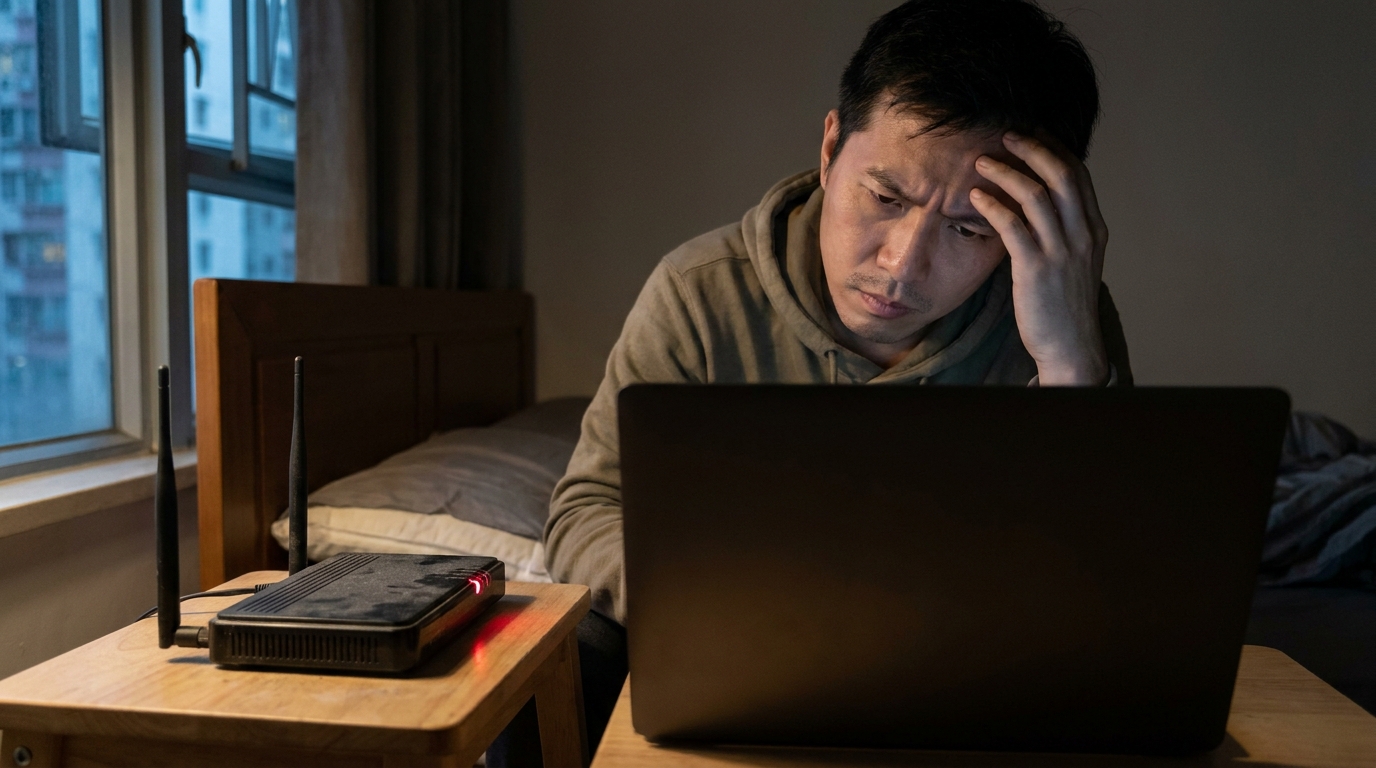
After installing home broadband, many Hongkongers just leave their router sitting there for years. As long as it connects to the internet, they don't bother with it. But if your router is too old and only supports up to WPA2, you're actually taking on a certain level of risk every day you go online. The most notorious example is the "KRACK (Key Reinstallation Attacks)" vulnerability exposed in 2017. This flaw allows hackers near your home (like in the corridor or the floor above/below) to intercept communications between your phone and your router. You might think it's perfectly safe to check your online banking, play games, or send private photos over your home Wi-Fi, but someone with bad intentions could be watching everything. They could even inject malware into the websites you're browsing.
⚠️ Note: Don't ever think, "I have no secrets, hackers won't target me." Hackers often use automated scripts to scan the Wi-Fi of an entire building. If they find a vulnerable network, they'll attack it automatically. Getting hit is usually completely random!
Beyond personal data leaks, the risks of an old router can also spread to your smart home system. Nowadays, many HK families use IP cams, smart door locks, or smart TVs. If these devices are connected to an insecure WPA2 network, a hacker who successfully breaches your Wi-Fi can directly control your home cameras or even unlock your front door. Here are a few common high-risk scenarios:
- Stolen E-banking Credentials: Logging into your bank account on an unencrypted or intercepted network means your password could be snatched at any moment.
- IP Cams Turned into Livestreams: Once hackers breach your Wi-Fi, they can easily gain access to your home CCTV, completely wiping out your privacy.
- Becoming a Hacker's Springboard: Your network could be hijacked to attack other websites (DDoS attacks), which might lead to your telecom provider suddenly blocking your internet service.
- Ransomware Invasions: Hackers can exploit network vulnerabilities to plant ransomware on your home computer or NAS, locking up all your precious photos and documents to extort a ransom.
3. How to Safely Transition Your Current Router?
Reading this, you might be asking: "Oh no, my router is from a few years ago. Do I need to throw it out right now?" It's not quite that bleak. If you're not planning to buy a new device just yet, there are a few practical steps to beef up your old router's security, minimize the risk of attacks, and safely tide you over until your next upgrade cycle. Many manufacturers actually release updates for older routers, but most users never bother logging into the backend to check. Just follow the setup guide below to level up your home network's defenses, ensuring you at least won't be the "easiest target" in a hacker's eyes.
💡 Tip: To access your router's backend, you usually just open a browser and type in 192.168.1.1 or 192.168.0.1. If you don't know the login name and password, check the sticker on the bottom of the router—it usually lists the default credentials.
Here are 4 must-do steps to safely transition your old router:
- Update Your Firmware Immediately: This is the most crucial step! Many major brands (like ASUS, Netgear, and TP-Link) have released patches for the KRACK vulnerability. Go into the backend, find "System Update" or "Firmware Update," and upgrade it to the latest version.
- Switch to WPA2/WPA3 Mixed Mode: If you see a WPA3 option after updating the firmware, congratulations! You can select the "WPA2/WPA3-Personal" mixed mode. This way, your new phone can connect using WPA3, while older smart appliances that don't support it can stick to WPA2—the best of both worlds.
- Set an Ultra-Strong Wi-Fi Password: If your router is absolutely stuck on WPA2, you must change to a long, complex password (at least 12 characters, mixing uppercase, lowercase, numbers, and symbols). Since WPA2 is vulnerable to brute-force attacks, the more complex your password, the slimmer the chance a hacker will guess it.
- Force Disable the WPS Feature: WPS (Wi-Fi Protected Setup) is that button on the back that lets you connect with a single press. While convenient, its PIN code is incredibly easy for hackers to crack rapidly using tools. For safety's sake, it's highly recommended to go into the backend and completely disable WPS.

4. Buying Guide: Upgrading to a New WPA3 Router
If your router is so old that it doesn't even get firmware updates anymore, or if you're already itching to upgrade your home broadband network (like jumping from 1000M to 2500M or even 10G), then we strongly recommend just buying a new router with native WPA3 support! The Wi-Fi 6, Wi-Fi 6E, and latest Wi-Fi 7 routers on the market today basically have WPA3 as a standard feature. Getting a new device doesn't just fix security risks; it also improves your home internet speed and coverage—killing two birds with one stone. But with so many models out there ranging from a few hundred to several thousand dollars, how do you choose the best bang for your buck?
🔥 Recommended Plans
Before buying a router, remember to double-check which broadband provider and internet speed you're currently using at home. If you're on a 1000M fiber broadband plan from HKT, HKBN, CMHK, etc., an entry-level Wi-Fi 6 router will do the job. But if you're planning to upgrade to 2500M broadband, you absolutely need to get a Wi-Fi 6E or Wi-Fi 7 model with a 2.5G WAN port!
To make things crystal clear, we've put together a comparison table of routers at different price points, so you can pick the best upgrade solution based on your budget and needs:
| Router Tier | Wireless Standard | WPA3 Support | Estimated Price | Target Users |
|---|---|---|---|---|
| Entry-level Practical | Wi-Fi 6 (AX) | Fully Supported | $300 - $700 | Small families of 2-3, living in flats under 400 sq ft, using 1000M broadband |
| Mid-range Advanced | Wi-Fi 6E (AXE) | Fully Supported | $800 - $1,800 | Users with multiple smart devices, needing low-latency gaming, living in 400-700 sq ft flats |
| High-end Ultra-fast / Mesh | Wi-Fi 7 (BE) | Fully Supported (Highest Standard) | $2,000+ | Enthusiasts living in village houses or 1000+ sq ft flats, using 2.5G/10G broadband, chasing ultimate speeds |

5. Summary: Don't Skimp on Cybersecurity
To sum up, WPA3 is no longer some cutting-edge tech—it's the baseline for securing your home network. In today's digital age, we're all used to handling every aspect of our lives online, from paying credit card bills and buying stocks to remote meetings. Every piece of data is incredibly precious. Many people are willing to pay a few hundred bucks a month for ultra-fast fiber broadband from major telecom providers (like HKBN, HKT, SmarTone, 3HK, or CMHK), but they stubbornly refuse to replace a five-year-old, vulnerability-riddled router. That's completely putting the cart before the horse. A router with security flaws is like installing a steel door on your house but leaving the lock broken—your anti-theft measures are practically useless.
Hopefully, this guide helps you review the cybersecurity status of your own home network. Finally, here are a few key takeaways:
- Take Immediate Action: When you get home from work tonight, log into your router's backend right away to see if you can update the firmware or enable WPA3 mode.
- Change Passwords Regularly: Even if you're using WPA3, it's recommended to change your Wi-Fi password every six months to a year to protect yourself.
- Leverage Broadband Offers: If you really need to replace your router, many broadband providers actually throw in the latest Wi-Fi 6/6E router or Mesh system when you switch networks or renew your contract. Keep an eye out for these plans when upgrading your network—it could easily save you the cost of buying a new machine!
Want to know what the best value fiber broadband and router bundles are on the market right now? Feel free to check with King Broadband anytime. Our specialists will find the most cost-effective and secure internet solution based on your address and needs, helping you build the strongest protective shield for your home network today!