
Published: 24 May 2026 | Category: Comparison
1. What's the Actual Difference Between Wi-Fi 6, 6E, and 7?
Tech moves fast. When many Hongkongers head to computer centres or shop online for a new router, seeing Wi-Fi 6, Wi-Fi 6E, or the latest Wi-Fi 7 on the box can be super confusing. These standards simply represent the evolution of wireless network technology. Think of Wi-Fi as a highway: the bigger the number, the wider the road, meaning less traffic and faster speeds! Let's break down the core differences between these three generations so you don't get ripped off when buying your next device.
- Wi-Fi 6 (802.11ax): The most common standard right now, supporting 2.4GHz and 5GHz bands. Compared to older gens, it introduced OFDMA technology to handle data from multiple devices simultaneously. It's perfect for modern homes that easily have over a dozen phones, tablets, and smart home appliances connected at once.
- Wi-Fi 6E: Building on Wi-Fi 6, this adds a brand-new "6GHz express lane". Because this lane is new, older devices can't enter, meaning absolutely zero traffic jams. It's highly suitable for applications requiring ultra-low latency.
- Wi-Fi 7 (802.11be): The ultimate boss of the latest generation! Besides keeping the 6GHz band, the channel width doubles from 160MHz to 320MHz. The most overpowered feature is the addition of MLO (Multi-Link Operation) technology, allowing your phone to connect to both 5GHz and 6GHz simultaneously for an epic upgrade in speed and stability.
2. Hong Kong Living Environments: Why is Upgrading Your Router So Important?
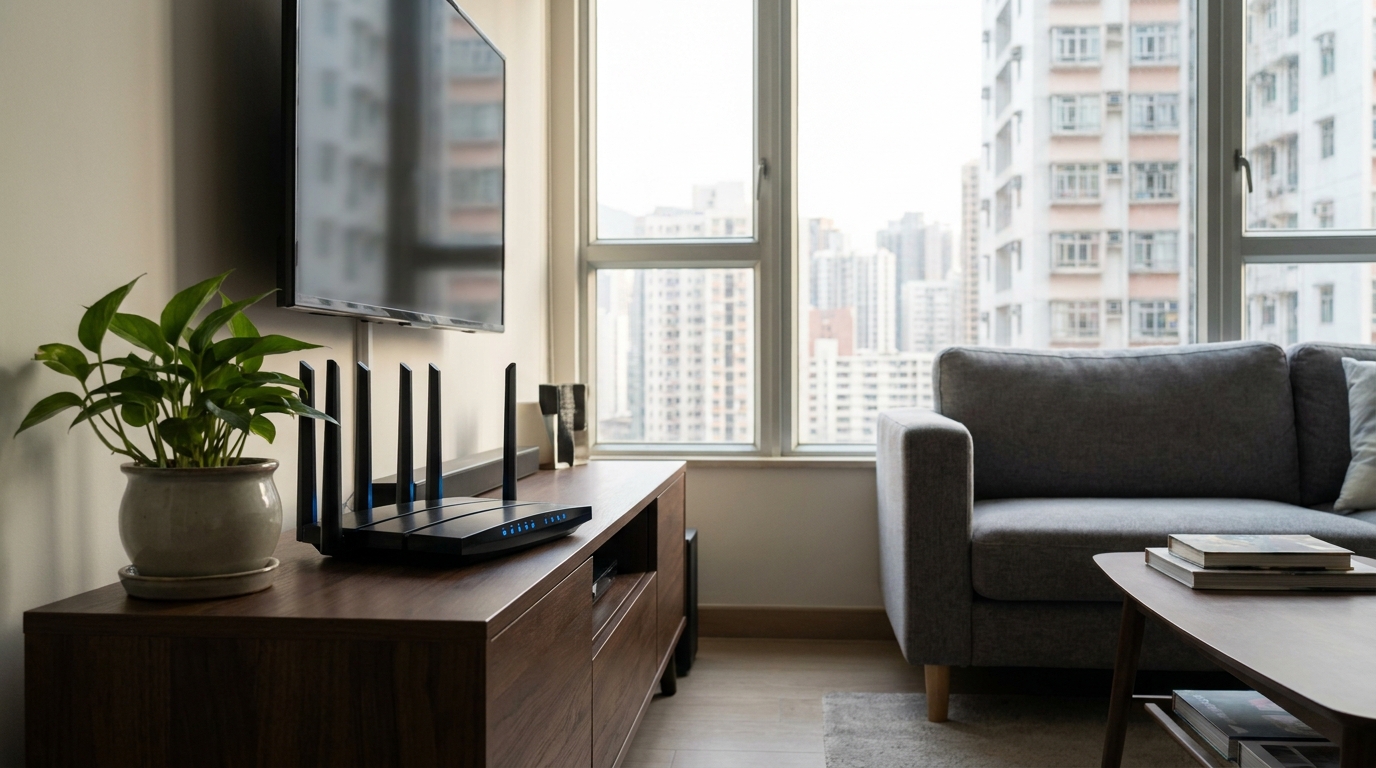
Hong Kong's living environment is famous for three things: lots of people, lots of buildings, and lots of structural walls! Often, people sign up for 1000M or even 2000M fibre broadband, but when they run a speed test on their phone in the bedroom, they get less than 100M, or sometimes just endless loading screens. Nine times out of ten, the router is the culprit, or the Wi-Fi is suffering from severe interference.
First is the interference issue. Housing estates in HK are built incredibly dense. Open your phone's Wi-Fi list, and you'll easily scan dozens of networks from your upstairs, downstairs, and next-door neighbours. If everyone is using the 2.4GHz or 5GHz bands, channel overlap causes mutual interference, severely dragging down internet speeds. This is where the exclusive 6GHz band of Wi-Fi 6E and Wi-Fi 7 comes into play. Because fewer people use it, it's as smooth as walking through a VIP lane.
⚠️ Note: Structural walls in Hong Kong buildings are extremely thick, especially concrete walls packed with steel rebar, which are highly lethal to high-frequency Wi-Fi signals like 5GHz and 6GHz. If your home is over 1,000 sq ft or has multiple blind spots, a single powerful router isn't enough. Pairing it with a Mesh Wi-Fi system for zero-dead-zone coverage across the whole house is the way to go.
3. Wi-Fi Standards Showdown: Speed and Bandwidth Battle
Enough theory, what about the actual numbers? To make things crystal clear, we've put together a comparison chart detailing the specs for Wi-Fi 6, 6E, and 7. Whether you're looking for the best value or chasing ultimate performance, you'll find your answer here. Keep in mind that the maximum theoretical speeds below refer to technical limits; real-world performance will be affected by your broadband plan and device compatibility.
| Feature | Wi-Fi 6 | Wi-Fi 6E | Wi-Fi 7 |
|---|---|---|---|
| Supported Bands | 2.4GHz, 5GHz | 2.4, 5, 6GHz | 2.4, 5, 6GHz |
| Max Channel Width | 160 MHz | 160 MHz | 320 MHz |
| Core New Tech | OFDMA, 1024-QAM | Clean 6GHz Spectrum | MLO, 4K-QAM |
| Ideal Broadband Speed | 1000M | 1000M - 2500M | 2500M or above |
The MLO (Multi-Link Operation) mentioned in the table is absolutely a god-tier feature for Wi-Fi 7. No matter how powerful older Wi-Fi was, it could only connect to one band at a time (e.g., only 5GHz or 6GHz). If that band suddenly faced interference, your game would lag. But Wi-Fi 7's MLO can split data across two bands simultaneously. Even if one route gets congested, the other can instantly back it up, reducing latency to an absolute minimum!

4. Router Upgrade Guide: Which One Does Your Home Actually Need?
After looking at all these specs, how do you actually choose when you hit the shops? The most important thing is to look at your home's actual internet needs and what electronic devices you currently own. Blindly chasing the newest and most expensive gear might just be a waste of money. We've categorized three common scenarios for Hong Kong users below—find the one that fits you and you won't buy the wrong thing!
- The Practical Family (Wi-Fi 6 is enough): If your home is on 1000M broadband and you mostly just watch Netflix, YouTube, or scroll through IG without any special requirements, and most of your phones and computers are older models from two or three years ago, then a high-value Wi-Fi 6 router is more than enough. You can get it sorted for just a few hundred bucks.
- Gamers & WFH Pros (Wi-Fi 6E recommended): If you frequently Work From Home with HD video calls, or you're a hardcore gamer highly sensitive to network latency. Or perhaps you live in a super-dense mega-estate where the Wi-Fi crawls to a halt at night. Upgrading to Wi-Fi 6E to dodge the interference is your best bet, and it pairs perfectly with 2000M broadband.
- Tech Enthusiasts & Future-Proofers (Go straight to Wi-Fi 7): If you've just renovated your home and plan to upgrade to 2500M or even 10G fibre broadband in one go, and you've got the latest flagship phones supporting Wi-Fi 7. To save yourself the hassle of changing routers for the next five to eight years, going straight for Wi-Fi 7 is the best choice to experience top-tier smoothness.
🔥 Recommended Strategy
If your home is over 500 sq ft or has multiple structural walls, rather than spending thousands on a single top-tier router, shift that budget to a 2- or 3-pack Mesh Wi-Fi system. The coverage will definitely surprise you!
5. Upgrading Broadband to Match Your New Router: How to Avoid Wasting Money?
Many people bring home a brand-new Wi-Fi 7 router costing thousands, only to find their internet speed hasn't improved. Why? Because they ignored the most fundamental issue—the broadband line coming into the house! A router only converts the broadband signal into Wi-Fi to distribute it. If your home broadband plan is only 500M or even 100M, it doesn't matter if your router can fly!
Therefore, upgrading your router and upgrading your broadband must happen in sync. Right now, major telecom providers in Hong Kong like HKT, HKBN, and CMHK are heavily promoting high-bandwidth ultra-fast fibre-to-the-home plans. If you're buying Wi-Fi 6E or Wi-Fi 7, it's highly recommended to upgrade to at least a 2000M (2G) or 2500M broadband plan. Especially with the fierce competition among major telcos today, the monthly fee for 2000M is often just a few dozen dollars more than 1000M (roughly between $198 and $258). Broken down, it's just a few extra bucks a day, but the ultra-fast experience you get in return is absolutely worth the price of admission.
💡 Tip: When applying for 2000M or above broadband, make sure to check if the modem provided by the telco has a 2.5G LAN port. At the same time, your new router must have a 2.5G WAN port to achieve true ultra-fast transmission. Otherwise, you'll be bottlenecked at 1000M!
6. Summary: Choosing What Fits is the Best Value
In summary, Wi-Fi 6, 6E, and 7 each have their own strengths. There's no such thing as an absolutely perfect model, only the choice that best suits your home environment and budget. Before making a purchase, it's worth re-evaluating your home's network situation and pain points:
- If you're on a tight budget and just need basic internet, sticking with Wi-Fi 6 offers the best value for money.
- If your estate's network is heavily congested and frequently drops, upgrading to Wi-Fi 6E to use the dedicated 6GHz lane is the ultimate cure.
- If you're chasing ultimate speeds and preparing to upgrade to 2500M+ broadband, going all-in on Wi-Fi 7 is the most future-proof option.
Most importantly, your hardware and broadband plan need to complement each other. If reading this guide has you thinking about upgrading your home broadband to match a new router, but you find comparing prices across different telcos too much of a hassle? Don't sweat it! We at King Broadband have gathered the best and most updated fibre broadband deals across Hong Kong. Whether you live in a walk-up building, a village house, or a large private estate, just reach out to us and we'll instantly tailor the best value upgrade solution for you, saving you both time and money!