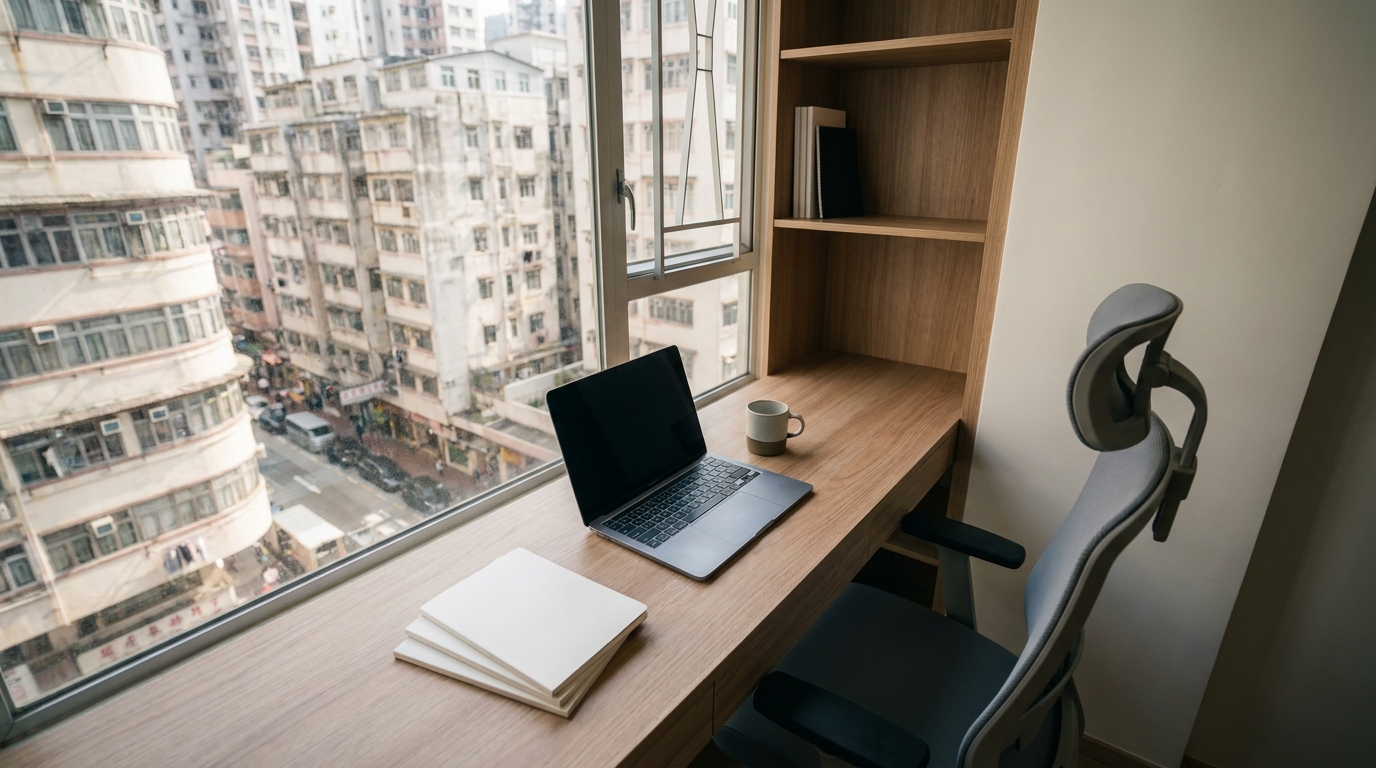
Published: 7 July 2026 | Category: Broadband Guide
1. The SOHO Pain Point: Why Standard Home Broadband Isn't Enough
In recent years, more and more people in Hong Kong are choosing to work as freelancers or set up their own SOHO (Small Office Home Office) studios. Whether you're doing graphic design, video editing, programming, or running an online proxy shopping store, your home is your office. To save money, many start off using their existing standard home broadband that costs around a hundred bucks a month. But once you start using it for work, you'll uncover a bunch of issues that seriously drag down your productivity.
Standard home broadband is designed for everyday family use—watching videos, casual gaming, and scrolling through IG. When you turn it into a money-making tool, the following pain points will slowly start to surface:
- Painfully Slow Upload Speeds: Many cheap home broadband plans offer "asymmetrical" speeds (e.g., 1000M download, but only 100M or less for upload). When you need to send a 4K video to a client or upload gigabytes of design files to the cloud, it takes an eternity.
- No Guaranteed Stability: 8 PM to 11 PM is peak internet traffic time in Hong Kong. If you need to jump on a Zoom call with overseas clients during these hours, you'll likely experience lag or even dropouts.
- No Fixed IP Address: If you need to set up a home server or connect to a client's business system (which often requires a whitelisted IP), a standard dynamic IP will give you a massive headache.
- Slower Customer Support: If your broadband goes down, standard home users usually have to wait two or three days for a technician to show up. For a SOHO worker, a day of downtime means a day of lost income.

2. Home Broadband vs Business Broadband: What's the Difference?
When they realize standard home broadband isn't cutting it, many SOHO workers immediately think, "I'll just apply for business broadband!" But the price tag often gives them a heart attack, as business plans easily cost several hundred to over a thousand dollars a month. So, what exactly is the difference between the two? Let's break it down clearly with a table:
| Comparison Item | Standard Home Broadband | Traditional Business Broadband | SOHO Dual-Use Plan |
|---|---|---|---|
| Average Monthly Fee | Approx. $99 - $168 | Approx. $300 - $1000+ | Approx. $150 - $298 |
| Up/Download Speeds | Mostly asymmetrical (fast down, slow up) | Guaranteed symmetrical (same speed up/down) | Mostly symmetrical (1000M or above) |
| IP Address | Dynamic IP | Fixed IP (1 or more) | Optional 1 Fixed IP |
| Maintenance SLA | No guarantee, subject to scheduling | Guaranteed (e.g., 4-hour response) | Express hotline / Priority handling |
As you can see from the table above, while traditional business broadband offers the best service, the cost is just too high for startups or SOHOs. Luckily, major telecom providers have caught on and introduced "SOHO Dual-Use Plans" or "Advanced Home Office Plans" that sit right in the middle. These are perfect for users working from residential buildings who still need business-grade stability.
3. 4 Key Factors When Choosing a SOHO Broadband Plan
Now that you know SOHO-specific plans exist, how do you make the smartest choice among all the options on the market? We've summarized the 4 core steps you need to consider:
- Check Estate Fiber Coverage: This is the most realistic first step. No matter how cheap or fast a plan is, if your building (especially tong laus or village houses) doesn't have Fiber-to-the-Home (FTTH) from that provider, it's a no-go. Always check what lines can be installed at your address first.
- Look for "Symmetrical" Speeds: For SOHO workers, upload speed is just as important as download speed. When signing up, make sure the contract explicitly states "1000M / 1000M symmetrical speed," rather than "up to 1000M" with the devil in the details hiding a measly 100M upload.
- Weigh the Need for a Fixed IP: Do you need to host a website, run a NAS for clients to download files, or maintain high-intensity VPN connections? If the answer is YES, you definitely need a plan that includes 1 Fixed IP. If you're just doing standard cloud collaboration and Zoom calls, a dynamic IP is fine.
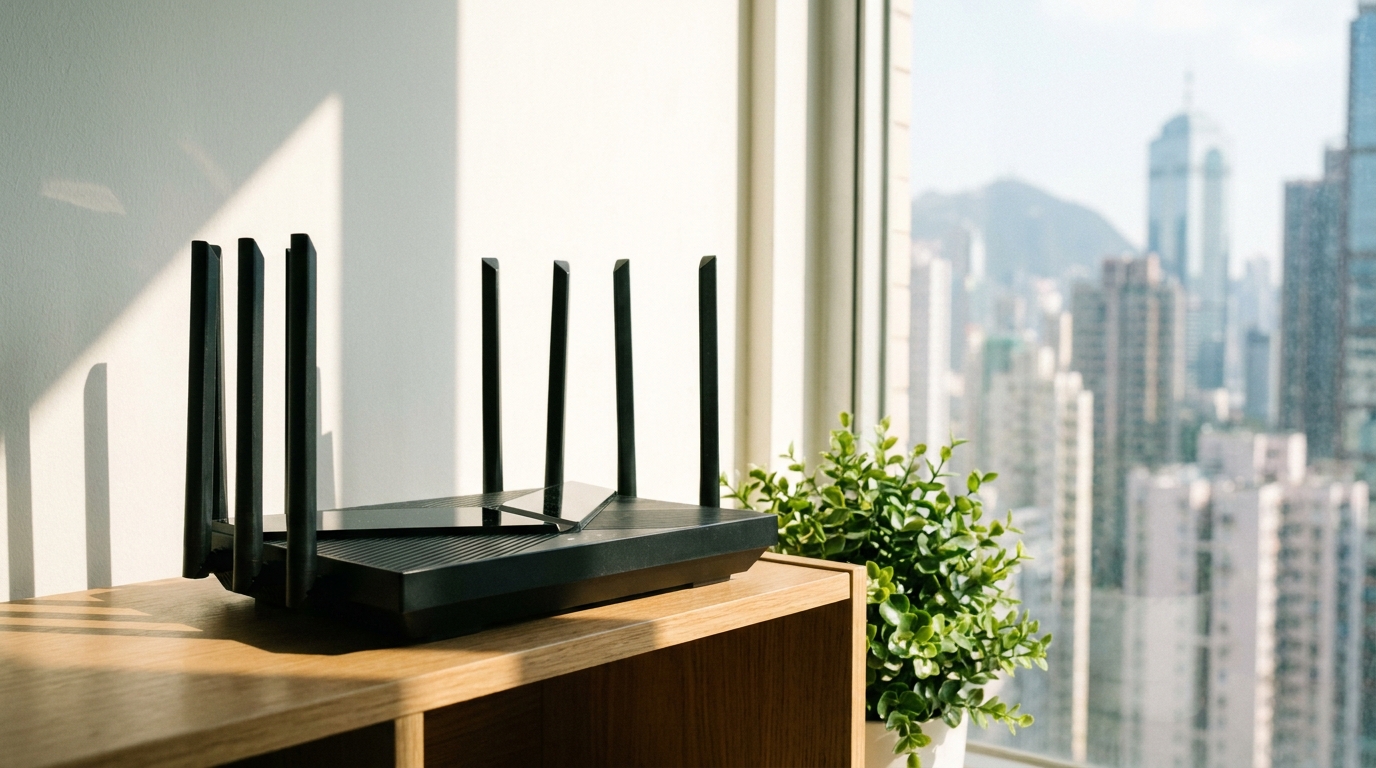
- Router Compatibility: The fastest broadband is useless without a powerful router. If your studio has multiple computers, a NAS, and smart home devices running simultaneously, we recommend paying a bit extra to rent or buy a high-end Mesh Router that supports Wi-Fi 6 or Wi-Fi 6E.
💡 Tip: If your home is on the larger side (like over a thousand square feet or a multi-story village house), a single router will definitely leave dead zones. When picking a broadband plan, see if they offer a Mesh Wi-Fi rental service. That way, you can ensure full-bar Wi-Fi across the whole house—even in the bathroom—so you can reply to client emails anytime, anywhere!
4. Major Telecom Providers' SOHO Plans Compared
There are a few major telecom providers in Hong Kong offering broadband services, and they each have their own edge when it comes to SOHO or heavy-usage home customers. Let's take a look at them one by one (Note: actual monthly fees will vary depending on your housing estate and promotional periods):
- HKT (Netvigator): Known for its stability and overseas routing speeds, HKT is the top choice for SOHO workers who frequently connect to foreign servers or have meetings with overseas clients. They offer high-end home plans up to 2x1000M or even 2500M, perfectly balancing work and entertainment.
- HKBN: Extremely high cost-performance ratio. They frequently roll out Work from Home combo deals, like broadband bundled with a Microsoft 365 license or free antivirus software, which is super practical for SMEs and freelancers.
- 5G Broadband (SmarTone / CMHK / 3HK): If you live in a "broadband dead zone" (like a super remote village house with only painfully slow copper wire broadband), 5G home broadband is an absolute lifesaver for SOHOs! Plug and play, no installation needed, and speeds usually hit 100M - 300M, which is more than enough for standard admin work and video conferencing.
⚠️ Warning: If you plan to register your home address as your Business Registration (BR) address, some telecom providers will strictly require you to apply for business broadband. Make sure to clarify your usage with the sales rep before signing up to avoid contract disputes down the line.
🔥 Recommended Combo
For most SOHO workers, we highly recommend the "1000M Symmetrical Fiber Broadband + Mesh Wi-Fi" combo. The monthly fee usually sits between $168 and $238, and it solves 90% of network bottlenecks. It's the best choice for balancing cost and performance.

5. Summary: Find the Right Plan and Double Your Productivity!
When you're running a SOHO or startup, time is money. Rather than saving a few dozen bucks a month to suffer through endless dropouts and turtle-speed uploads, you're much better off getting a proper dual-use home and office broadband plan. Let's wrap up today's key takeaways:
- Know your work's network requirements (large file uploads, overseas connections, fixed IP).
- You don't have to bite the bullet on pricey business broadband; advanced home plans offer much better value.
- Always ensure your estate has fiber coverage and check if the contract specifies "symmetrical speeds."
- Hardware is just as important—pair it with a Wi-Fi 6/6E router to maximize performance.
Broadband coverage and the latest promotional offers vary from estate to estate, and calling them up one by one is a massive waste of time and energy. Want to instantly know the cheapest and fastest dual-use broadband options for your studio address? Let us help! We have all the latest hidden offers from major HK telecom providers to help you easily compare prices, sort out your internet issues, and focus on hustling for your business!