
Published: 5 October 2026 | Category: Practical Tutorial
1. Why Always "High Ping" Gaming in Public Housing? Finding the Network Bottleneck
The worst nightmare for public housing gamers is suddenly getting high ping mid-game in Apex or LoL—the lag is enough to make you smash your controller! Many public housing residents wonder why their ping fluctuates so much even after signing up for broadband. The truth is, public housing network environments have their own unique pain points. To fix your network, you first need to find the bottleneck. In older public housing estates (like the Twin Tower or early Harmony blocks), the internal conduits are quite old. If you haven't actively requested an upgrade, you might still be on traditional copper lines (VDSL) maxing out at 100M. With physical limits like that, your ping obviously won't be great. Even if you have fiber-to-the-home (FTTH), your home environment is still a major challenge.
- Severe Wi-Fi interference from neighbors: Public housing units are densely packed, often with 20 to 30 flats on a single floor. Every household has its own router, making channel congestion on the 2.4GHz band an absolute disaster.
- The whole family fighting for bandwidth: With only one router, if your mom is watching 4K YouTube in the living room and your sister is downloading dramas in her room, your gaming in the bedroom will naturally slow to a crawl.
- Blocked by structural walls: Public housing layouts often separate the bedrooms and living room with thick structural walls, causing your signal to drop to just one or two bars once you step inside the room.
To solve these issues, you need the right remedy, tackling everything step-by-step from your broadband plan at the source to your internal router settings. Stop putting up with the pain of lag—our practical guide below will help you completely revamp your setup!
2. Choosing the Right Broadband Plan: FTTH is the Baseline
When it comes to optimizing your network, the first step is obviously fixing the "source"—your home broadband line! If you're still using old-school telephone line broadband, even a multi-thousand dollar gaming router won't save you. Nowadays, public housing is actually a major battleground for top telecom providers (like HKT, HKBN, CMHK, etc.), and fiber-to-the-home (FTTH) coverage is extremely high. Fiber broadband isn't just fast; more importantly, it offers "low latency" and "stability". For gaming, 1000M fiber is the absolute baseline—don't skimp on this.
🔥 Recommended Plan Strategy
Public housing broadband monthly fees are actually a steal right now, often ranging from $99 to $138 for a 1000M fiber connection. If you're a hardcore gamer or have a large family, consider upgrading to 2000M (2G) or 2500M broadband. This ensures your gaming and your family's video streaming are completely separated, keeping things blazing fast for everyone!
When choosing a plan, keep a few things in mind: First, ask clearly if it's truly "fiber-to-the-home" (FTTH) and not fiber-to-the-building then copper to your flat (FTTB). Second, check if the telecom provider offers "gamer lines" or "low latency guarantee" plans specifically designed for gaming. These plans usually optimize routing to overseas game servers (like Japan or Taiwan servers), drastically reducing packet loss. Get the source right, and you've already won half the battle.
3. Router Placement and Setup Guide
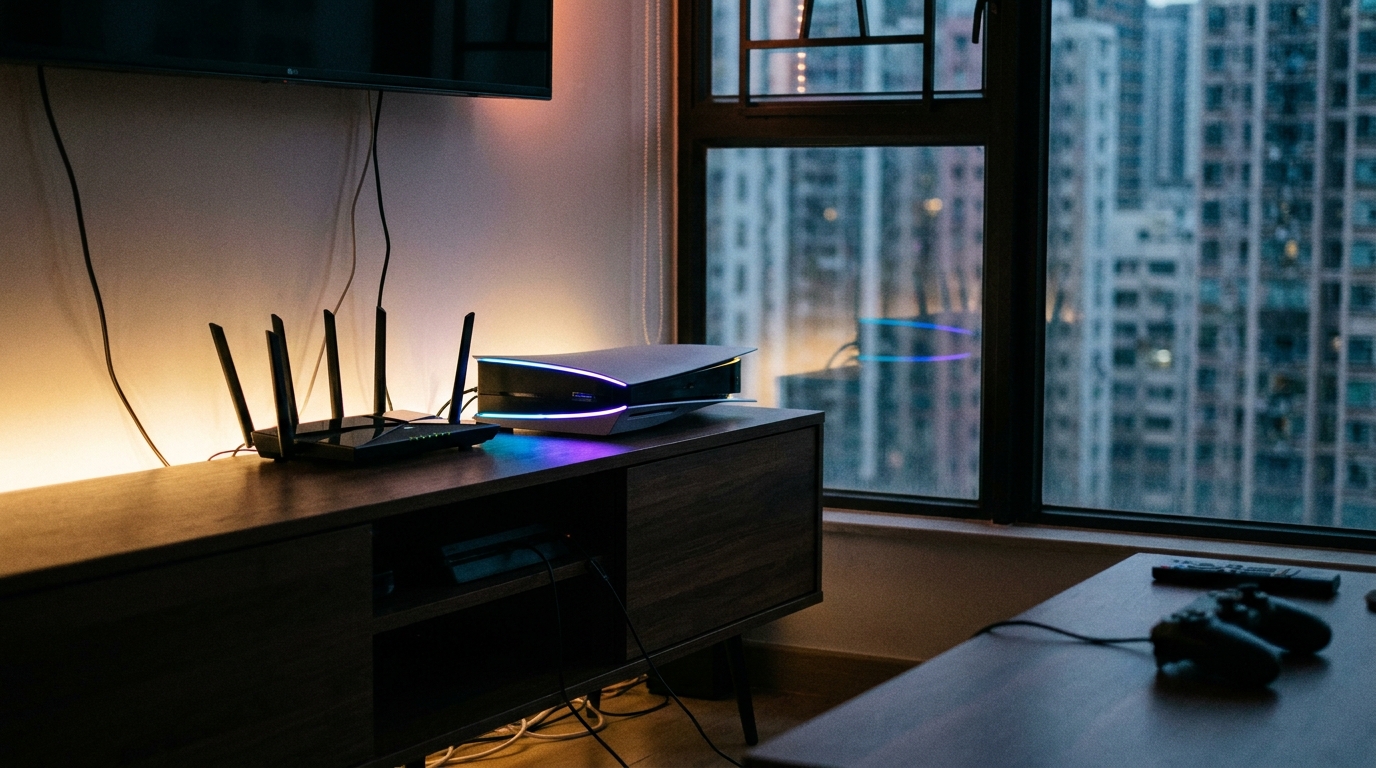
Got your fiber broadband sorted but still lagging? There's a high chance your router placement or settings are to blame! While public housing flats aren't massive in terms of usable area, the layouts often place the kitchen and bathroom right in the middle, and those thick walls will severely weaken your Wi-Fi signal. To achieve low ping, the first step is to place your router in the center of your home, as unobstructed as possible. Never stuff it inside a TV cabinet or behind the sofa.
- Switch to 5GHz or 6GHz bands: Log into your router's backend and connect your gaming PC or console to the 5GHz or even the latest 6GHz band (if you're using Wi-Fi 6E/7). While 2.4GHz is great at penetrating walls, there's just too much interference in public housing—gaming on it is a death sentence.
- Enable QoS: Modern mid-to-high-end routers usually feature QoS (Quality of Service). Go into the settings and push your PS5 or gaming PC to the highest priority. That way, even if your mom suddenly fires up Netflix, the router will process your gaming data first.
- Fix your Wi-Fi Channel: Use a mobile app (like Wi-Fi Analyzer) to scan which channels your neighbors are using, and manually set your router to the least crowded channel to avoid the traffic jam.
💡 Tip: Remember to reboot your router regularly! Many people leave their routers on for a whole year without turning them off, and the accumulated cache will slow down processing speeds. We recommend turning it off for at least 10 seconds and turning it back on once a month to clear the memory.
4. The Ultimate Move: Hardwiring (LAN Cable) vs. Mesh Wi-Fi
Although Wi-Fi technology has improved leaps and bounds, for hardcore gamers chasing "zero latency", wireless signals will always carry the risk of packet loss and environmental interference. If you want to solve it once and for all, the ultimate move is definitely hardwiring (running a LAN cable)! Running a Cat 6 LAN cable straight from the router into your room and plugging it into your PC or PS5 will absolutely give you the best and most stable ping. However, many households don't allow exposed cables (e.g., family members complaining it's a tripping hazard or just ugly). So what then? That's where Mesh Wi-Fi comes in handy.
| Comparison | Direct LAN Cable | Mesh Wi-Fi System |
|---|---|---|
| Network Latency (Ping) | Extremely low, absolutely stable | Medium to low, depends on placement |
| Installation Difficulty | High (requires exposed or hidden wiring) | Extremely low (plug and play) |
| Aesthetics | Poor (unless concealed during renovation) | Excellent (wireless, blends into the home) |
| Hardware Cost | Extremely cheap (a few dozen bucks for a cable) | More expensive (requires buying a kit) |
A Mesh Wi-Fi system uses multiple nodes to relay a stable signal into your room. If you place a secondary node in your room and run a short LAN cable from it to your PC, while not as perfect as a direct connection to the main router, the stability is already several times better than relying on standard Wi-Fi through walls. For public housing residents who can't run long cables, it's an absolutely perfect compromise.
5. Summary: Zero Latency Gaming Starts with the Right Broadband
In summary, living in public housing absolutely doesn't stop you from enjoying a blazing fast, low-ping, esports-grade network experience! From identifying your building's network bottlenecks to decisively upgrading to FTTH broadband, and optimizing your home router placement and settings, every step helps push your latency to the absolute minimum. As long as you're willing to spend a little time tweaking your setup, you'll never have to blame the network for your gaming losses again! Most importantly, public housing broadband plans have always been much better value than private housing ones, and major telecom providers constantly roll out crazy good deals.
⚠️ Warning: Never renew an old, slow broadband contract just because it's cheap! Contracts usually lock you in for 24 to 36 months, and signing the wrong plan means you could be suffering through three full years of lag.
Rather than enduring the pain of lag and disconnects every month, why not compare prices right now and pick a high-quality, affordable fiber broadband plan? Want to know which telecom provider's public housing plan offers the best value and the most freebies? Let King Broadband help you compare all the hidden offers from major telecom providers. With dedicated specialists following up, you're guaranteed to upgrade to a god-tier gaming network at the best possible price!