Published: 20 May 2026 | Category: Professional Plans
1. Why Are PUBG and Valorant So Ping-Dependent?
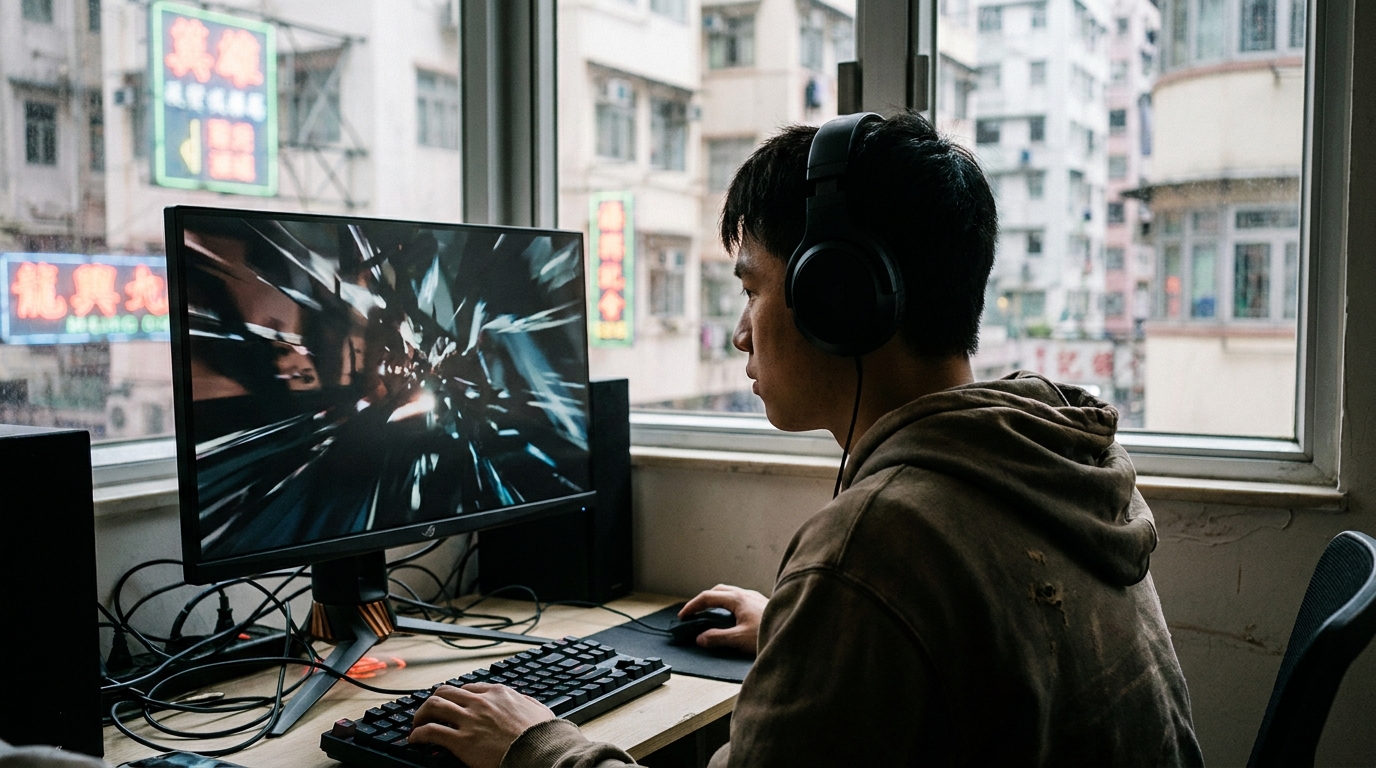
Any gamer knows that in competitive FPS (First-Person Shooter) games like PUBG and Valorant, reaction time is everything. Often, you clearly shoot first, but you're the one who ends up dead. That's definitely not a skill issue—it's your network's ping (latency) acting up.
Ping represents the time it takes for data to travel between your PC and the game server, measured in milliseconds (ms). In intense firefights, a 10ms difference is enough to decide life or death. If your ping is unstable (known as jitter) or you experience packet loss, you'll suffer from "teleporting" or "ghost bullets". So, if you want to rank up, the first step is sorting out your home broadband!
2. Hardware First: The Golden Combo of Router and LAN Cable
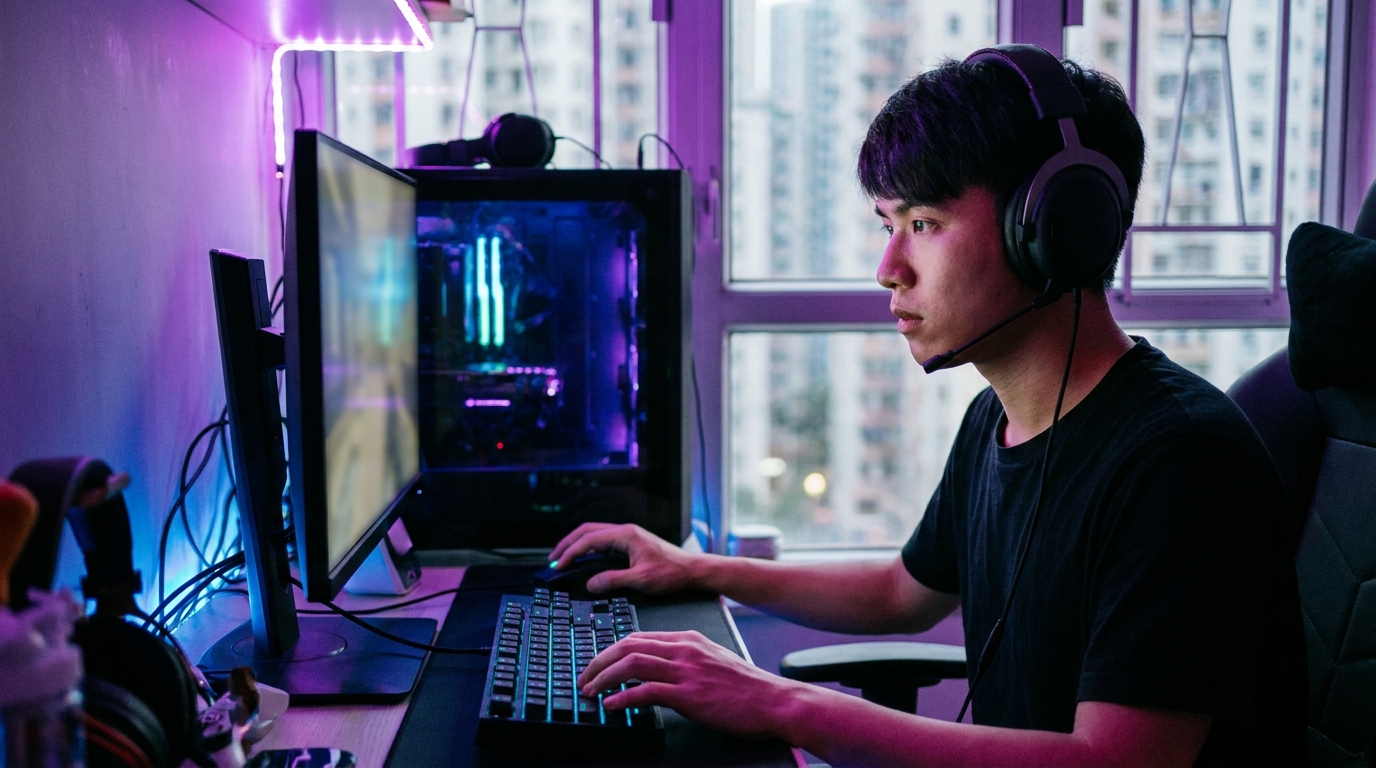
Many people sign up for 1000M or even 2000M broadband, but still get high ping when gaming. The biggest culprit is using Wi-Fi. Remember, Wi-Fi doesn't exist in a hardcore gamer's dictionary! Even with the latest Wi-Fi 6 or Wi-Fi 7, you'll inevitably face interference from physical walls and other appliances.
⚠️ Note: Never use a flat LAN cable for gaming! To save space, these cables usually lack proper shielding and are highly susceptible to interference, leading to packet loss.
Gaming Hardware Setup Checklist:
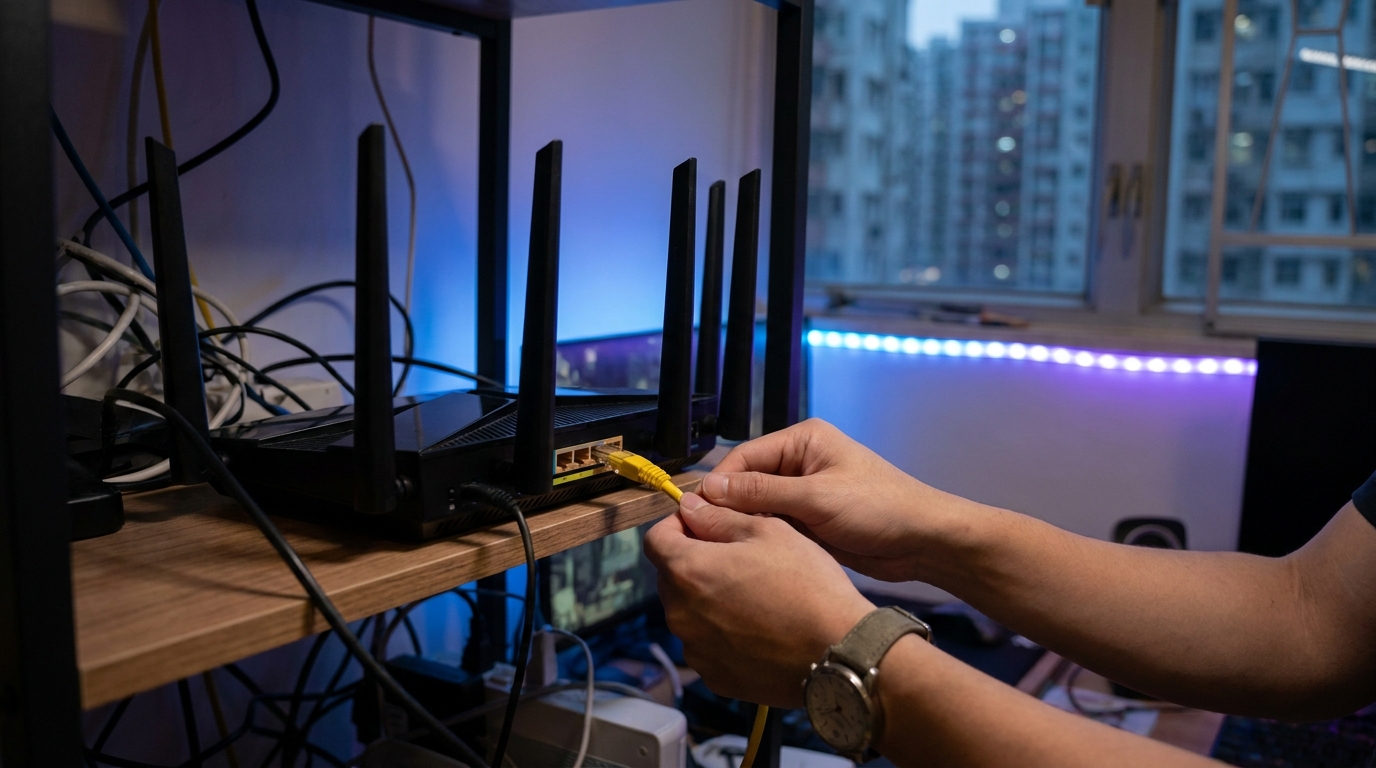
- Switch to a physical LAN cable: Buy a round, properly shielded Cat6 or Cat6a network cable and plug it directly from your router to your PC.
- Upgrade to a gaming router: There are routers specifically designed for gaming with built-in QoS (Quality of Service) features. They push your game's network traffic priority to the max, so even if your family is streaming 4K video in the living room, it won't slow down your game.
- Check your LAN port: Make sure you're plugged into the router's 1Gbps or 2.5Gbps high-speed port, not an older 100M port.
3. System and Network Settings: Squeezing Out the Last 1ms of Latency
Once your hardware is sorted, there are a few hidden settings in Windows that can help you further reduce latency and minimize network fluctuations.
1. Change Your DNS Server
Your telecom provider's default DNS might not be the fastest. You can manually change your PC's DNS to Cloudflare (1.1.1.1) or Google (8.8.8.8) to speed up resolution times, which really helps when connecting to game login servers.
2. Disable "Energy Efficient Ethernet"
Go to Windows "Device Manager", find your Network Adapter, right-click and select "Properties". Under the "Advanced" tab, look for "Energy Efficient Ethernet" or "Green Ethernet" and set it to "Disable". This feature was designed to save power, but it causes your network to intermittently sleep—a massive taboo for gaming!
💡 Tip: Remember to close all background downloading apps before gaming, like Steam auto-updates, Windows Update, or BitTorrent software. Even with 1000M broadband, the massive number of connections these apps create will choke your router.

4. HK Telecom Gaming Broadband Comparison
If you've tried all the above and still get high ping, there's a good chance your broadband's overseas routing quality is subpar. Playing PUBG and Valorant often requires connecting to servers in Singapore, Taiwan, or Japan. If a standard broadband's overseas bandwidth gets congested, you'll truly understand the meaning of despair.
Currently, mainstream HK telecom providers like HKT and HKBN offer dedicated "Gamer Lines" or "Gaming Broadband" plans. The biggest selling point of these plans is gaming-priority routing, ensuring you take the most direct and fastest submarine cables when connecting to foreign servers.
| Feature | Standard Fiber Broadband | Dedicated Gaming Broadband (Gamer Plan) |
|---|---|---|
| Reference Monthly Fee | Approx. $100 - $148 | Approx. $198 - $298 |
| Overseas Server Connection | Dynamically allocated, prone to congestion during peak hours | Priority direct connection to game servers, ultra-low and stable ping |
| IP Allocation | Standard dynamic IP (Private/Public) | Guaranteed real Public IP, some include dedicated IP |
| Extra Perks | Standard supermarket vouchers | Free high-end gaming router, virtual in-game items or points |
🔥 Recommended Plan: HKT Gamer Line
If you have the budget, HKT's Gamer Line has always had the best reputation in the HK esports circle. They feature a Low Latency Guarantee, making connections to popular Asian game servers incredibly stable—perfect for hardcore players who are absolutely obsessed with their ping.
5. Summary
To stand out in split-second games like PUBG and Valorant, a low-ping, zero-packet-loss network environment is fundamental. Starting today, ditch that cheap Wi-Fi receiver, swap in a solid LAN cable, and tweak those Windows network settings. You'll find your aim suddenly gets a whole lot "crisper".
If you find your home broadband is beyond saving—constantly dropping out or spiking in ping every night—then it's time to consider switching and upgrading. With so many telecom providers and plans on the market, which one offers the best value and fits you perfectly? Take action now, compare quotes for major gaming broadband plans, find the ultimate low-ping solution, and stay one step ahead in every game!