Published: 4 July 2026 | Category: Comparison
1. Why Flash Your Router? Is Stock Firmware Not Enough?
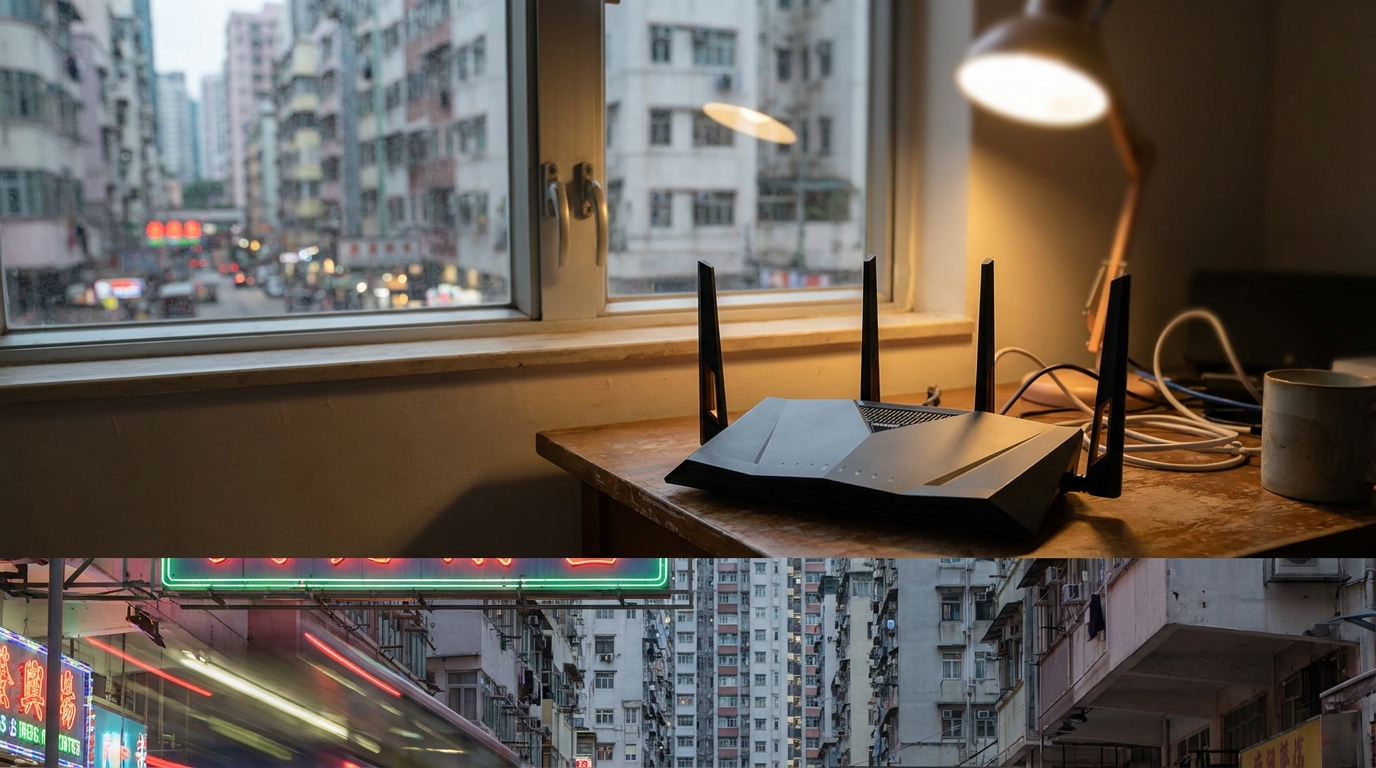
Many Hongkongers buying a new router probably have the same question: I just dropped over a thousand bucks on a new machine, so why is my gaming still lagging? Why is it that even with a $198/mo 1000M fiber home broadband plan from HKT or HKBN, the signal in the bedroom is still terrible or constantly dropping? Actually, the problem often isn't the hardware. It's the router's "brain"—the stock firmware is poorly written, bottlenecking the device's true potential.
To make things foolproof for the general public, most router manufacturers design their stock systems to be overly simple, locking down advanced features. If you want to tinker with advanced settings—like network-wide ad blocking, running a custom VPN client, or setting up granular bandwidth management (QoS)—the stock system simply won't let you. This is where flashing custom firmware becomes your best way out. Swapping to a third-party open-source firmware is like jailbreaking your router, squeezing out 100% of its hidden performance. And among the sea of third-party options, the two undisputed, most talked-about giants are DD-WRT and OpenWrt.

2. DD-WRT: The Golden Standard for Beginners
DD-WRT is practically the godfather of the router flashing world, boasting a very long history. For beginners who have never flashed a router before, DD-WRT is absolutely the golden entry standard. Why? Because its design philosophy is "all-in-one." It packs every advanced feature you might ever need—like VPN Server/Client, QoS bandwidth management, WOL (Wake-on-LAN), and even overclocking—into a single firmware package.
After flashing and rebooting, you'll enter its web interface and see all the settings neatly laid out. Just tick a few boxes, punch in some numbers, and you're good to go. Many Hong Kong SMEs or WFH users who want to set up a simple OpenVPN connection back to the office love DD-WRT for its sheer convenience. However, DD-WRT does have its limitations:
- Slower updates: Its update frequency is relatively slow. If a new security vulnerability pops up, you might have to wait a while for a patch.
- Partially paid: Some advanced features or specific versions tailored for commercial routers require payment.
- Feature-packed but bloated: Because it crams everything in, older routers with smaller flash memory might struggle to run it smoothly.
Overall, if you just want a straightforward upgrade for your router's capabilities without overcomplicating things, DD-WRT remains a highly practical choice.
3. OpenWrt: The Ultimate Weapon for Power Users
If you consider yourself a tech-savvy power user who loves to tinker, then OpenWrt is definitely your ultimate weapon. Unlike DD-WRT's "kitchen sink" approach, OpenWrt takes a highly "modular" route. Its core is a true Linux system. After flashing, it defaults to giving you only basic internet connectivity and a web management interface called LuCI. Every other advanced feature has to be downloaded and installed via its built-in package manager (opkg)—much like downloading apps from the App Store on your smartphone.

What's the benefit of this approach? Absolute freedom! You can install exactly what you need: AdGuard Home for network-wide ad blocking, WireGuard for lightning-fast VPN connections, or SQM (Smart Queue Management) to fix that annoying bufferbloat lag while gaming. As long as your router has a beefy enough CPU and plenty of RAM, OpenWrt's potential is virtually limitless.
- Highly customizable: Install only the features you want, so you don't waste your router's system resources.
- Active community: The open-source community is massive, with tech gurus updating packages almost daily, ensuring top-notch security.
- Breaking limits: Many users on 5G mobile broadband (like SmarTone or CMHK) specifically buy a powerful router and flash OpenWrt to lock frequency bands, making their internet speeds much more stable.
However, the downside is the steep learning curve. Sometimes you even need to SSH in and type command lines, which will leave beginners completely scratching their heads.
4. OpenWrt vs DD-WRT: The Ultimate Showdown
At this point, you might still be on the fence about which one to choose. Let's lay out the core differences between these two major systems in a table so you can see it all at a glance:
| Feature | DD-WRT | OpenWrt |
|---|---|---|
| Target Audience | Beginners, users wanting stable plug-and-play | Power users, geeks who love deep tinkering |
| System Architecture | All-in-one (built-in features) | Modular (free installation like an App Store) |
| Ease of Use | Intuitive, features at a glance | Steeper learning curve, highly granular settings |
| Update Frequency | Slower, focuses on stable releases | Extremely fast, highly active open-source community |
| Hardware Requirements | Lower, great support for older models | Higher, recommends at least 16MB Flash & 128MB RAM |
💡 Pro Tip: If your router has solid hardware specs (like a recently bought Wi-Fi 6 router), we highly recommend trying OpenWrt. But if you just want to repurpose an old router that's been sitting under your bed for years as an Access Point, DD-WRT is the safer bet.
5. Must-Read Before Flashing: Risks and Prep Work
While flashing can completely transform your router, the process is definitely not zero-risk. The most common disaster is "bricking"—where a failed flash leaves your router unable to boot or connect, turning it into an expensive plastic paperweight. So before you get your hands dirty, make sure you prep the following:
- Check the Hardware Revision: The exact same router model might have v1, v2, or v3 versions, and the CPU inside could be completely different. Before downloading the firmware, always flip the machine over and double-check the version number on the sticker.
- Get a LAN cable ready: Never flash over Wi-Fi! Always use a physical LAN cable to connect your computer directly to the router to ensure the data transfer doesn't drop halfway.
- Backup the stock firmware: It's best to download the original firmware from the official website to your PC beforehand. If the third-party system doesn't play nice, you can always "flash back" to restore it.
⚠️ Warning: Flashing usually voids your router's warranty instantly. If your machine is brand new, or if it's a bundled router rented to you by ISPs like CSL or HKT, we strongly advise against flashing it yourself to avoid paying penalty fees!
6. Summary: Pick the Right Firmware, Pair It With Killer Broadband
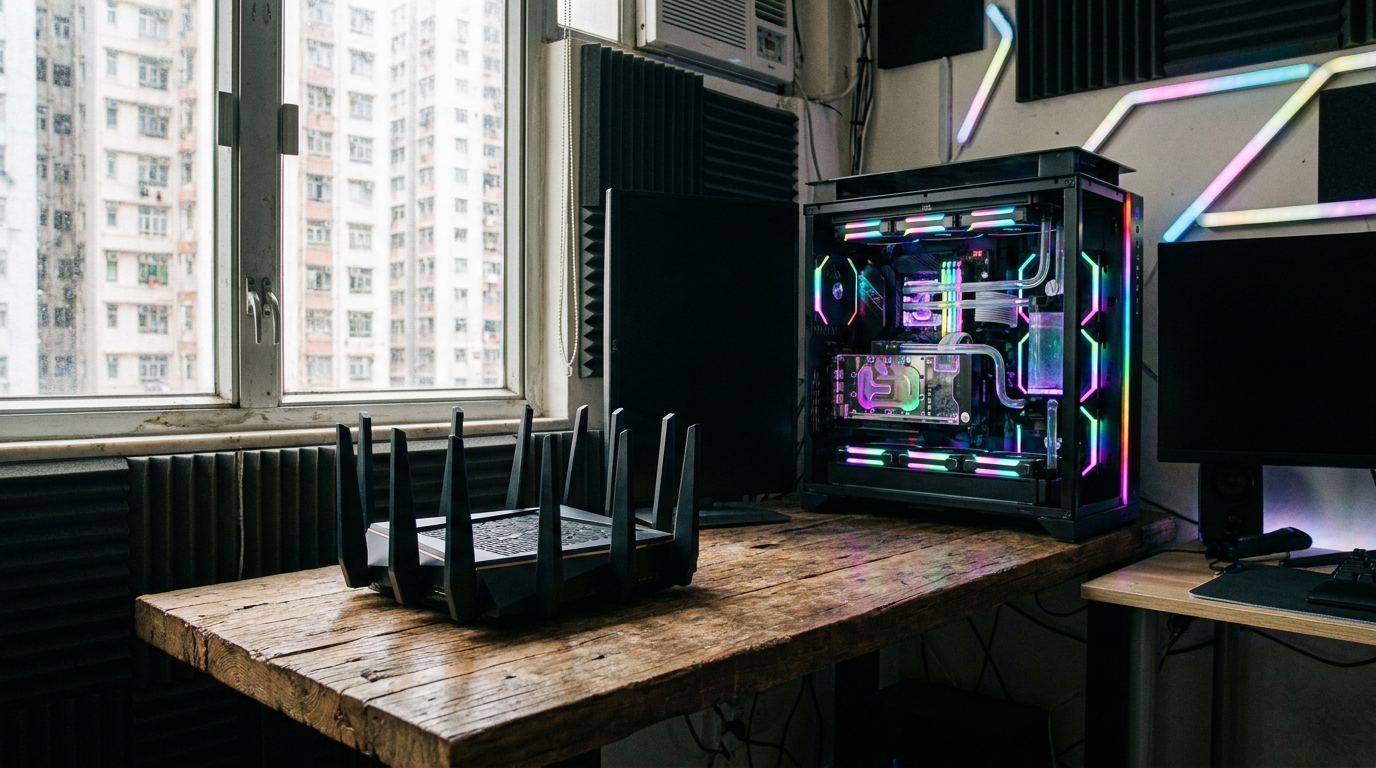
To sum up, DD-WRT and OpenWrt both have their merits. DD-WRT wins on being user-friendly and ready out of the box, perfect for users who just want to run a VPN or basic QoS in peace. OpenWrt, on the other hand, is a playground for power users. As long as you're willing to learn, it can help you build an all-powerful monster router you simply can't buy off the shelf.
🔥 Final Thoughts
No matter which god-tier firmware you end up choosing, if your home broadband itself is weak, even the strongest router is useless! Once you've flashed a sweet setup, you naturally need to pair it with high-speed fiber. If you're still stuck on a sluggish old broadband plan, or your contract is almost up, take this chance to upgrade!
Right now, major Hong Kong ISPs (like HKT, HKBN, CMHK, etc.) are slashing prices on their 1000M and even 2500M fiber-to-the-home plans. Pair that with your newly flashed, fully unleashed router, and we guarantee your gaming, 4K Netflix streaming, torrenting, and multi-device connections will be buttery smooth. Want to know the latest and best broadband quotes? Compare prices online now and find the perfect broadband upgrade plan for you!