Published: 23 September 2026 | Category: In-Depth Analysis
1. Why Do Multi-Cam Live Streams Eat Up So Much Bandwidth?
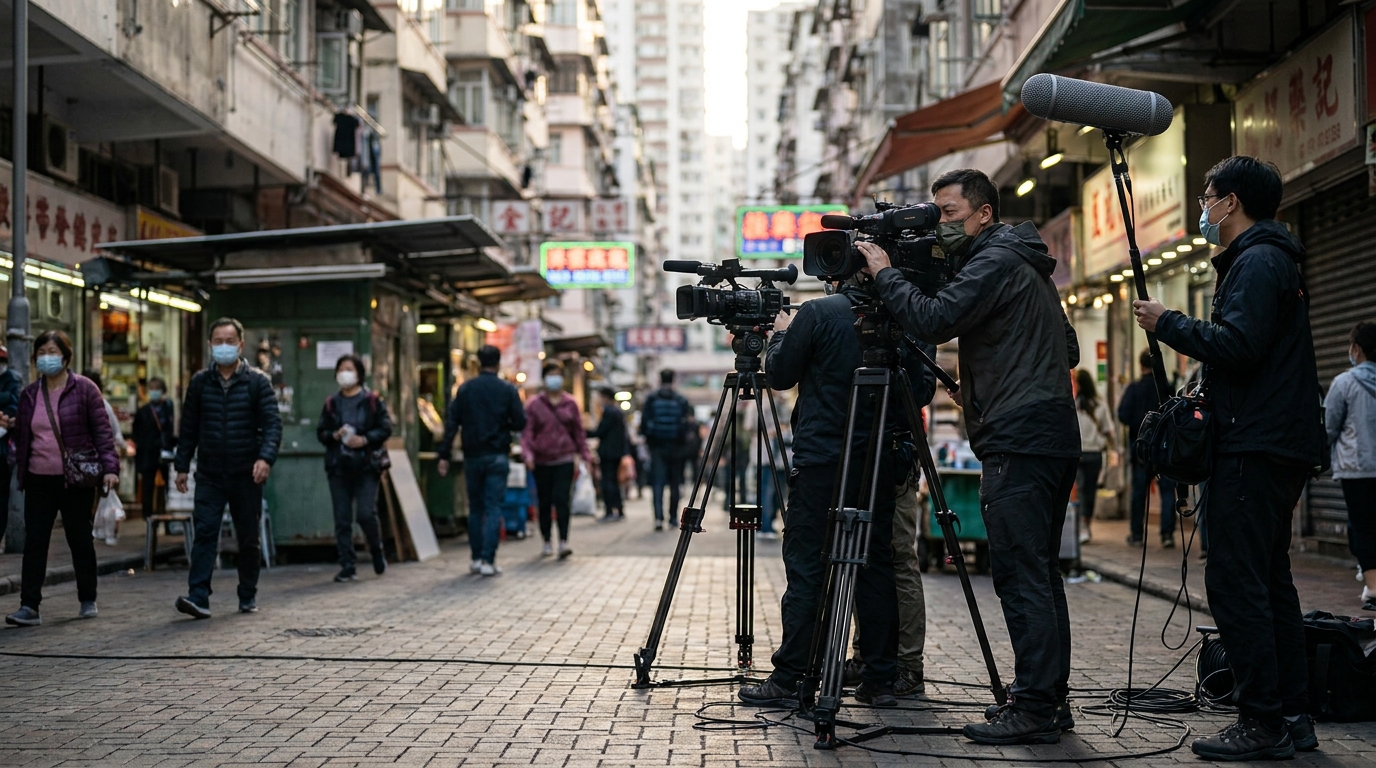
Hosting an online press conference, a band show, or a massive webinar? A single camera just doesn't cut it anymore. Many HK SMEs are now running 3-camera multi-cam live streams, using OBS to switch angles like a pro. But a lot of people set everything up, hit "Start Streaming", and realise the video is pixelated or lagging like crazy! Does using 3 cameras actually mean you need 3 times the upload bandwidth?
There's a common misconception here. If you're using HDMI capture cards to feed 3 cameras directly into one computer, OBS simply mixes the footage and outputs a single signal to YouTube or Facebook. So, what really eats up your broadband's "upload speed" is your final OBS output setting, not the number of cameras. However, if your setup doesn't use physical cables, it's a completely different story!

2. Breaking Down Upload Requirements for 1080p and 4K Streams
Since it's all about the final output, how many Mbps do we actually need? A lot of home broadband plans in Hong Kong advertise 1000M, but keep in mind that for live streaming, "upload speed" is king—not the download speed you usually use for watching videos.
| Platform & Quality | Recommended Bitrate | Safe Upload Speed Required |
|---|---|---|
| YouTube 1080p (60fps) | 4,500 - 9,000 Kbps | At least 20 Mbps |
| Facebook 1080p (60fps) | 4,000 - 6,000 Kbps | At least 15 Mbps |
| YouTube 4K (60fps) | 20,000 - 51,000 Kbps | At least 100 Mbps |
💡 Tip: There's a golden rule in the live streaming world: your broadband upload speed should be at least double your bitrate setting! For example, if you set a 10Mbps upload, your line needs to stably hit at least 20Mbps to handle sudden network fluctuations and keep the stream smooth.
3. 3-Camera Scenarios and LAN Bottlenecks
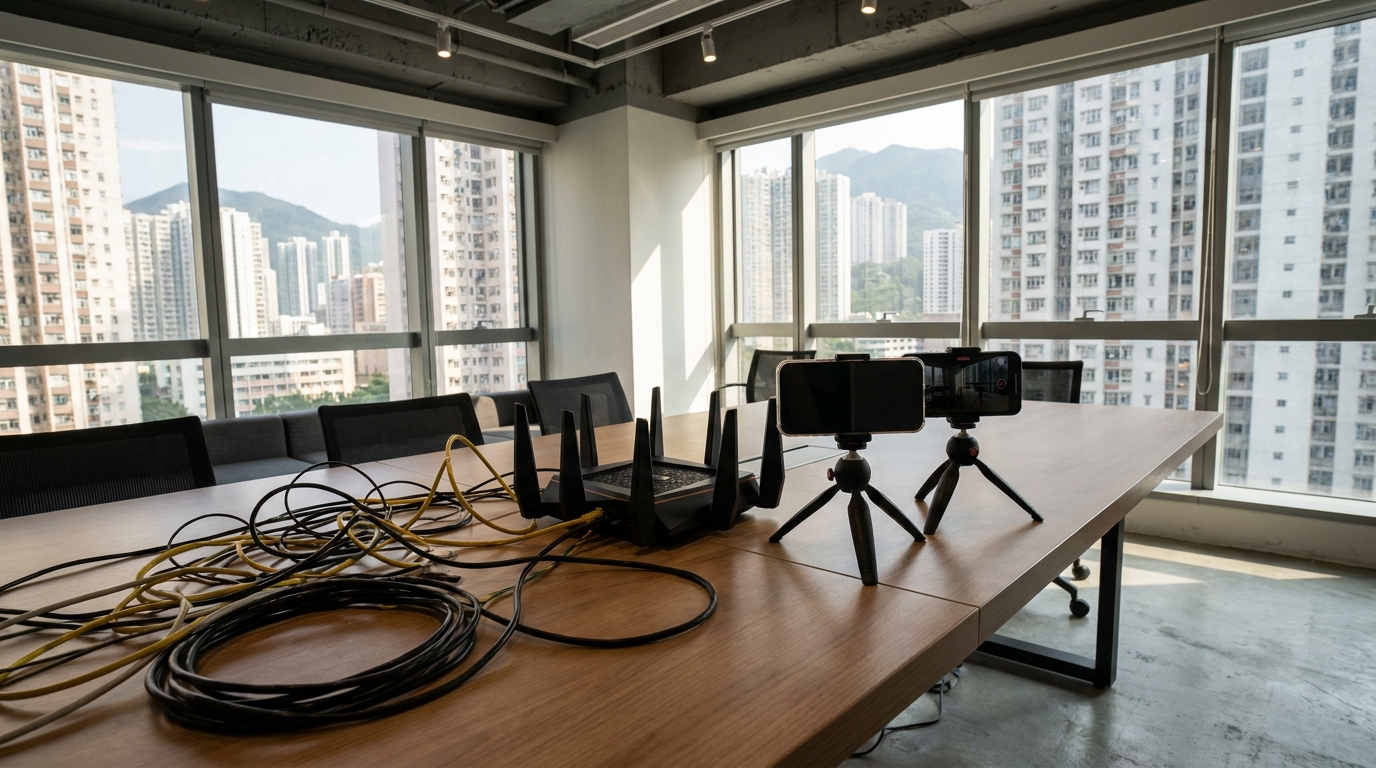
We just talked about external upload speeds, but what if your 3 cameras are running "wireless" or via NDI (Network Device Interface)? That's when your router and Local Area Network (LAN) come into play!
- HDMI Capture Card: Zero network load. The footage goes straight into the computer via physical cables and relies entirely on the CPU/GPU, without affecting the network.
- Phones as Wi-Fi Cams: Heavily relies on your router's Wi-Fi 6 stability. If 3 devices are beaming video to OBS over Wi-Fi simultaneously, a standard router will easily crash.
- Professional NDI Streaming: If you're running high-quality NDI, a single 1080p camera can chew up 150Mbps of intranet bandwidth. Three cameras mean 450Mbps! You absolutely need a Gigabit router and a full set of Cat6 cables to pull this off.
⚠️ Warning: Never use the company Wi-Fi that a hundred other people are sharing for a multi-cam NDI stream! You must run dedicated LAN cables or use a standalone high-end router, otherwise it's a guaranteed disaster.
4. Corporate & Event Streaming: How to Ensure Zero Risk of Disconnection?
For corporate clients, dropping offline mid-stream is a PR disaster. To ensure a smooth 3-camera stream, you must have a backup plan. Major Hong Kong telecoms (like HKT, HKBN, CMHK, etc.) offer premium commercial broadband with higher stability than standard home lines. If you're handling company IT or event coordination, we highly recommend setting up network load balancing and backups.
- Get Symmetrical Bandwidth: This means fibre broadband with 1000M for both upload and download. Don't cheap out on older asymmetrical lines (e.g., 1000M down / 100M up), as the upload will easily bottleneck.
- Dual-WAN Load Balancing: Use a primary line (e.g., HKBN) plus a secondary line (e.g., 3HK or HKT), and use a professional router for seamless failover.
- 5G Backup Plan: 5G networks are everywhere now, and some 5G broadband plans only cost around $148/mo to $198/mo. You can grab a 5G router and pop in a SmarTone or CSL 5G SIM card as the ultimate backup. If the venue's fibre gets cut or a port dies, you can instantly switch to 5G to keep things running.

5. Summary: Good Network Infrastructure Equals Great Video Quality
To sum up, how many Mbps do you need for a 3-camera OBS stream? For external uploads, budget at least 20-30 Mbps of actual bandwidth (for 1080p), or over 100 Mbps (for 4K). Internally (LAN), if you're using NDI, you need at least a 1000M network environment. No matter how expensive your gear is, without a stable broadband connection with fast upload speeds, it's all for nothing. Before your next event, make sure the venue's network can handle your setup!
🔥 Recommended Plans
Don't want your live stream to crash? Use King Broadband to compare 1000M symmetrical fibre and 5G broadband plans from all major HK telecoms to find the most cost-effective and stable streaming setup. Save money and stream with multiple cameras without breaking a sweat!