Published: 13 May 2026 | Category: Industry Guide
1. Setting Up Your Home Studio: Why Standard Broadband Isn't Enough
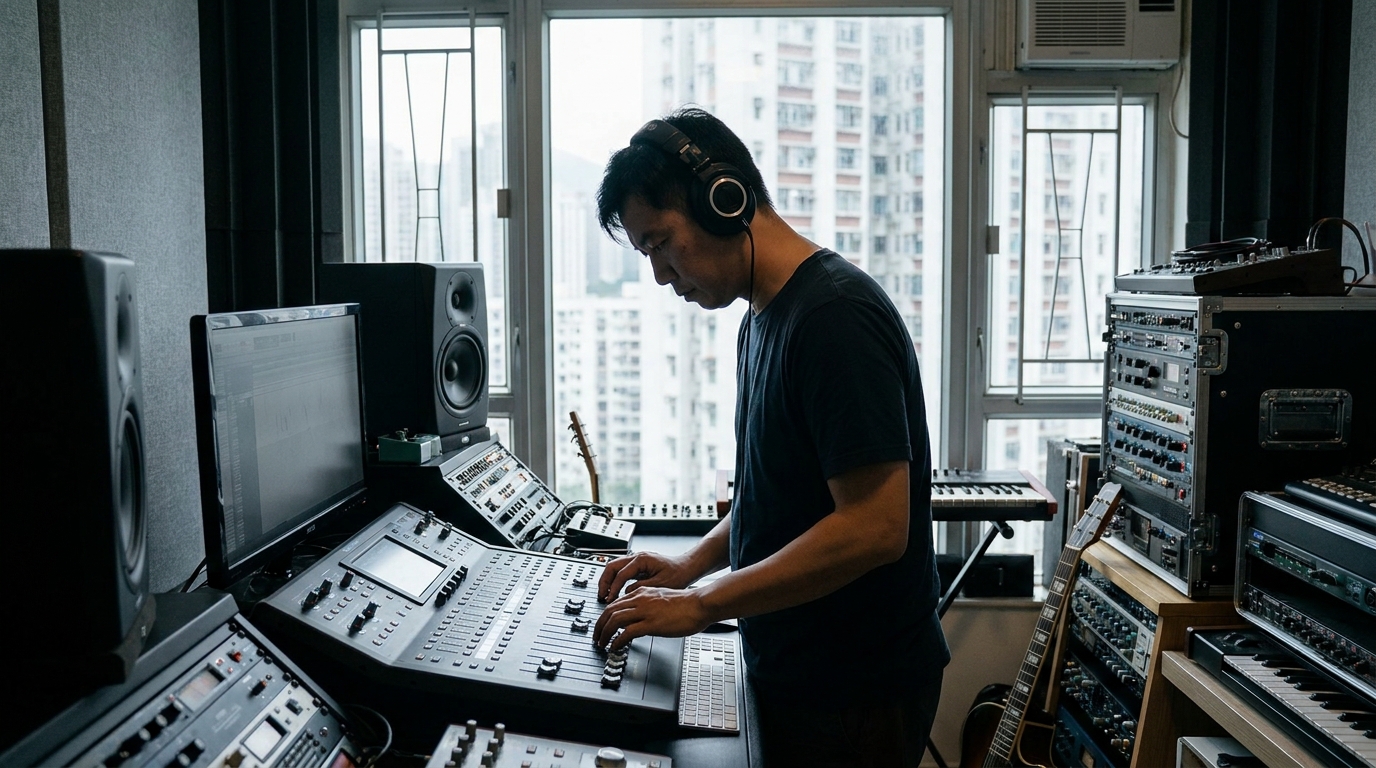
Making music in Hong Kong today, many producers, arrangers, and mixing engineers have shifted their base to their own home studios. With tech advancements, we don't need to book a commercial studio just to finish a track. Whether you're recording remotely with overseas session players, digging for samples on Splice, or dumping hundreds of uncompressed WAV stems onto Dropbox for your producer, it all relies heavily on your home broadband.
However, many musicians will happily drop tens of thousands of dollars on high-end studio monitors and top-tier audio interfaces, only to completely neglect their network setup. If you're using a spotty standard home broadband connection or a 5G router, you'll quickly find that uploading massive files during evening peak hours is so slow you'll want to smash your keyboard. You might even experience audio-video desync while jamming over Zoom. In professional music production, time is money and inspiration is fleeting. The last thing you want is a "connecting..." screen interrupting your workflow.
That's why a highly stable, high-bandwidth broadband plan tailored for creators is the essential "invisible gear" for any home studio. Today, we're diving deep into how music producers should choose their broadband to achieve zero-friction cloud collaboration.
2. Cloud Jamming & Recording: Broadband Specs You Need to Watch
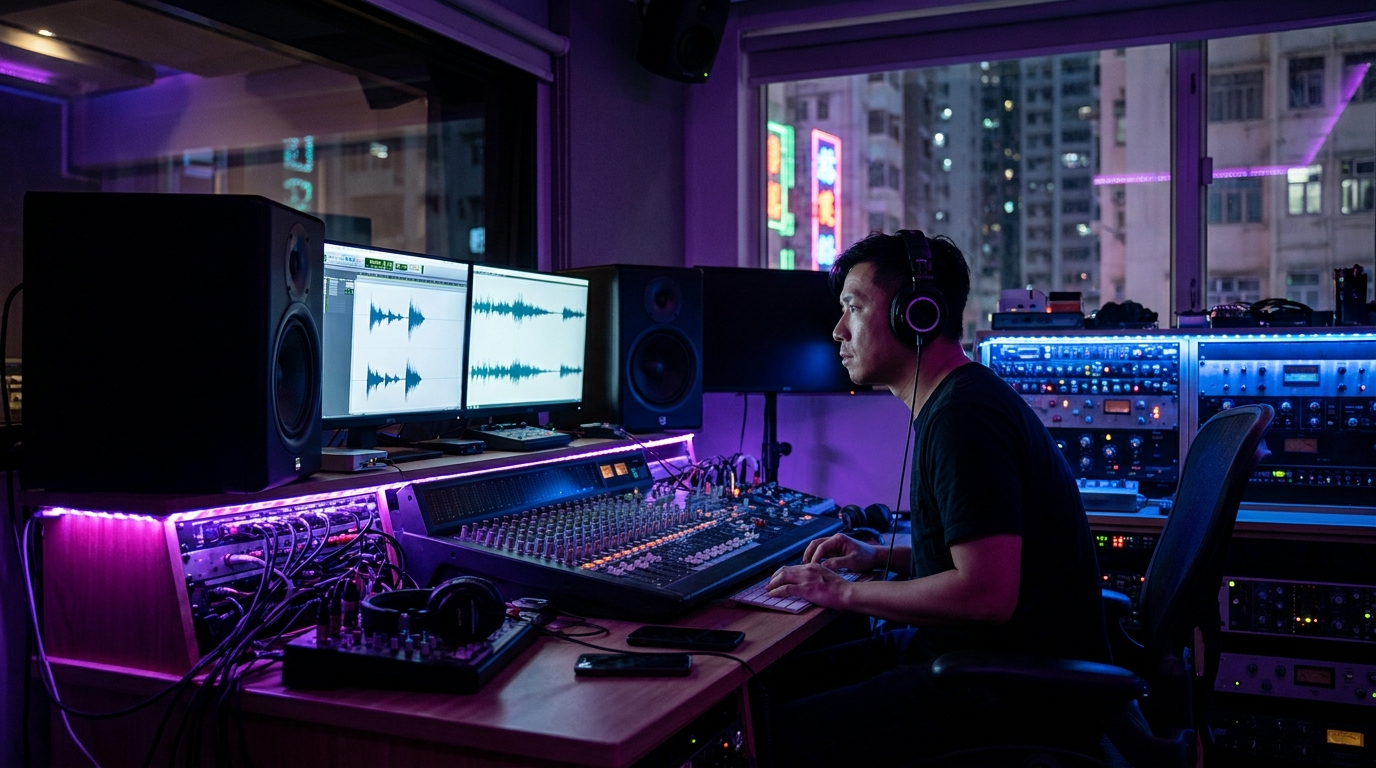
Choosing broadband isn't just about looking for that "1000M" label. For music producers, a few specific specs are absolute dealbreakers. While streaming Netflix or gaming relies mostly on download speeds, making music is often more about "output" than "input".
1. Symmetrical Speeds
This is the absolute top priority! A complete pop song project in Logic Pro or Pro Tools, including all audio files, easily clocks in at 5GB to 10GB. If your broadband is "asymmetrical" (e.g., 1000M download but only 100M or even 50M upload), you'll be waiting forever to upload that project to your collaborator. Most fibre broadband plans in Hong Kong (like HKT and HKBN) offer symmetrical 1000M speeds. But if you're on 5G broadband, upload speeds usually hover around 30M-80M, which is completely inadequate for transferring huge files.
2. Ultra-Low Latency (Ping Time)
Nowadays, many use Audiomovers' Listento or Source-Connect for real-time remote recording or monitoring. If the producer is in Kowloon and the singer is in the New Territories, you need instant playback and real-time feedback, meaning your Ping (network latency) must be kept under 10ms. If your broadband is unstable and experiences packet loss, the audio on the other end will stutter or even introduce digital artifacts, severely impacting your mixing decisions.
3. Dedicated vs Shared Bandwidth
If you have family members streaming 4K video or downloading heavily at the same time, a standard 1000M broadband connection can easily get bogged down. In this case, opting for a broadband plan that supports "dual-line" or "dedicated line" setups ensures your studio computer always has enough network resources.
3. Real-World Data: How Long to Upload GBs of Stems?
To give you a concrete idea, let's do the math. Imagine you've just finished mixing a film score: 50 tracks of 24-bit/48kHz WAV stems, zipped into a 10GB file that needs to be dumped onto Google Drive for delivery. How long will different broadband specs actually make you wait?
| Network Environment (Upload Speed) | Theoretical Upload Time (10GB) | Real-World Experience & Risks |
|---|---|---|
| 5G Home Broadband (~50Mbps) | Approx. 27 mins | Highly prone to dropouts from weather or interference; you'll have to restart the upload from scratch. |
| Standard Fibre (1000Mbps) | Approx. 1 min 20 secs | Very smooth, more than enough to handle the vast majority of daily file transfer needs. |
| Ultra-Fast Fibre (2500Mbps) | Approx. 32 secs | God-tier speed! Perfect for pros who frequently transfer 100GB+ orchestral sample libraries. |
As the table shows, 1000M fibre broadband is currently the most cost-effective choice. If you're still putting up with snail-paced uploads, it's time to consider an upgrade. Especially when delivering to clients or rushing to meet a deadline, being late just because of a slow upload is a massive blow to your professional image.
4. Plan Selection Guide: Home or Commercial Broadband?
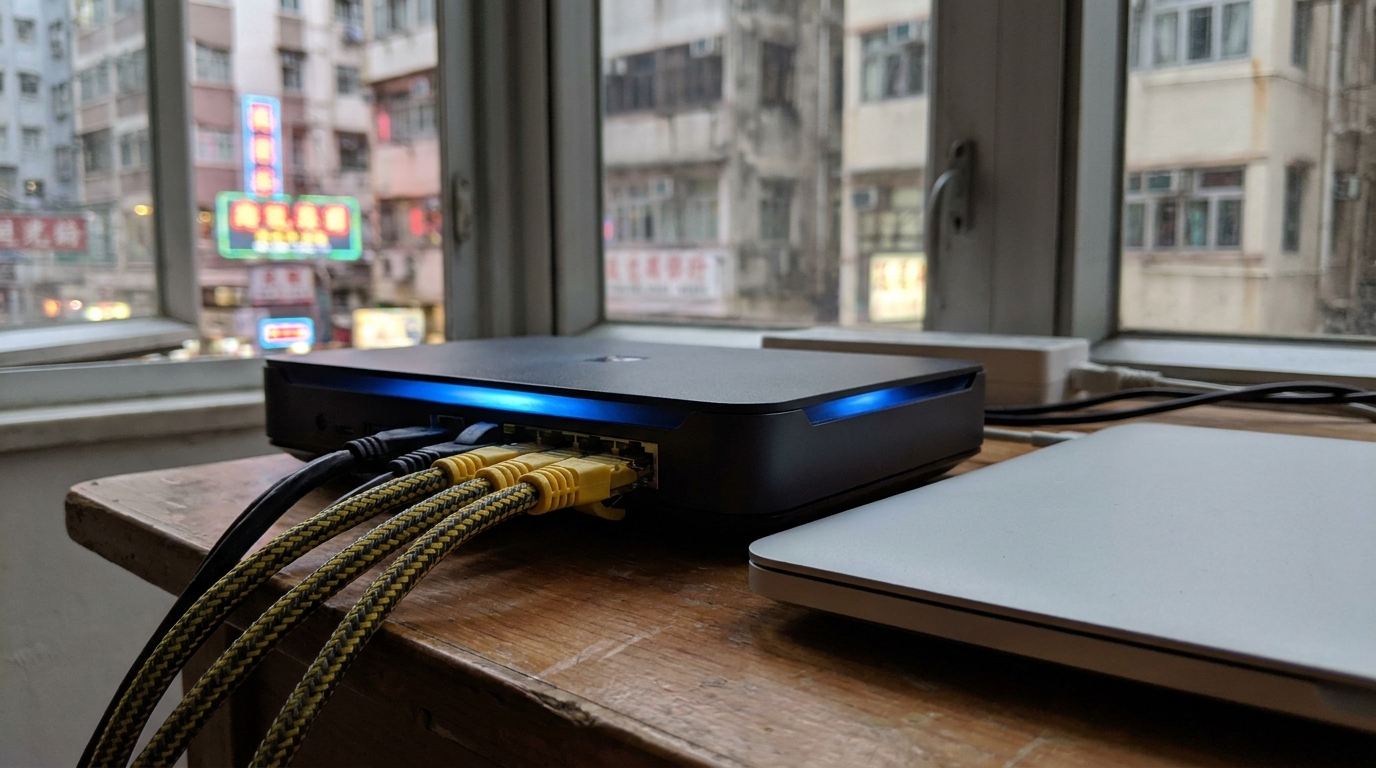
When it comes to actually picking a plan, Hong Kong has several major telecom providers like HKT, HKBN, and CMHK. For home studio users, how should we choose? Here are three mainstream upgrade paths for your reference:
- Path 1: The Sweet Spot 1000M Fibre (approx. $100 - $150/mo)
If you're an indie musician living alone, or your family doesn't hog the bandwidth, a standard 1000M home broadband plan from any major provider is plenty. HKBN and CMHK frequently offer great deals with unbeatable value. - Path 2: Multi-Line 2x1000M / 4x1000M (approx. $168 - $250/mo)
This is highly recommended for producers living with family! For example, HKT's Multi-use Plan assigns you multiple IPs. You can route one dedicated 1000M line straight into your studio for your Mac Studio or PC, and use another 1000M line for the family's Wi-Fi and Netflix. It keeps things completely separate—no more fighting for bandwidth! - Path 3: 2.5G / 10G Ultra-Fast Broadband (from approx. $298/mo)
If your computer (like the newer Mac Studio or MacBook Pro) already has a built-in 10GbE port, and you constantly edit massive multi-track recordings directly off a cloud NAS, 2.5G or 10G broadband is your ultimate weapon. Just keep in mind that your entire router and switch setup needs to support these speeds to actually see the benefit.
🔥 Top Pick: Built for Stability
For musicians who prioritize absolute stability (e.g., frequent live streaming or remote recording sessions), consider applying for an advanced home plan with a higher SLA (Service Level Agreement) guarantee, or even an entry-level commercial broadband plan. It's a bit pricier, but you'll get higher priority during regional network congestion.
5. Top 3 Tips for Upgrading Your Home Studio Network
Just signing up for a killer broadband plan isn't enough. If your home's "last mile" wiring is poorly done, it'll all be for nothing. Here are three practical tips to help you squeeze every drop of performance out of your broadband:
⚠️ Warning: Never use Wi-Fi as the primary connection for your main workstation! No matter how fast Wi-Fi 6 or Wi-Fi 7 claims to be, wireless signals will always have fluctuations and packet loss risks. For music production, always stick to a hardwired connection!
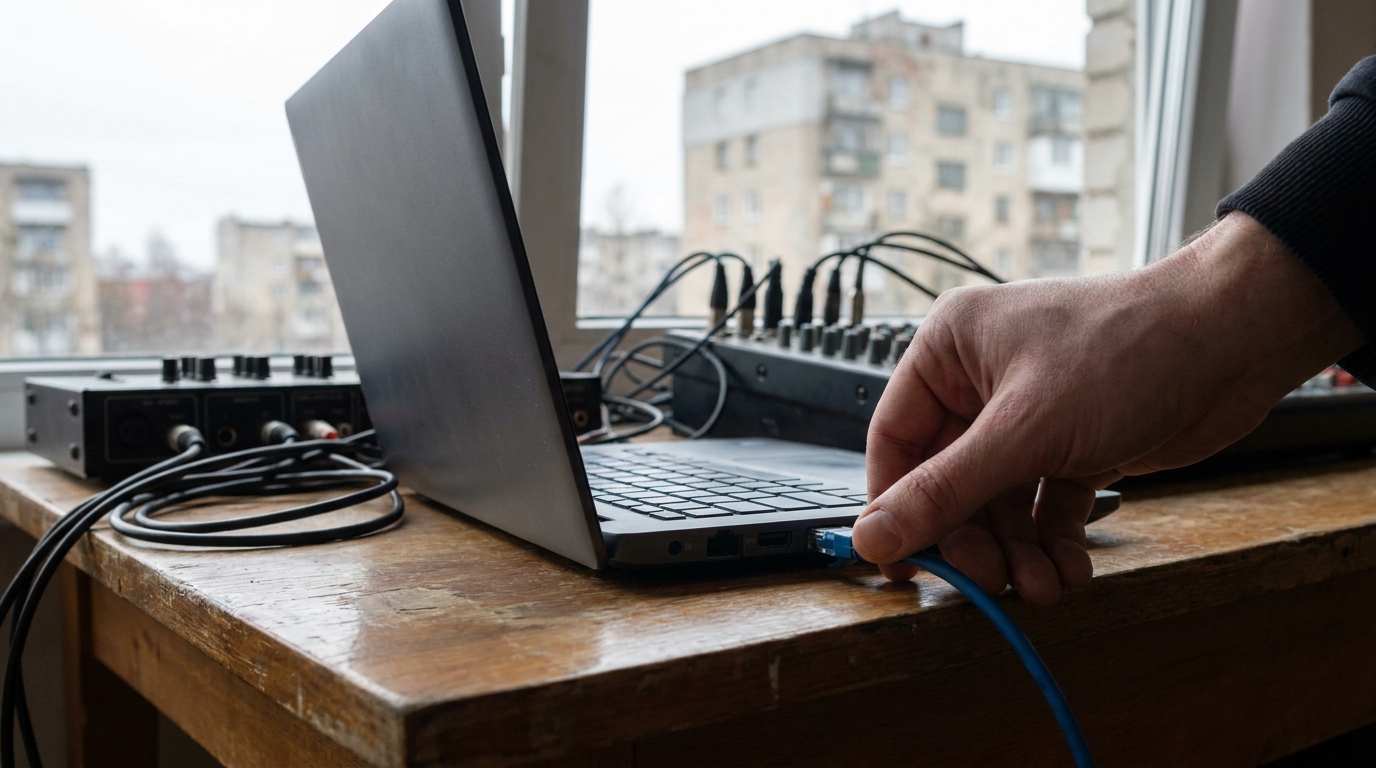
- Run a High-Quality LAN Cable (Cat 6 / Cat 6a): Connect your DAW computer directly to the main router using an Ethernet cable. A high-quality Cat 6a cable supports speeds up to 10Gbps and is highly resistant to interference.
- Set QoS Priority: If you're using a higher-end router (like the gaming series from ASUS or Netgear), you can go into the backend and configure QoS (Quality of Service) to set your workstation's IP to "Highest Priority". This way, even if others are downloading, the router guarantees enough bandwidth is reserved for you.
- Leverage Mesh Wi-Fi for the Small Stuff: For areas outside the studio, use Mesh Wi-Fi for coverage. When you're using an iPad to remote control your mixer or replying to clients on WhatsApp via your phone, you can ride on the Wi-Fi, saving the strongest wired connection for your main rig.
💡 Tip: If your computer is far from the router and you don't want to run exposed cables, consider using MoCA (Multimedia over Coax Alliance) or high-end Powerline adapters. The results are usually much more stable than relying purely on Wi-Fi through walls.
Summary: A Fast Network is Your Best Tool
In the digital age, your network has long become a core piece of your music production gear. An ultra-fast, stable, symmetrical broadband connection doesn't just save you countless hours waiting for uploads; it also enables seamless collaboration with musicians worldwide, boosting both your efficiency and inspiration.
From 1000M to 2.5G, the plans from major broadband providers are endless. Which one has the best coverage in your area? Which plan offers the best value for your home studio? If you don't want to waste time comparing prices one by one, we highly recommend using a professional comparison platform. Once you've sorted out your broadband, whether you're jamming, delivering files, or going live, everything will be a breeze, leaving you free to focus on creating great music!