
Published: 13 August 2026 | Category: Equipment Guide
1. What is MikroTik? Why Do IT Pros Love It?
When it comes to buying a router, most Hong Kongers immediately think of big brands like ASUS, TP-Link, or Netgear. But if you browse local tech forums or ask your IT friends, nine out of ten will highly recommend a brand from Latvia — MikroTik. Why would a plain-looking metal box that resembles a decades-old switch make so many network geeks and IT pros fall in love? The core reason lies in its incredibly powerful RouterOS system.
Unlike the typical "plug-and-play" home routers on the market, MikroTik gives you near-infinite freedom. If you know how to set it up, an entry-level machine costing just a few hundred bucks can deliver the features of an enterprise-grade router worth over ten thousand dollars. For power users who demand extreme stability and want to completely max out their home or office 1000M or even 2500M broadband, MikroTik is an incredibly fun rabbit hole to dive into.
- Super Cheap: You can get one for just a few hundred HKD. The cost-performance ratio is insane, making it a favourite among SMEs.
- Powerful System: The underlying RouterOS lets you customise everything. From routing to firewall rules, it can all be fine-tuned.
- Extreme Stability: It's famous for running non-stop. You can leave it on for years without a reboot, and it won't drop connections due to overheating.
- Rich Learning Resources: There are plenty of online tutorials and community support. IT folks love tinkering and researching with it.
2. Home Routers VS MikroTik: What's the Difference?
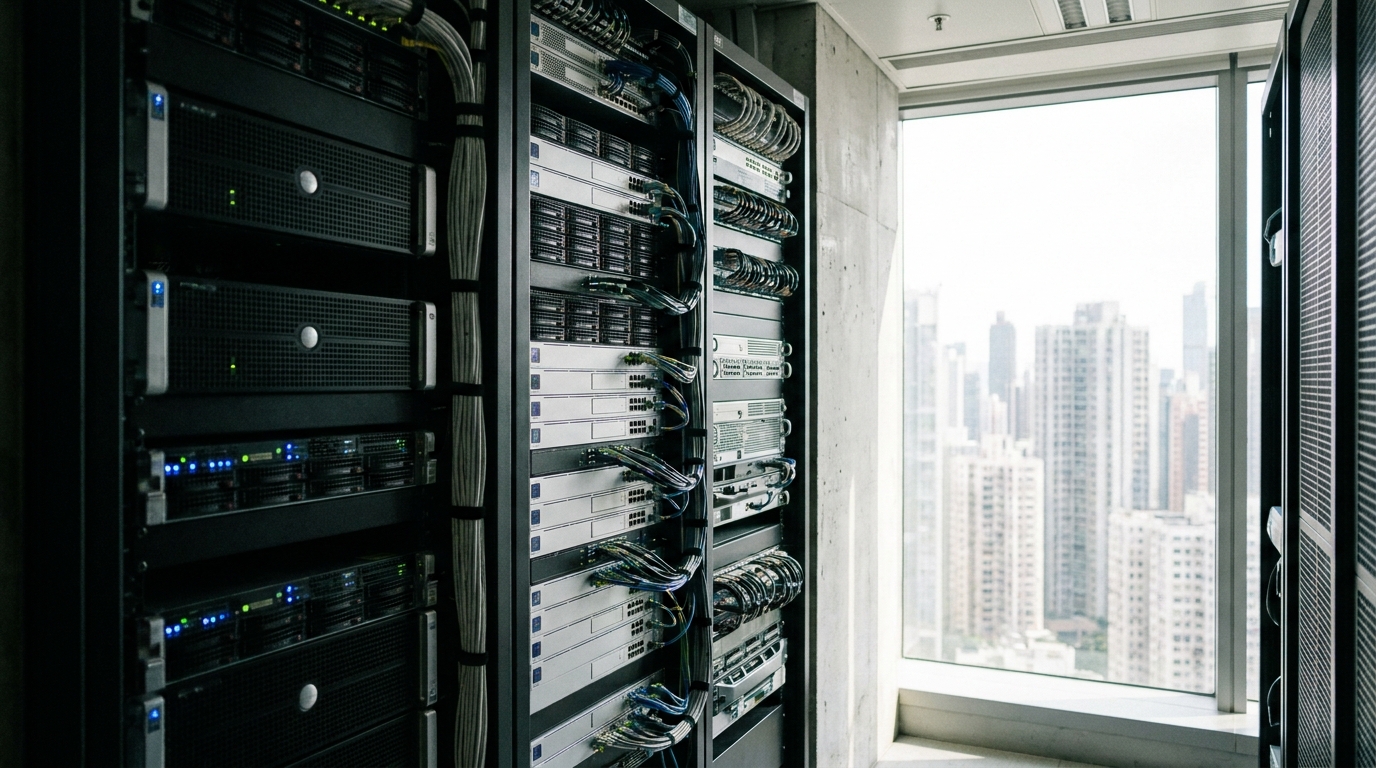
Many beginners ask: if I just want to watch Netflix and play some games at home, shouldn't I just buy a normal router? Why overcomplicate things? The difference between a standard router and a MikroTik is like the difference between a point-and-shoot camera and a professional DSLR. The point-and-shoot (standard router) does all the thinking for you—just press a button and it works. But when you want to do something specific, like complex port forwarding, multiple VPNs, or granular bandwidth management (QoS), it's completely helpless.
On the other hand, while MikroTik lacks a sleek design and one-click magic, it supports all enterprise-grade network protocols. You can turn it into a super-strong firewall, set up multiple VPN tunnels back to the office, or even play with Dual WAN (using two broadband lines from different ISPs for backup or load balancing, like one from HKT and one from HKBN). The craziest part is that a MikroTik costing a few hundred bucks is often more stable than a gaming router you bought for over a thousand dollars.
| Comparison | Traditional Home Router | MikroTik Router |
|---|---|---|
| Setup Difficulty | Very Low (One-click setup via mobile app) | Higher (Requires basic networking knowledge) |
| Feature Flexibility | Limited by manufacturer firmware, basic features | Extremely High, supports enterprise features like VLAN, OSPF, BGP |
| Stability | Average, may need manual reboots over time | Extremely High, commercial-grade stability |
| Price Range | $300 - $4000+ | Starts at $400, scalable to your needs |
3. Beginner Recommendations: How to Choose Your First MikroTik?
If you've read this far and are itching to try MikroTik, the first step is knowing how to pick the right model. MikroTik's naming conventions can be a bit complex—names like RB750Gr3 or hAP ax² can make your head spin. But for the average Hong Kong household or SME user, it really just comes down to your broadband speed and whether you need built-in Wi-Fi.
Generally speaking, IT pros advise beginners to separate their "wired network" from their "wireless network". This means using a non-Wi-Fi MikroTik as the main router to handle dial-up and IP assignment, and buying a separate Mesh Wi-Fi system to act as an Access Point (AP). This kind of network architecture is the most perfect and stable. But if you prefer an all-in-one solution, there are good options too.
🔥 Top Picks for Beginners
- hEX S (RB760iGS): A pure wired router with no Wi-Fi, costing under $500. It's a godsend for 1000M broadband and the king of cost-performance, perfect for pairing with Mesh Wi-Fi.
- hAP ax²: Built-in Wi-Fi 6, ideal as an all-in-one solution for typical compact Hong Kong flats. Excellent performance for around $800.
- RB5009UG+S+IN: A must-have for advanced players, featuring a 2.5G port and 10G SFP+. If you're on a 2500M broadband plan, this is your best partner, costing around $1700.
4. Is the Setup Really That Hellish? Practical Tips for Beginners
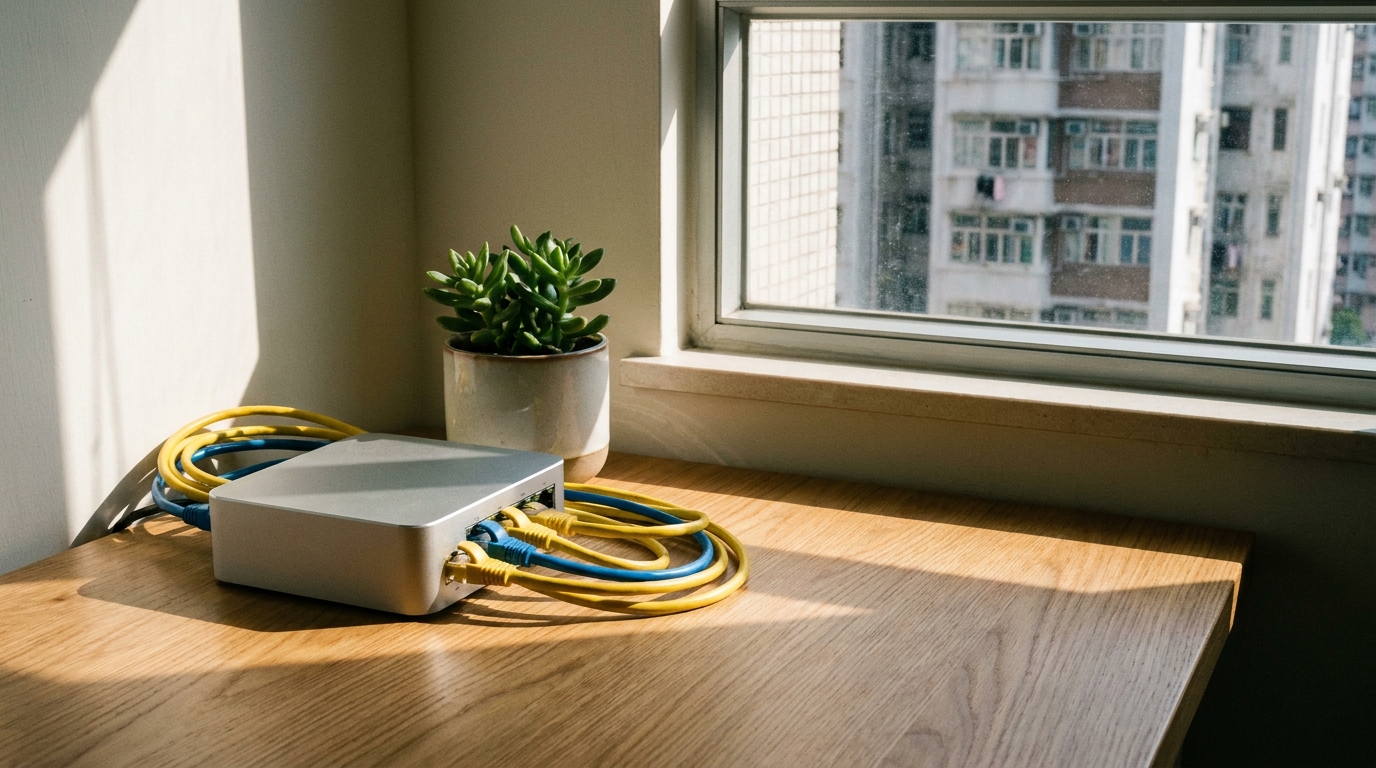
At the end of the day, the most daunting thing about MikroTik is its setup interface. Opening its dedicated configuration software, WinBox, reveals thousands of options that can genuinely scare people off. But once you grasp the basics, it's not as hard as you'd imagine. The latest versions of RouterOS now include a "Quick Set" feature. Even if you don't know a single command line, just select PPPoE in Quick Set, enter the Login ID and Password provided by your broadband provider, set up DHCP and your Wi-Fi password, and you'll definitely be online within five minutes.
Of course, if you want to dive into advanced stuff like VLANs, WireGuard VPN, or Firewall Rules, you'll really need to spend time watching online tutorials. But that's exactly the fun of playing with MikroTik—it forces you to truly understand how networks operate behind the scenes. When you successfully set everything up and watch your network run flawlessly, the sense of achievement is indescribable.
- Always Use WinBox: The official and most powerful management tool. Even if the router doesn't have an IP yet, you can connect and configure it using its MAC address.
- Leverage Safe Mode: Remember to click the Safe Mode button before making changes. If you mess up and disconnect yourself, the system will automatically revert to the previous step, saving your life.
- Regular Backups: Every time you complete an important step, do a Backup to export your config file. If anything goes wrong, you can always start fresh.
- Upgrade RouterOS: The first thing you should do with a new machine is go to System > Packages and update the system to the latest version to patch any security vulnerabilities.
💡 Tip: There are tons of MikroTik tutorial videos from Hong Kong and Taiwan on YouTube. We recommend beginners start by searching for "MikroTik basic setup" and follow along step by step so you don't get lost.

5. Summary: Is It Worth Switching for Home or Office Broadband?
In summary, MikroTik is definitely a "no pain, no gain" networking godsend. At first, you might find it tricky and the setup complicated, but once you get through the learning curve, it rewards you with extreme network stability and powerful flexibility. For Hong Kong SMEs, achieving the performance of a ten-thousand-dollar enterprise router for just a few hundred bucks is absolutely the best choice for cutting costs and boosting efficiency.
As for general home users, if you constantly feel your home internet is lagging, your router keeps crashing and needs rebooting, or you want to max out that newly subscribed 2500M fibre broadband, switching to MikroTik will definitely give you a whole new experience. Of course, buying a great router means you need a high-quality, lag-free broadband connection to unleash its full potential. If you're planning to upgrade your home or office network equipment, no matter which ISP's fibre-to-the-home plan you're considering, picking the right plan to pair with a top-tier router will guarantee a truly seamless internet experience!