
Published: 22 April 2026 | Category: Practical Tutorial
1. What Are the Broadband Requirements for VR Streaming and Multiplayer?
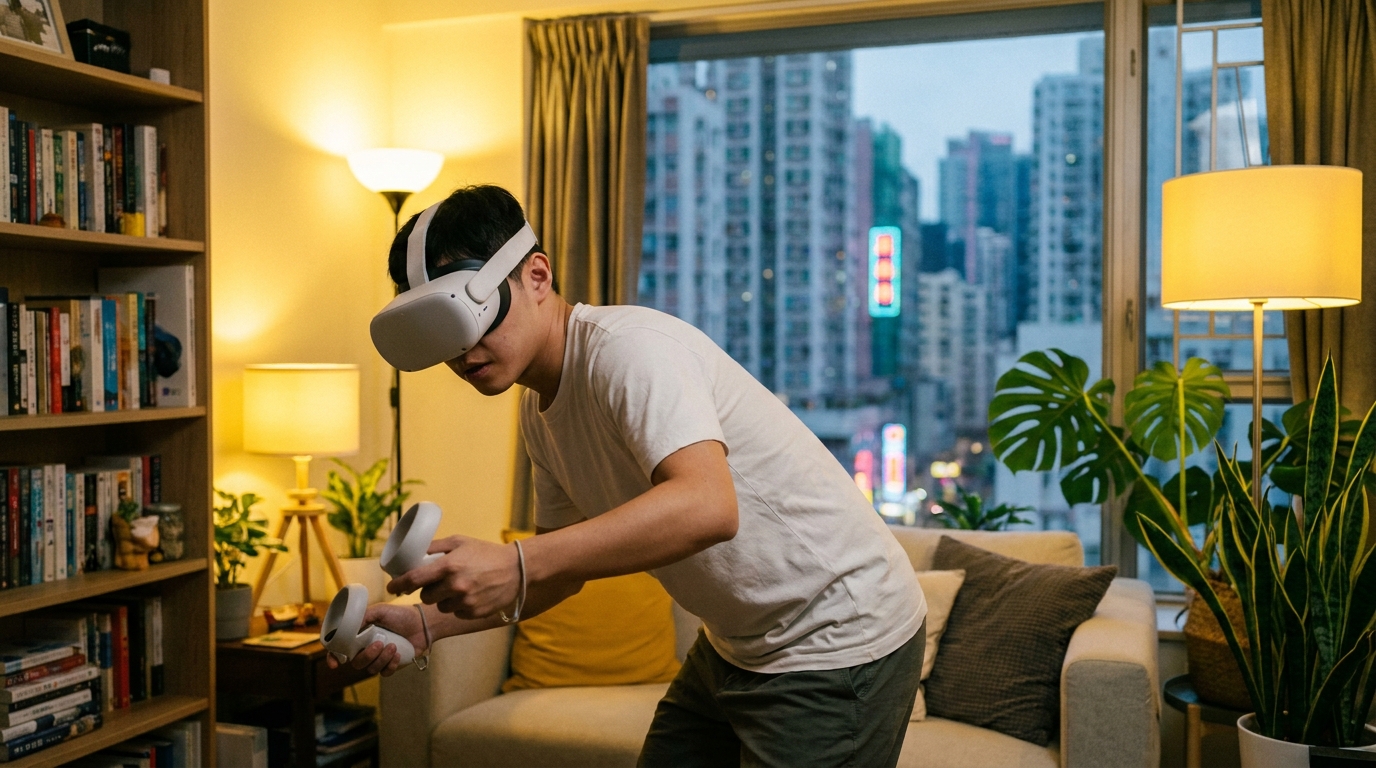
VR has been developing rapidly in recent years, and many Hong Kong gamers have already got their hands on the Meta Quest 3, or are even looking forward to the future Meta Quest 4. When playing VR, apart from single-player games, you'll often jump into multiplayer battles (like Population: One or Contractors), or hop into VRChat to chat with friends worldwide. For a perfect, dizzy-free VR experience, your home broadband is absolutely critical. Many people think VR lag or pixelation is due to their headset not being powerful enough, but 90% of the time, it's actually caused by high network latency or insufficient bandwidth.
When playing VR, because the screen is right up against your eyes, even a slight delay of over 30ms (milliseconds) will make your brain feel that the visuals are out of sync with your body movements, instantly triggering strong VR motion sickness. That's why low latency and high stability are your top priorities when choosing a broadband plan. Generally speaking, gaming requires stable upload and download speeds. If several people at home are using the network at the same time—say, someone's watching 4K Netflix while another is downloading huge files—a standard 1000M broadband can easily experience "traffic jams", causing you to suddenly disconnect mid-game. For VR streaming and multiplayer, we have three core network requirements:
- Ultra-low latency (Ping): It's best to keep it under 20ms. Especially for FPS shooters, the lower the ping, the more accurate your shots.
- Stable network jitter: It can't be 5ms one second and 50ms the next. Fluctuating speeds will cause severe screen tearing.
- Sufficient upload bandwidth: If you're doing VR live streams or cloud streaming, your upload speed definitely can't be too weak.
2. Network Setup for PC VR Wireless Streaming
When it comes to the ultimate way to play on Meta Quest 3/4, it has to be PC VR wireless streaming! Through Air Link, Steam Link, or Virtual Desktop (VD), you can wirelessly beam the visuals from a high-end PC straight into your Quest to play AAA titles like Half-Life: Alyx. At this point, many beginners have a misconception, thinking that "streaming from PC to Quest" only consumes external broadband speed. In reality, this part mainly tests the quality of your home router and local network.
But why are we still talking about broadband? Because when you play multiplayer PC VR games, your network has to simultaneously handle massive amounts of data from both "the PC connecting to the game server" and "the PC wirelessly streaming to the Quest"! If your home broadband isn't powerful enough, no matter how strong your router is, playing online games will still lag like crazy. Meta Quest 3 already supports Wi-Fi 6E and can run on the 6GHz band, completely avoiding the 2.4GHz and 5GHz congestion commonly seen in densely populated Hong Kong housing estates. If you want to nail the perfect VR network setup, it's highly recommended that your broadband has at least dedicated bandwidth for gaming, and that you get your own high-end Wi-Fi 6E or even Wi-Fi 7 router.
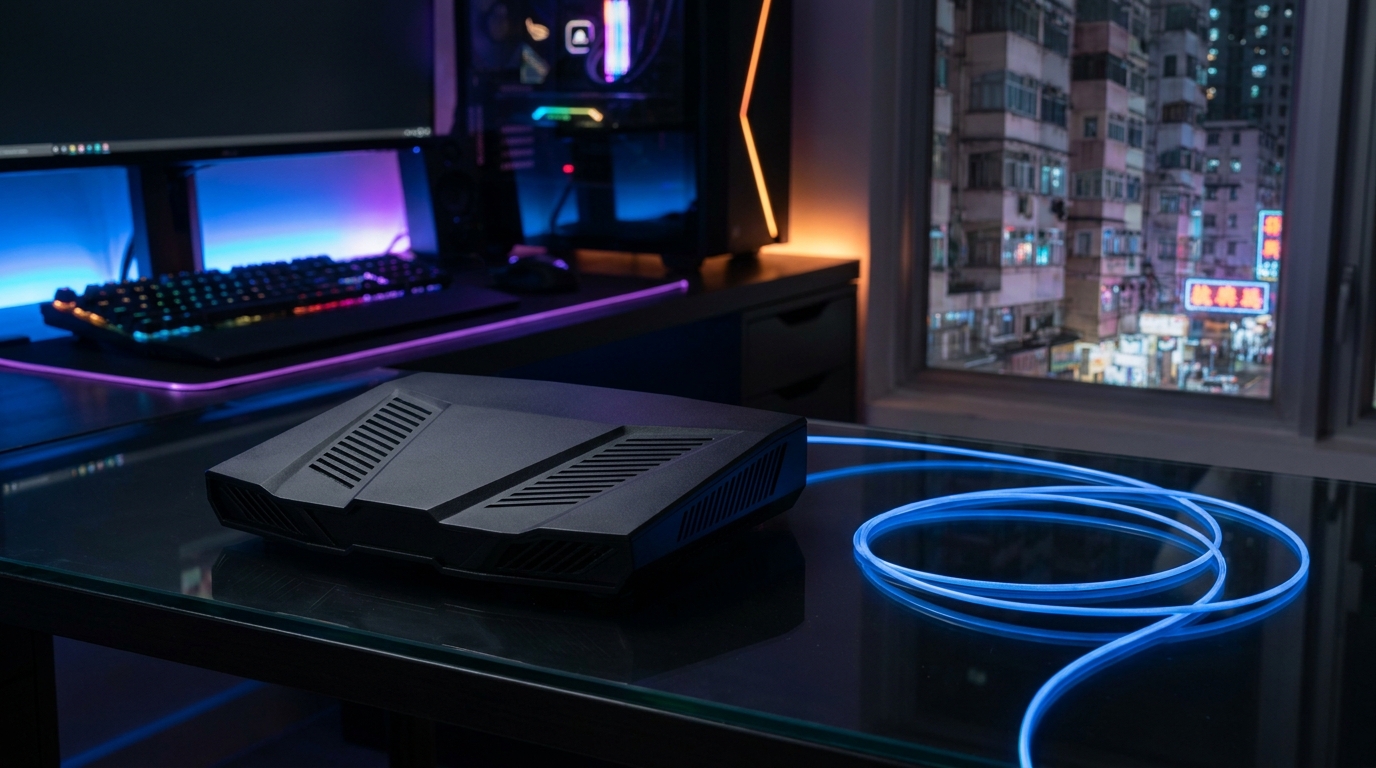
⚠️ Note: The basic routers provided by many telecom broadband plans have limited processing power. They're fine for regular web browsing and video streaming, but when used for PC VR streaming, they easily disconnect due to overheating or failing to process data in time. It's strongly recommended to buy your own high-end router specifically designed for gaming.
3. How to Choose Among Mainstream HK Broadband Plans for VR?
So, among the mainstream broadband plans in Hong Kong, how do you make the smartest choice for VR gaming? Right now, the market offers everything from 1000M (1G) to 10G, and the prices vary wildly. Let's start with the most popular 1000M fiber broadband. For people living alone or couples, if you don't usually have extreme heavy downloads, a 1000M plan from HKBN or CMHK will only cost around $100 to $130 a month. This is actually more than enough for VR multiplayer, and the ping to Asian servers can usually be maintained at around a dozen ms.
However, Hong Kong households usually have a whole family living together. During prime time at night, if Dad is watching football, Mom is binge-watching 4K K-dramas, and your brother is downloading a massive PS5 game, 1000M will hit a bottleneck. Wearing your Quest 3, you might suddenly see the screen pixelate. To solve this, 2000M (2G) or 2.5G broadband has become the new favorite for VR gamers. For example, HKT's 2500M plan can provide much larger bandwidth headroom, ensuring your VR data packets don't have to queue up because your family is online. Additionally, there are some 5G home broadband options on the market. While they boast the convenience of being plug-and-play without installation, when it comes to competitive VR gaming, the physical latency and jitter of 5G networks are never as stable as traditional fiber. You're prone to sudden ping spikes, so it's always best to stick with wired fiber for VR.
| Broadband Type | Estimated Monthly Fee | VR Multiplayer Performance | Target User |
|---|---|---|---|
| 1000M Fiber | $100 - $150 | Good (if no network congestion) | 1-2 person households, casual gamers |
| 2000M / 2.5G Fiber | $160 - $298 | Excellent (no fear of family hogging bandwidth) | Multi-person households, hardcore PC VR gamers |
| 5G Home Broadband | $90 - $148 | Average (latency fluctuates easily) | Single-player VR gamers, Tong Lau/village house residents who can't install fiber |
🔥 Recommended Plan Strategy
If you have the budget, upgrading directly to 2000M or 2.5G fiber is the safest bet. Many telecom providers like HKT and HKBN offer "Gamer Lines" or low-latency dedicated plans. Although the monthly fee is slightly higher, they guarantee stability when connecting to popular overseas game servers, making them perfect for VRChat players on foreign servers.
4. Practical Guide: Optimizing Your Home Network to Reduce VR Latency
After choosing your broadband and router, the real deal is the practical setup! Even if you've subscribed to the most expensive 10G broadband, if your settings are wrong, playing Meta Quest 3 can still lag enough to make you dizzy. To optimize your home network and reduce VR latency, you can follow these steps:
- PC must be plugged in via LAN: The first and most important step is that your gaming PC must, absolutely must, be plugged directly into the router with a physical LAN cable! Never use Wi-Fi for your PC while also using Wi-Fi for your Quest. This will halve your wireless bandwidth and cause massive interference. It's recommended to use Cat 6 or higher LAN cables.
- Set up a dedicated Wi-Fi band for Quest: Go into your router's backend settings and separate the network names (SSIDs) for 2.4GHz, 5GHz, and 6GHz (if available). Then, connect your Quest headset only to the dedicated 5GHz or 6GHz SSID, and don't let your home's smart appliances connect to it and hog the bandwidth.
- Change DNS servers: If you're playing VR games on foreign servers, try changing the DNS settings on your router (for example, switching to Cloudflare's 1.1.1.1 or Google's 8.8.8.8). Sometimes this can help you find a shorter network path, shaving a few milliseconds off your ping.
- Maintain an unobstructed line of sight: Finally, remember to place the router in the same room where you play VR, preferably with a clear line of sight. Because the wall-penetrating ability of 5GHz and 6GHz is very weak, a single concrete wall can easily halve your transmission speed and drastically increase latency.
💡 Tip: You can download a Wi-Fi analyzer app on your phone to scan which channel has the least congestion around your home. If you find your neighbors are all using the same channel, go into your router's backend and manually switch to a channel with less interference. This helps a lot in stabilizing your VR visuals.
5. Summary: Getting the Right Plan is Key for Gaming
In summary, to enjoy the ultimate, smoothest VR streaming and multiplayer experience on Meta Quest 3 or the future Quest 4, getting the right broadband plan and sorting out your home network settings is key. No matter how powerful your hardware is, without a stable, low-latency fiber broadband as your backbone, it's all for nothing and will just leave you dizzy and disoriented.
For most Hong Kong VR gamers, a high-quality 1000M fiber connection is the bare minimum. If you have a large family with many devices, upgrading straight to 2000M or 2.5G fiber broadband is the best once-and-for-all solution. Paired with a powerful Wi-Fi 6E router, you're guaranteed to be one step ahead in VRChat or shooter games. When choosing broadband, remember not just to look at how cheap the price is, but also pay attention to the telecom provider's coverage quality in your housing estate, whether they have exclusive Fiber-To-The-Home (FTTH), and the stability of their overseas connections. With all these preparations done, you can fully immerse yourself in the virtual world of VR without ever worrying about lag again!