Published: 26 April 2026 | Category: Business Broadband
1. Why Do Kindergartens Need to Upgrade to Commercial Broadband and WiFi?
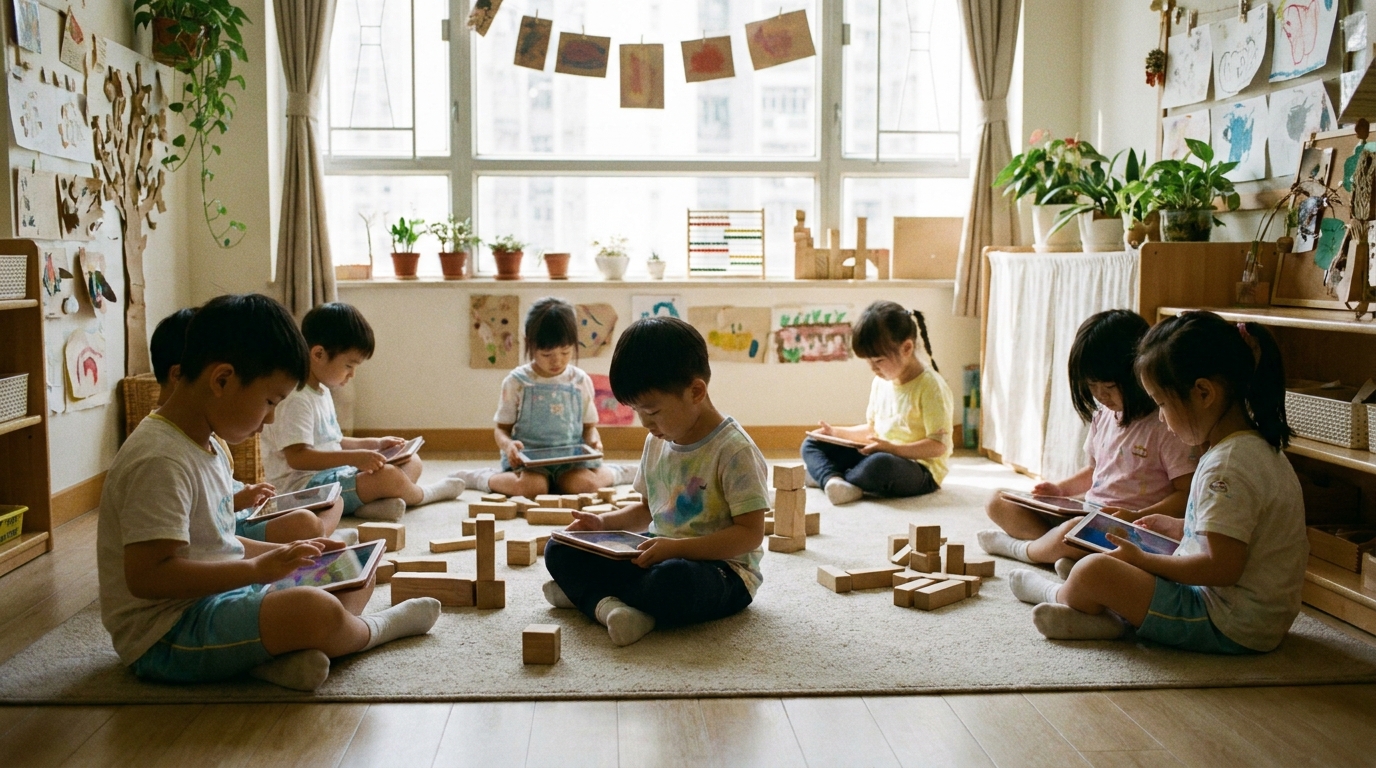
Kindergartens today are no longer just about playing in the sandbox and reading picture books. With the rise of EdTech, many kindergartens in Hong Kong are embracing digital learning. Kids use tablets for interactive exercises, teachers use smartboards, and to give parents peace of mind, schools regularly host online livestreams or open up IP cameras so parents can see how their kids are doing in class. All of this puts a massive strain on a school's network infrastructure. If your school is still relying on standard home broadband or an outdated router from a few years ago, it's highly likely struggling to keep up.
Many principals and school administrators think they can just grab any internet plan from a telecom provider and call it a day. But kindergarten network design has its own unique pain points. First, device density is incredibly high—a single classroom might have 30 tablets connected simultaneously. Second, cybersecurity requirements are strict; kids absolutely cannot be exposed to inappropriate content. Third, there's a huge demand for upload speed. If a parent livestream keeps buffering, you'll definitely get a flood of complaints. That's why upgrading to a professional commercial broadband and enterprise-grade WiFi system is now a must-have for boosting a school's competitiveness. Spending anywhere from a few hundred to over a thousand dollars a month on commercial broadband for a seamless teaching experience is absolutely a worthwhile investment.
2. Parent Livestreams and School Events: Stability is Key
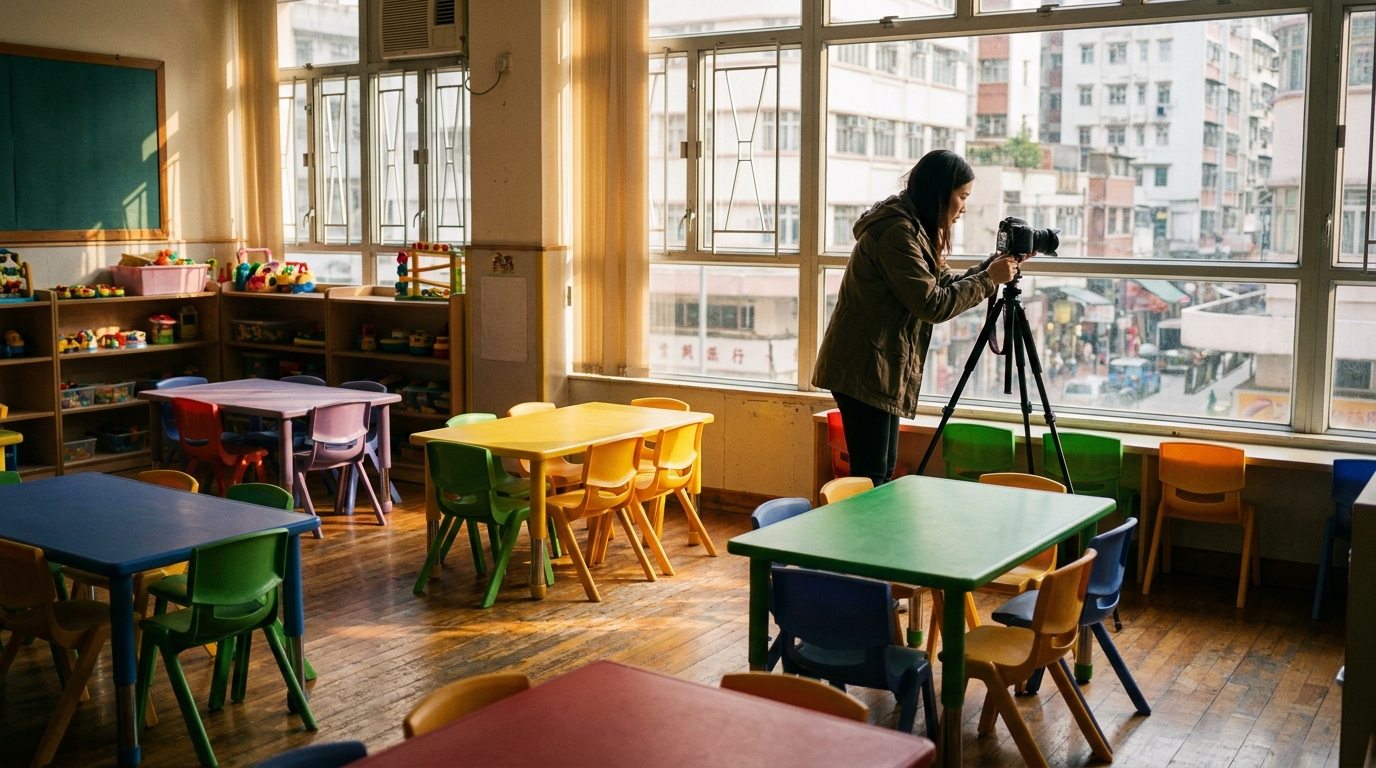
Kindergartens frequently host large-scale events like graduation ceremonies, open days, and Christmas parties. Post-pandemic, many parents are used to joining online, or perhaps grandparents overseas want to watch their grandkids perform. This is where high-quality real-time livestreaming becomes crucial. The biggest test for livestreaming isn't download speed, but upload speed. Many cheap home broadband plans advertise 1000M, but they actually use asymmetrical bandwidth. Your upload speed might only be a few tens to 100 Mbps, meaning HD livestreams will quickly become pixelated or even disconnect.
To ensure smooth livestreams, kindergartens should opt for commercial broadband with symmetrical upload and download speeds (e.g., 1000M/1000M), ideally paired with a Static IP to easily configure high-end broadcasting equipment and in-house servers. Furthermore, during school open days, you might have over a hundred parents in the hall simultaneously connecting to the Guest WiFi to upload photos. If your WiFi system can't handle high-density connections, the entire network will crash. Therefore, choosing commercial-grade WiFi 6 or WiFi 7 Access Points (APs) that support MU-MIMO and OFDMA technology is absolutely critical.
| Feature Requirement | Home Broadband / Standard Router | Commercial Broadband / Enterprise WiFi |
|---|---|---|
| Upload/Download Bandwidth | Mostly asymmetrical, slower uploads | Symmetrical bandwidth, fast & stable uploads |
| High-Density Connections | Easily crashes with 20-30 devices | Single AP supports 100+ devices |
| Dedicated Support | Queue up with regular retail customers | Dedicated business hotline with SLA guarantee |
3. Protecting Kids Online: Content Filtering and Firewalls
When letting kids use tablets for learning, the biggest worry for teachers and parents is whether they'll accidentally stumble upon inappropriate content. The internet is full of traps—pornography, violence, and malware are everywhere. Relying solely on setting up Parental Controls on each individual tablet is a massive drain on IT resources and leaves plenty of loopholes. The most thorough approach is to secure the network at its source by installing an enterprise-grade Next-Generation Firewall (NGFW).
With a professional firewall, schools can implement deep Web Filtering. For example, you can outright block all social media, gaming sites, and adult content, only allowing access to educational websites and learning apps on a Whitelist. Additionally, network segmentation (VLAN) is a must-have setup for kindergartens. You can divide the network into several independent zones:
- Staff Network: Can access the school intranet, student databases, printers, etc., with the highest privileges.
- Student Network: Exclusively for tablets used in class, enforcing the strictest content filtering with no access to the intranet.
- Guest Network: For parents or guests, internet access only, with speed limits to avoid slowing down the main network.
⚠️ Warning: Never put the school's administrative computers and the students' tablets on the same WiFi SSID! If a student's device gets hit with ransomware, it can easily spread to the admin system, leading to a school-wide data breach.
4. Zero Dead Zones and Practical Design Tips
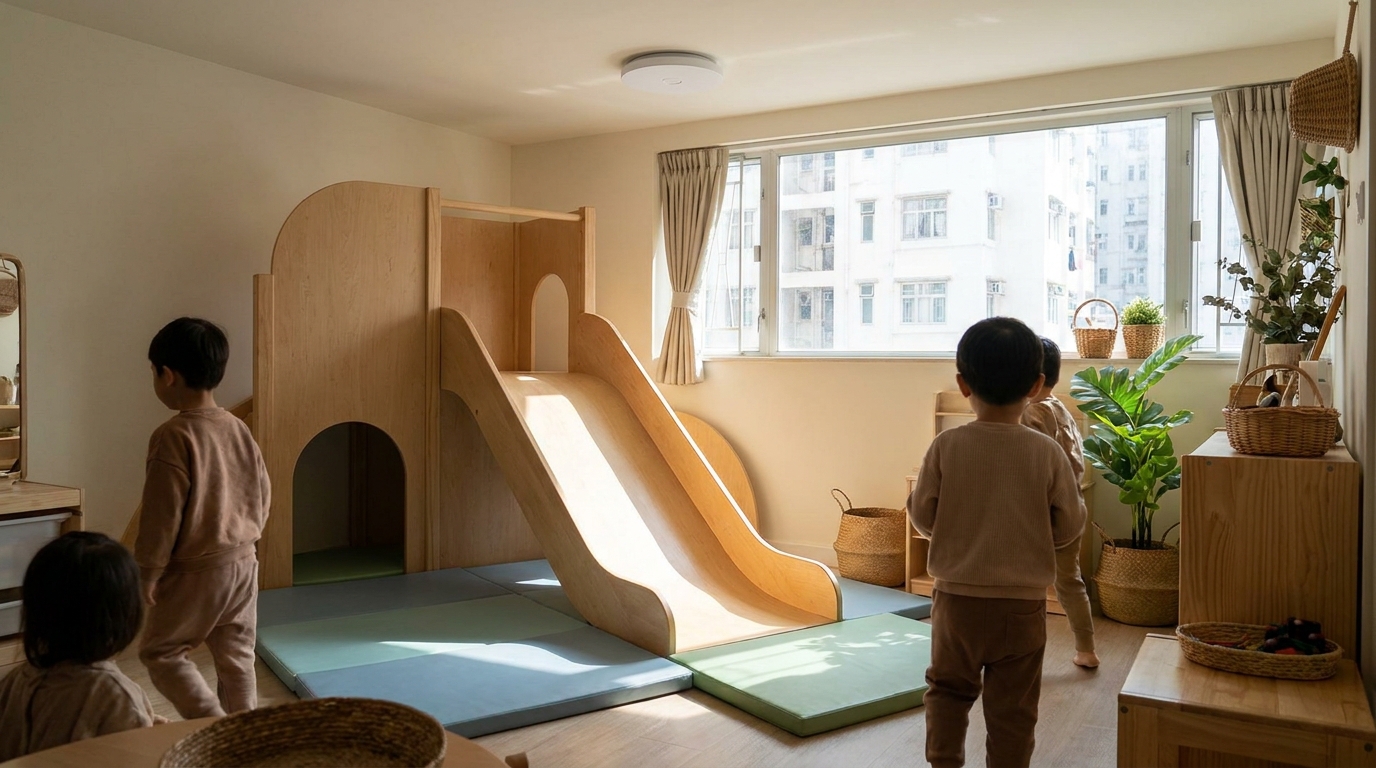
Kindergarten layouts are usually quite complex, featuring large halls, multiple independent classrooms, indoor playrooms, and even outdoor playgrounds. Achieving zero WiFi dead zones across the entire school definitely isn't as simple as buying a few routers and plugging them in. You need comprehensive network cabling and Access Point (AP) planning. This is especially true for kindergartens, where walls between classrooms might be thicker for soundproofing, severely blocking WiFi signals.
When designing a kindergarten WiFi network, there are a few practical tips to keep in mind. First, we highly recommend using PoE (Power over Ethernet) technology. PoE allows a single LAN cable to transmit both data and power to the AP, so you don't have to hunt for power outlets on the ceiling. It's safe and looks neat, making it perfect for kindergarten environments where you want to avoid any risk of kids getting an electric shock. Second, adopt a centralized management system (Controller-based or Cloud-managed WiFi) so your IT staff can monitor the status of dozens of APs across the school from a single dashboard, instantly knowing if anything goes offline.
💡 Tip: If your school has outdoor activity spaces, remember to buy Outdoor APs with an IP67 water and dust resistance rating. This ensures they won't break during typhoons or heavy rain, allowing teachers to easily take attendance or play music on an iPad outdoors.
Summary: Investing in the Next Generation Starts with a Quality Network
In summary, designing a comprehensive commercial broadband and WiFi system for a kindergarten is an indispensable part of driving modern education. From symmetrical bandwidth that ensures smooth parent livestreams, to firewall filtering that protects kids from harmful content, to high-density WiFi coverage with zero dead zones across the school—every detail directly impacts teaching quality and parent satisfaction. A stable network lets teachers focus on teaching instead of playing "IT repairman" every day.
Many telecom providers like HKT, HKBN, and CMHK offer commercial broadband plans specifically designed for educational institutions or SMEs. Monthly fees might only range from around $500 to $1,500, depending on the bandwidth and any add-on Managed WiFi services. Choosing a reputable provider with solid after-sales support is crucial. If you're a kindergarten principal or administrator planning a network upgrade, don't just wing it yourself. We recommend finding a professional commercial broadband consultant to help tailor a solution, ensuring every cent of your education budget is well spent.
🔥 Commercial Broadband Upgrade Recommendations
Not sure which telecom provider's plan is best for your school? King Broadband offers free consultations for SMEs and educational institutions across Hong Kong. We'll instantly compare the latest commercial broadband quotes from all the major providers to help you find the most cost-effective and secure network solution!