
Published: 8 October 2026 | Category: Practical Tutorial
1. Why Does Call Centre WFH Demand So Much from Your Broadband?
Since the pandemic, many Hong Kong enterprises have shifted their Call Centres or customer service departments to a hybrid work model. Many CS colleagues can easily answer company hotlines just by installing a softphone or plugging in an IP phone at home. While it sounds great to save on commute time, the reality is that many people working from home (WFH) run into a massive headache: terrible call quality! Sometimes the customer sounds like a robot, sometimes the call suddenly drops, or you can hear the customer perfectly but they can't hear a word you're saying. If this happens while you're handling a major customer complaint, it's an absolute nightmare!
Actually, the network requirements for SIP (Session Initiation Protocol) calls are completely different from watching YouTube or Netflix. For streaming, as long as your download speed is fast enough, a one- or two-second network hiccup won't even be noticed because the system buffers the video. But SIP calls are real-time, two-way voice communications that mostly run on the UDP protocol. They demand extreme network stability with absolutely zero buffering. Even the slightest network fluctuation will immediately impact your call quality. Here are a few of the most common WFH call disasters:
- One-way Audio: Usually caused by your home router's NAT settings or firewall blocking voice packets.
- Robotic / Choppy Voice: Severe network jitter or packet loss makes the voice data disjointed.
- Drop Calls: A momentary interruption in your broadband connection or a sudden IP address update causes the SIP registration to fail.
- High Latency: You finish a sentence, and the other party has to wait two or three seconds to hear it, leading to constant talking over each other.

2. Three Broadband Metrics for Clear, Drop-Free SIP Calls
Many people think that signing up for "1000M Fibre-to-the-Home" makes them invincible and guarantees flawless SIP calls. This is a massive misconception. 1000M only represents how wide the pipe is (bandwidth), but whether the water flows smoothly without leaking is the real key to voice quality. If you're running a Call Centre from home, you must understand the following three core broadband metrics. If these numbers aren't looking good, paying to upgrade to 2000M or even 2500M broadband won't solve your problems.
⚠️ Note: Don't just look at Speedtest download speeds! Voice calls only need about 100kbps of bandwidth per second. Speed is definitely not the bottleneck; network stability is the real culprit.
- Ping (Latency): This number represents the time it takes for data to travel from your computer to the company server and back. Generally, the Ping for a local SIP server should be under 20ms. If it exceeds 150ms, you'll experience noticeable delays and talking over each other.
- Jitter: This is the biggest offender when it comes to call quality! Jitter refers to the fluctuation in your Ping. For example, if your Ping is 10ms in the first second and jumps to 80ms in the next, your Jitter is very high. High Jitter scrambles the arrival order of voice packets, creating that "robotic voice." Ideal Jitter should stay under 5ms.
- Packet Loss: The percentage of data lost during transmission. Once packet loss exceeds 1%, calls will start getting choppy; over 3%, and you basically won't be able to hear what the other person is saying. WFH broadband must aim for 0% packet loss.
3. Home Broadband vs Business Broadband: Which is Better for WFH?
Given these high demands, do you absolutely need to install a business broadband line to run a Call Centre at home? Not necessarily. It mainly depends on your company's requirements and the coverage in your building. The biggest differences between home broadband and business broadband are the "contention ratio" and the "Service Level Agreement (SLA)." Standard home broadband shares bandwidth with everyone else in your building. During evening peak hours when everyone is streaming 4K videos and gaming, your line's Jitter and Ping will skyrocket. Business broadband (especially Dedicated Internet Access, or DIA), on the other hand, gives you dedicated bandwidth, offering much higher stability.
For most WFH CS colleagues, installing a true business dedicated line is too expensive (easily costing over $1,000 a month). A more practical approach is to choose a home broadband provider with a solid local network backbone and excellent overseas routing. Let's compare the performance of different broadband solutions:
| Broadband Type | Est. Monthly Fee | SIP Stability | Best For |
|---|---|---|---|
| Standard Home 1000M | $99 - $198 | Medium to High (depending on time) | Standard WFH CS, non-urgent hotlines |
| 5G Home Broadband (Router) | $118 - $168 | Low to Medium (higher Jitter fluctuation) | Tong Lau/Village house users without fibre, or as a backup line |
| Gamer Broadband (Low Latency) | $258 - $298 | Extremely High (optimized routing) | Senior CS, management frequently on video calls |
| Business Broadband (Business Line) | $300 - $800+ | Ultimate Stability (SLA guaranteed) | Enterprise-grade home offices expensed by the company |
4. Practical Guide: Upgrading Your Home Wi-Fi and Router Settings
Even if you sign up for the most expensive, premium broadband in Hong Kong, your SIP calls will still tank if your home router isn't set up properly. Often, when people complain that their "home broadband is trash," the real culprit is an outdated Wi-Fi router or weak signals blocked by multiple walls. To ensure your call quality meets the mark, follow these steps to optimize your network settings:
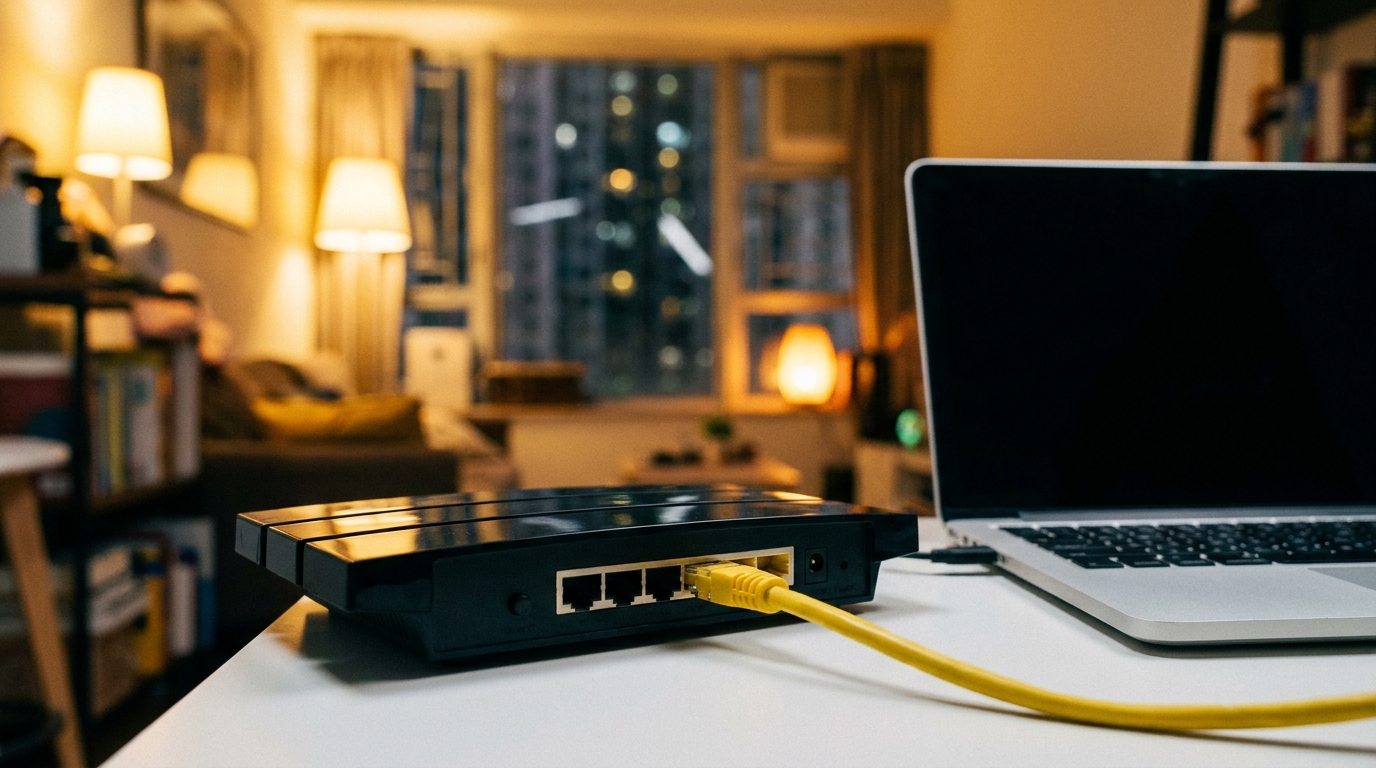
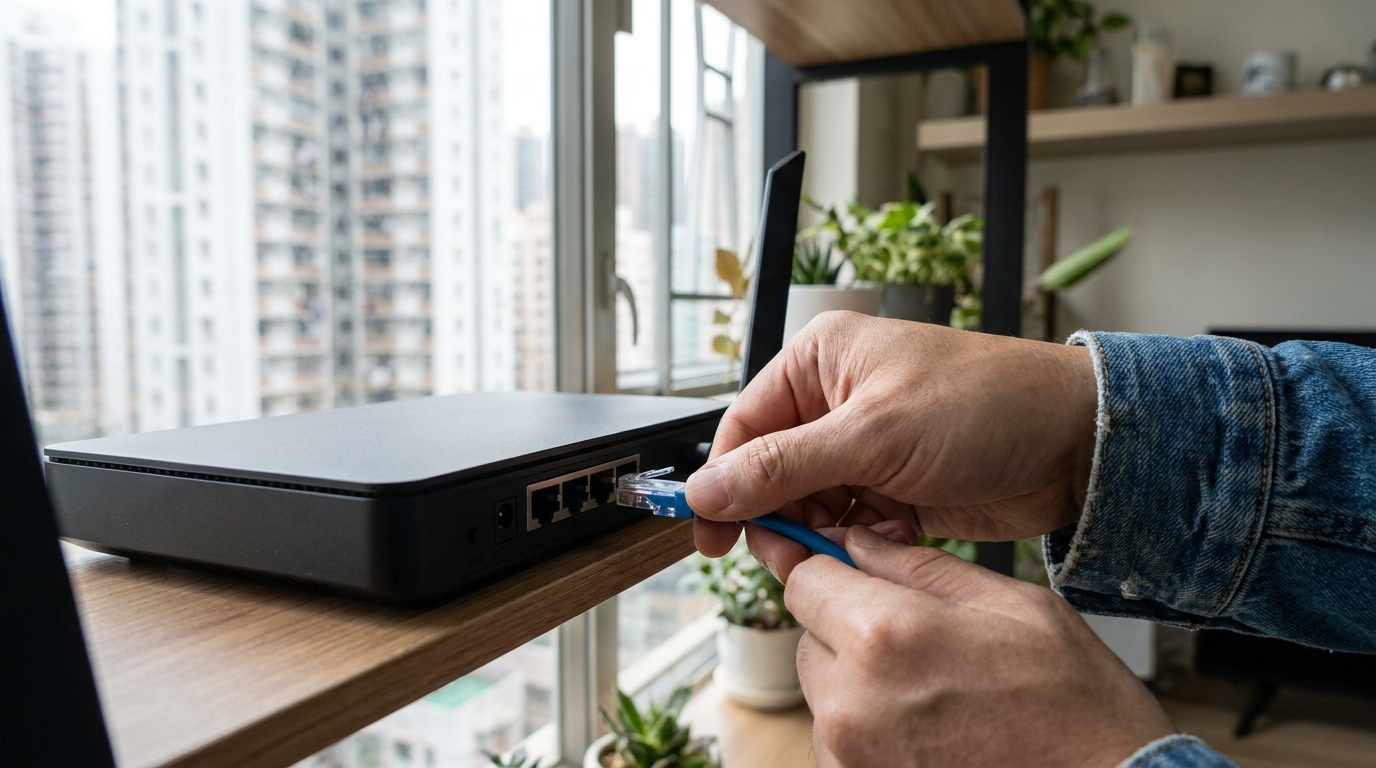
💡 Tip: We strongly recommend that Call Centre staff ditch Wi-Fi while working from home and plug their computer or IP phone directly into the router using a LAN cable (Ethernet cable)! A LAN cable will 100% solve the Jitter and Packet Loss issues caused by Wi-Fi signal interference.
- Disable SIP ALG: Many home routers (especially budget models) have a feature called SIP ALG enabled by default. Its original purpose was to help with NAT traversal, but it often messes up SIP packets, leading to one-way audio or registration failures. Log into your router's admin panel, find this option, and disable it.
- Enable QoS (Quality of Service): Someone at home might be watching Netflix or downloading via BitTorrent, hogging the entire network. You can enable QoS on your router and set the MAC address of your work computer or IP phone to the "highest priority," ensuring your voice data always skips the queue.
- Switch to 5GHz Wi-Fi (if you must use Wi-Fi): If running a LAN cable is truly impossible, make sure you're connected to the 5GHz band instead of 2.4GHz. 2.4GHz is better at penetrating walls but is highly susceptible to interference from microwaves, Bluetooth, etc. 5GHz has a smaller coverage area but offers much higher speed and stability.
- Reboot Your Router Regularly: Leaving your home router on for months can fill up its cache, slowing down processing speeds and causing Jitter. Get into the good habit of rebooting your router once a week.
5. How to Choose Between Major Telecom Broadband Plans?
Hong Kong's major telecom providers all have their own strengths when it comes to broadband quality. Which one is best for Call Centre WFH needs? It really depends on where your company's SIP server is located. If the server is in a local data centre, basically any provider will do the job. But if your company uses a Cloud PBX (like AWS or Azure), or if the server is overseas, then the quality of the overseas routing is absolutely critical.
For example, HKT (Netvigator) has always been known for its abundant overseas bandwidth and low gaming latency. Their routing quality is incredibly stable, making them excellent for SIP calls connecting to overseas servers, though they are a bit pricier. HKBN is very strong in local network connectivity, offering high coverage and great value for money. If your company's server is local, HKBN is a highly cost-effective choice. As for 5G home broadband from 3HK or CSL, while the plug-and-play convenience without pulling cables is great, they run on mobile networks, meaning Jitter will be higher than fibre. We recommend using them only as a backup line to step in if your main line drops, rather than as your primary calling line.
🔥 Recommended Plans: For High-Demand WFH Staff
If you have to answer dozens of important customer calls every day, we suggest signing up for the "gamer lines" or "low latency broadband" plans specially launched by major telecoms (like HKT's Gamer Pack or HKBN's Esports Broadband). These plans usually optimize routing to guarantee extremely low Ping and Jitter. Using them for SIP calls is definitely overkill, but it guarantees a 100% clear and smooth experience! The monthly fee is around $200-$300, which is well worth it for the peace of mind.
6. Summary
To sum up, if you want to build a professional-grade Call Centre environment at home, you absolutely cannot compromise on broadband quality. The biggest fear with SIP calls isn't slow speeds, but an unstable network. When choosing your broadband and configuring your setup, remember to keep these key points in mind:
- Know Your Metrics: Stop blindly chasing multi-gigabit download speeds. Ping, Jitter, and 0% Packet Loss are the true lifelines of smooth calls.
- Hardware Synergy: Know how to log into your router to disable SIP ALG and enable QoS. Most importantly, stick to using a LAN cable to connect your work devices.
- Pick the Right Telecom: Based on your company's server location, choose a fibre broadband provider with excellent local or overseas routing quality, and try to avoid relying on 5G broadband as your primary voice line.
With a solid broadband foundation, handling customers while WFH becomes a breeze, and you won't have to spend every day asking, "Hello? Can you hear me?" If your current broadband keeps dropping calls, or if you want to upgrade to a more stable home connection for WFH, don't wait any longer. Compare the latest offers on the market right now and find the perfect line that fits your work needs!