Published: 4 May 2026 | Category: In-Depth Analysis
1. Why Does Hosting Discord and Game Servers at Home Demand So Much from Your Broadband?
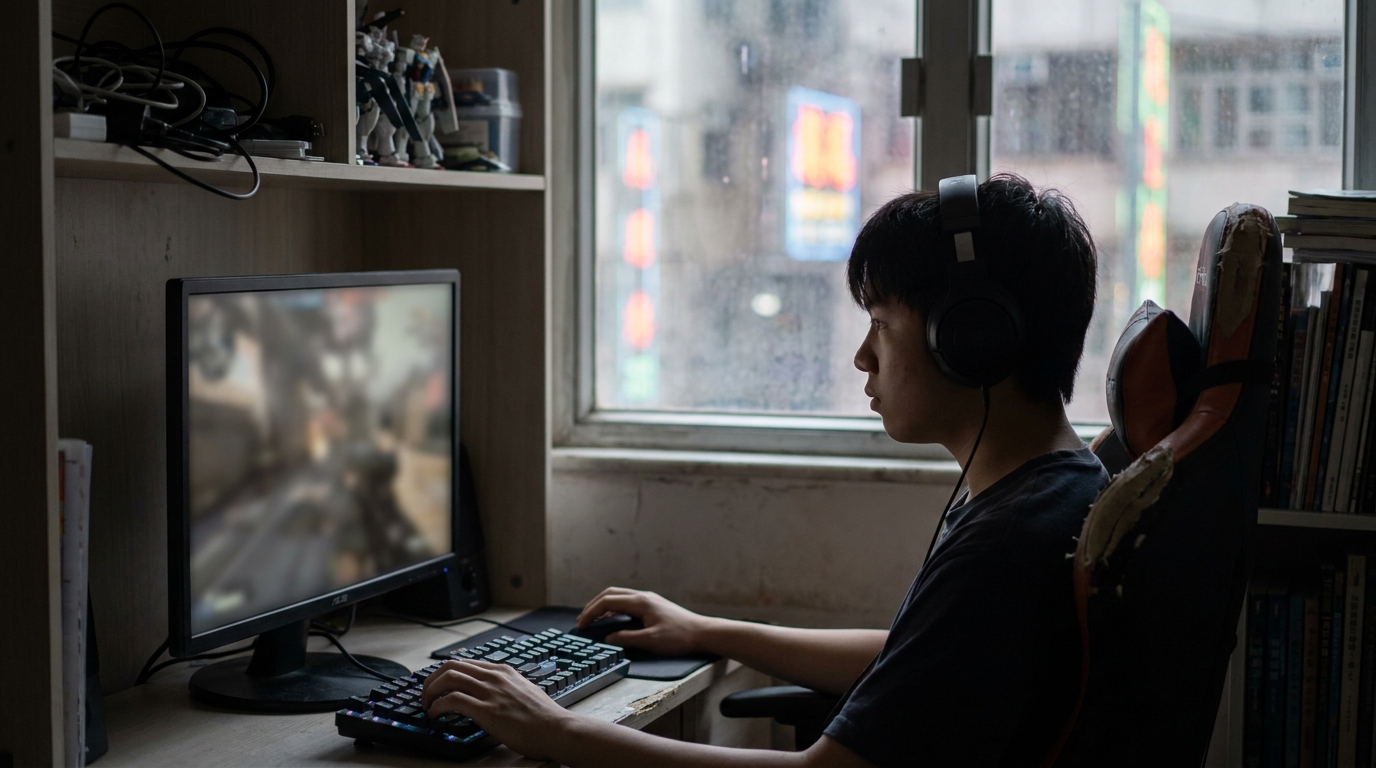
Lots of Hong Kong gamers love playing with their friends, and many even host their own Discord bots (like music or moderation bots) or run their own Minecraft and Palworld servers at home. You'll often find that while streaming Netflix or YouTube is buttery smooth, the moment you boot up a server or start a 1080p Discord stream for your mates, your ping spikes, voice chat starts lagging, or the whole server just crashes. Actually, this has everything to do with the "physique" of your home broadband.
- Symmetrical Upload/Download Speeds: Normally, we mostly "download" data from the internet. But when you're hosting a server or streaming, you're primarily "uploading" data from your PC to the internet for others.
- Continuous Transmission Pressure: Discord voice and gaming data require extreme real-time performance—you can't afford even a single second of disconnection.
- Multitasking: Gaming, chatting on Discord, and running a server all at the same time is a massive stress test for your router and broadband bandwidth.
2. Three Key Metrics: Ping, Upload Speed, and Packet Loss
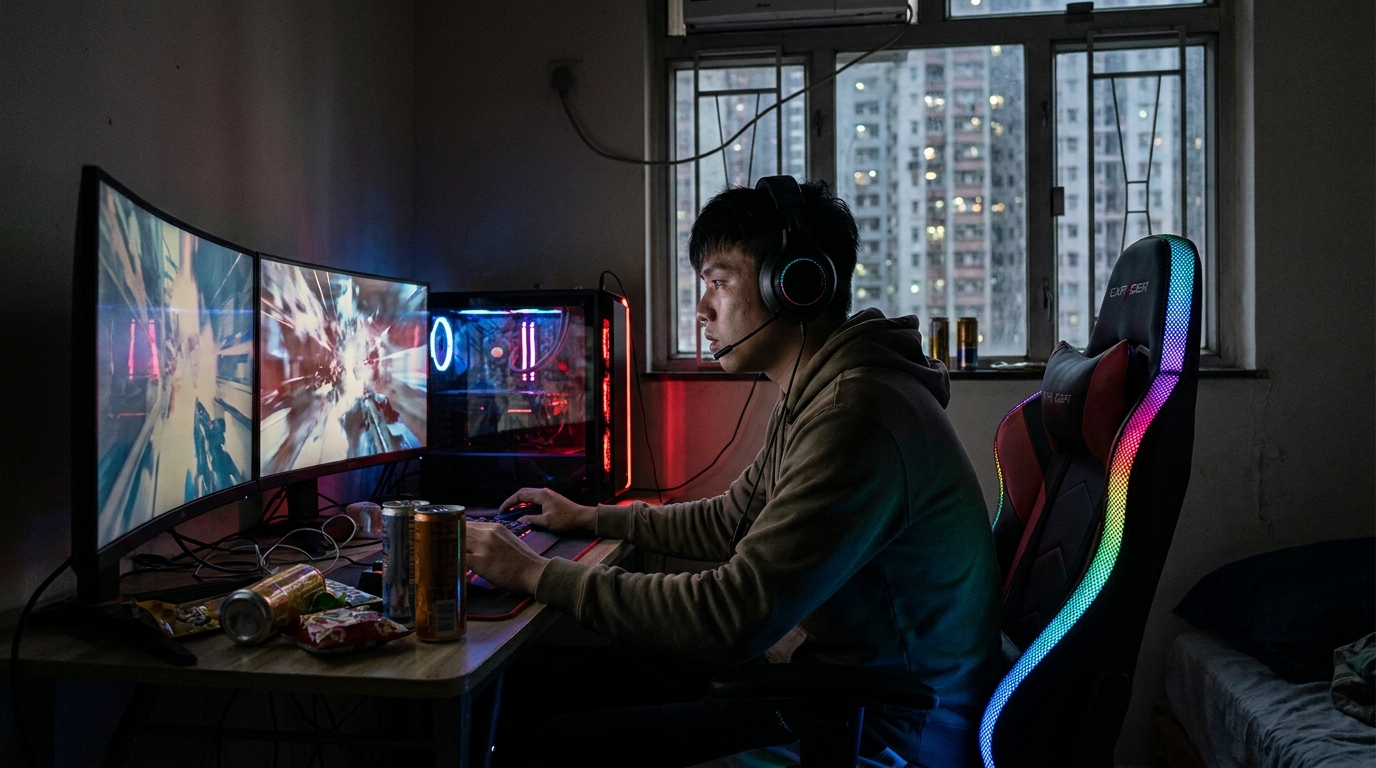
To achieve zero-lag Discord voice chat and keep your server online, you absolutely cannot just look at the big "1000M" number when choosing a broadband plan. You need to understand these three core metrics:
- Ping (Latency): This is the round-trip time for data to travel from your machine to the target server. For gaming and voice chat, it's best to keep it under 20ms. If it goes over 50ms, you'll noticeably feel that your voice is lagging half a beat behind.
- Upload Speed: The lifeline of a self-hosted server. If a few friends are connecting to your server and you're sharing your screen on Discord, you need a stable upload speed of at least 100Mbps to 300Mbps to handle it.
- Packet Loss: The deadliest culprit. Even if your ping is low, high packet loss will cause voice cut-outs, characters teleporting, or random disconnects. A high-quality broadband connection should consistently maintain 0% packet loss.
⚠️ Note: Some budget broadband plans on the market advertise 1000M, but they are actually "asymmetrical broadband." You might get 1000M download, but the upload speed could be severely capped. If you're hosting a server, you must ask clearly if the plan offers "symmetrical upload and download" speeds!
3. Real-World Comparison of Major HK Broadband Networks for Gaming & Hosting
Hong Kong has several major telecom providers, including HKT, HKBN, CMHK, and HGC. They all perform differently when it comes to overseas routing and connection stability. If your Discord or game server has friends connecting from overseas, international bandwidth becomes incredibly important.
| Broadband Provider | Overseas Connection Stability | Symmetrical Speeds | Est. Monthly Fee (1000M) |
|---|---|---|---|
| HKT | Excellent (Gamer lines perform best) | Symmetrical (Most FTTH plans) | Approx. $168 - $298 |
| HKBN | Good (Extremely fast local connection) | Symmetrical | Approx. $138 - $198 |
| CMHK | Average (High cost-performance) | Symmetrical | Approx. $98 - $138 |
If you have the budget, all the major providers now offer 2000M or even 2500M fiber-to-the-home (FTTH) plans. For households with multiple computers running simultaneously, upgrading to 2.5G broadband can effectively solve bandwidth contention issues.
4. Network Optimization Tricks Beyond Upgrading Your Broadband
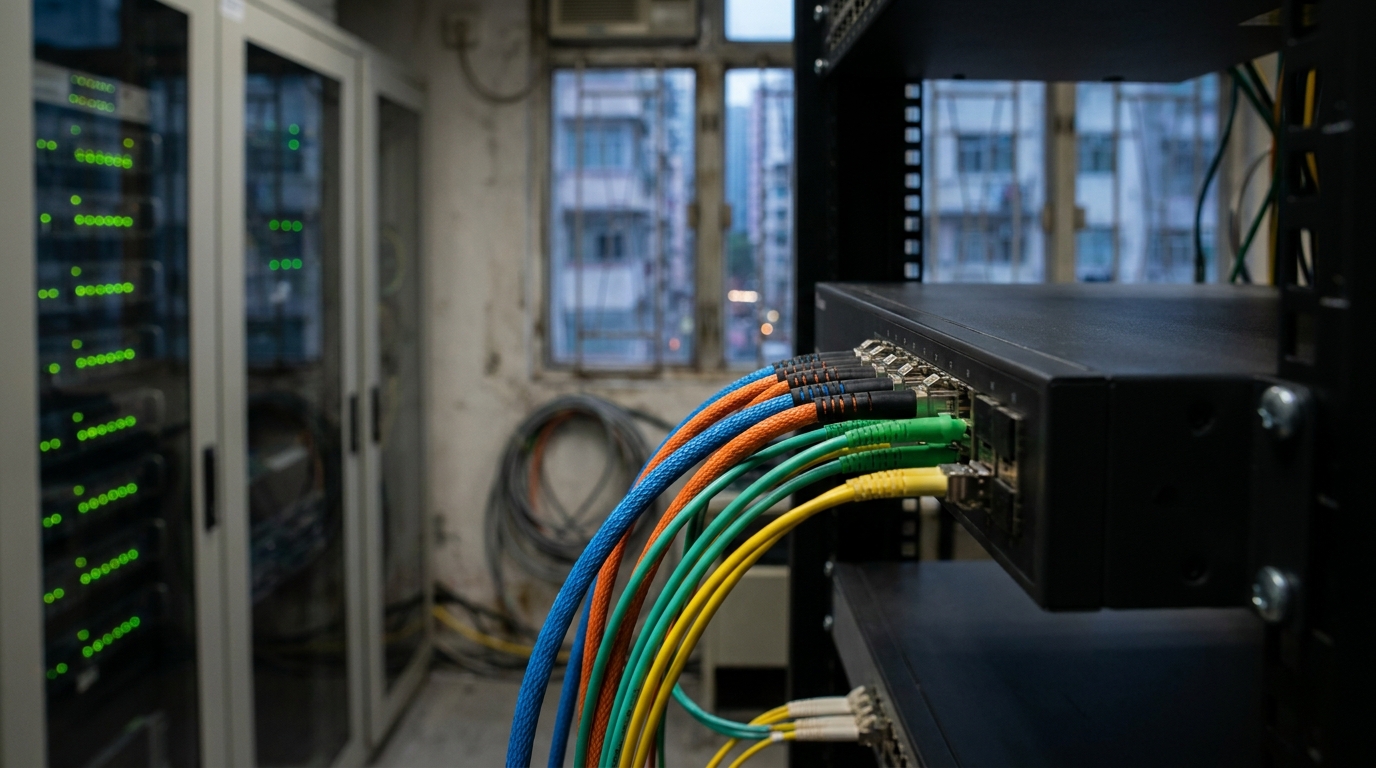
Even if you've signed up for the top-tier broadband, a poorly configured local area network (LAN) at home will still cause voice lag and disconnects. Here are a few optimization tricks you can easily do yourself right now:
- Enable QoS (Quality of Service) on your router: Log into your router's admin panel and set your PC's IP address to High Priority. This ensures your gaming and Discord data get transmitted first, even if your family is streaming 4K video.
- Upgrade your LAN cable: Check if you're still using an ancient CAT5 LAN cable. We strongly recommend swapping it for a CAT6 or CAT6a pure copper cable, which has much better anti-interference capabilities.
- Discord Hardware Acceleration and Packet Priority: In Discord's "Voice & Video" settings, turn on the "Enable Quality of Service High Packet Priority" option. This helps prevent your router from pushing your voice data to the back of the queue.
💡 Tip: Never use Wi-Fi when hosting any server! No matter how fast your Wi-Fi 6/6E is, wireless signals will always have minor fluctuations and interference. Stick to plugging a physical LAN cable directly into your router—your stability will improve exponentially.
5. Summary: Choosing the Strongest Backbone for Your Server
Hosting a Discord bot or game server at home tests your network far more than typical home usage. To achieve lag-free voice chat and drop-free connections, you need a truly robust broadband line. Let's wrap up the key points for choosing your broadband:
- Make sure the plan offers symmetrical upload and download speeds (e.g., 1000M download / 1000M upload).
- If you have the budget, go straight for 2000M / 2500M or dedicated gamer plans to reduce network interference among family members.
- Pay attention to overseas connection quality, especially if you play with friends abroad.
Coverage and promotions vary by telecom provider and district, and some housing estates might even have exclusive budget plans. Want to know which broadband is the best value and highest quality for where you live? Find the right broadband, and you'll never have to suffer through gaming or server hosting frustrations again!