
Published: 30 July 2026 | Category: In-Depth Analysis
1. What is Data Centre Colocation? Why Should SMEs Use It?
As their businesses grow, many Hong Kong SMEs and even large enterprises face a common problem: they're accumulating more and more servers. Keeping them in an in-house server room doesn't just eat up expensive office space; dealing with the air-con, power routing, and security is a massive headache! This is where Data Centre Colocation comes in as the perfect solution. Simply put, colocation means taking the network hardware you've bought—servers, firewalls, switches—and moving them to a professional Data Centre, renting their rack space, power, cooling, and network.
Why are so many companies switching to colocation? Here are the core reasons:
- Massive cost savings: Land is at a premium in Hong Kong. Have you calculated how expensive it is to use dozens or even hundreds of square feet of office space for a server room? And that's not even counting the electricity bill for running the air-con 24/7.
- Stability and security: Professional Data Centres have N+1 or even 2N backup power, so you don't have to worry about typhoons or blackouts. Add in ultra-strict security (like fingerprint authentication and anti-tailgating doors), and these are things a regular office just can't provide.
- The perfect operating environment: A 24-hour climate-controlled cooling system with constant temperature and humidity can significantly extend the lifespan of your expensive servers, reducing the risk of hardware failure and downtime.
So, whether you're in IT, finance, or running an online store, as long as you have your own servers, understanding how colocation works is an absolute must.
2. Rack Pricing Breakdown: U Space and Power Are Key
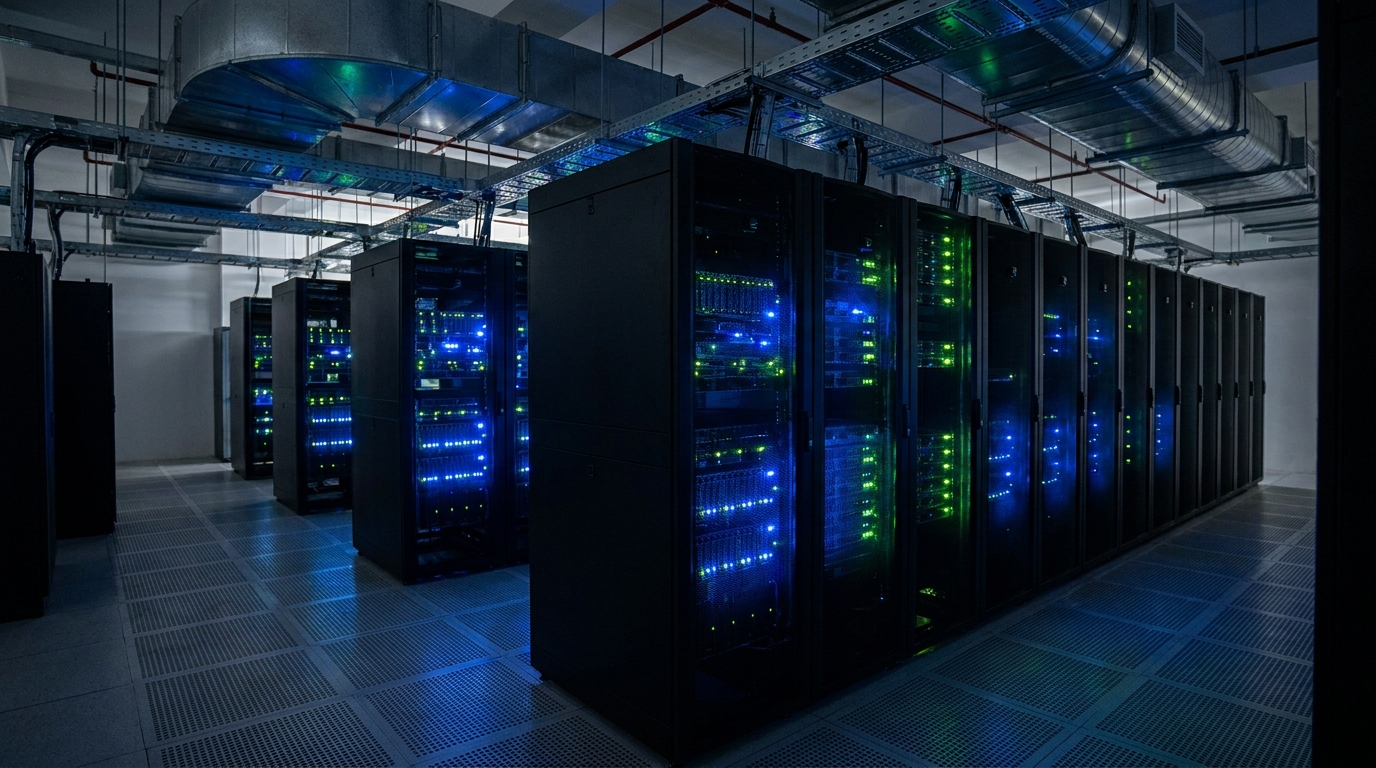
When you get a quote from major telecom operators or Data Centre providers, the first cost item you'll encounter is the "Rack". Rack pricing mainly depends on two things: space (U) and power. Let's talk about space first. The height unit in a Data Centre is called a "U" (Rack Unit), and 1U is about 1.75 inches high. If you only have one or two servers, you used to be able to rent 1U or 2U individual slots, but nowadays very few providers offer this. Generally, SMEs will rent at least a 1/4 Rack (around 10U) or a Half Rack (around 21U). If you're operating on a larger scale, you'll rent a Full Rack (typically 42U or 45U).
However, don't assume that renting a 42U rack means you can stuff it with 42 1U servers! This brings us to the second key factor: power. Every rack comes with a specific power allowance, usually measured in kVA (kilovolt-amperes) or Amps. A standard Full Rack might only include 1.5kVA to 3kVA of power. If your servers are high-performance power hogs (like GPU servers for AI computing), you might max out the power capacity after putting in just 10 of them.
💡 Tip: When you exceed the included power allowance, you'll have to pay extra for a High Density Rack, which can cost double or even several times more than a standard rack! So, when calculating costs, you must know exactly how much power your equipment consumes in total—don't just look at the U space.
3. How is Bandwidth Priced? Dedicated or Shared?
Once you've sorted out where to put your machines and how to power them, the next big expense is bandwidth. A server sitting in a Data Centre without an internet connection is basically just a pile of scrap metal. Bandwidth pricing is mainly divided into two models: Dedicated and Shared.
Dedicated bandwidth, as the name suggests, means the pipe is 100% yours. It guarantees speed and won't be affected by others, making it ideal for industries that demand extreme network stability (like financial trading or large-scale online gaming). Shared bandwidth, on the other hand, means sharing a large bandwidth pool with other clients. It's much cheaper, but you might experience congestion during peak hours, making it suitable for general corporate websites or back-office systems. Additionally, you need to distinguish between local bandwidth (HKIX) and international bandwidth. If your target audience is entirely in Hong Kong, buying mainly HKIX bandwidth is enough and much cheaper. But if you're serving overseas clients, you'll need international bandwidth, and that cost can really add up. Also, don't forget that IP addresses cost money too. Plans usually include one or a few Public IPs, but if you need more, you'll have to pay a monthly fee for each additional one.
| Item | Dedicated Bandwidth | Shared Bandwidth |
|---|---|---|
| Speed Guarantee | 100% guaranteed, no speed drops | Depends on network traffic, can slow down |
| Stability | Extremely high, unaffected by other users | Medium, may fluctuate during peak hours |
| Price | More expensive, strictly billed per Mbps | Cheaper, high cost-performance ratio |
| Best For | Finance, large e-commerce, streaming media | General internal corporate systems, standard websites |
4. Watch Out for Hidden Fees: Cross Connect and Setup Fees
Many beginners setting up colocation for the first time only look at the monthly fees for the rack and bandwidth. Then they get a shock when the first bill arrives—why are there so many miscellaneous charges? You really need to watch out for these hidden fees! Here are a few common ones:
- Setup Fee: This is a one-off charge. The provider helps you open an account, allocate space, route power cables, and configure the network, which usually costs a few thousand dollars.
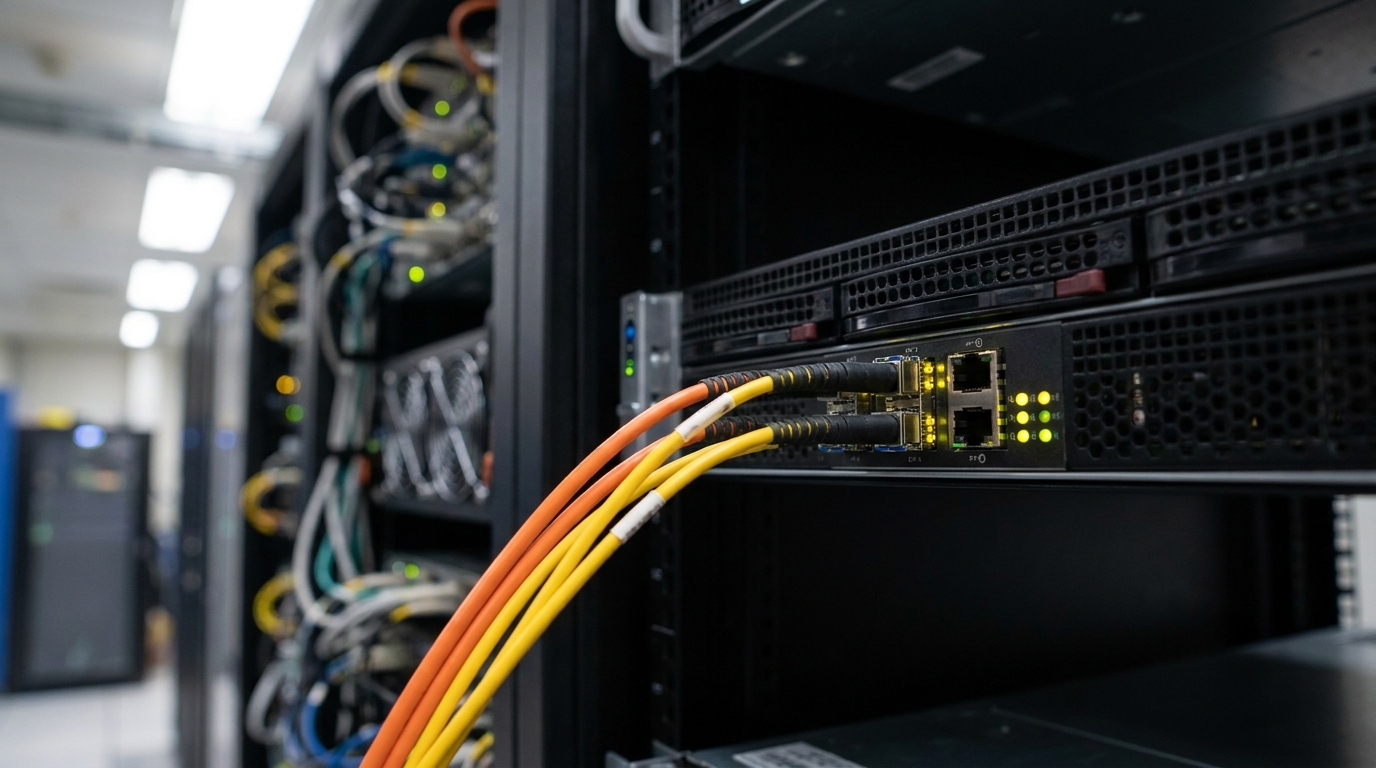
- Cross Connect: Often, the Data Centre provider and the network provider (like HKT, HKBN, etc.) aren't the same company. If you want to use another company's broadband, the Data Centre will charge you a cabling fee to run a fibre optic cable from their telecom room to your rack.
- Remote Hands: Let's say your server crashes, or you need to replug a LAN cable. If you don't want to travel all the way there to do it yourself, you can ask the on-duty engineer at the Data Centre to help. These services are usually charged per incident or per half-hour.
⚠️ Note: Cross Connects don't just have a setup fee; there's a monthly fee too! If you need to connect to several different ISPs for backup, this monthly Cross Connect fee could easily end up costing more than your broadband line itself. Make sure to ask clearly before signing the contract.
5. Three Major Factors When Choosing a Data Centre
At this point, you might be eager to start getting quotes. When choosing a Data Centre in Hong Kong, besides looking at the price, there are three major factors you must know to ensure your company's IT infrastructure is foolproof:
- Location: Hong Kong's Data Centres are mainly concentrated in Tseung Kwan O, Tsuen Wan, Chai Wan, and Kwai Chung. Tseung Kwan O is a hub for newly built Data Centres with the newest and best facilities, but the location is relatively remote. Tsuen Wan and Kwai Chung win on transport convenience. If you expect to frequently send IT staff over for maintenance, location is extremely important.
- Tier Level: There's an international standard for evaluating Data Centre reliability. Generally, the ones on the market in Hong Kong are at least Tier III, which means 99.982% availability and N+1 redundancy. If you need ultimate security and stability, you can opt for Tier IV, which offers 2N+1 fault tolerance and can withstand even fires or severe blackouts—but of course, it's the most expensive.
- Carrier Neutral: If you choose a Data Centre operated by a single telecom operator, you might be forced to use their own broadband services. A Carrier Neutral Data Centre allows any telecom operator to connect, giving you the freedom to compare bandwidth quotes from different providers like CMHK, SmarTone, 3HK, CSL, etc. This offers much higher flexibility in the long run.

Summary: Find the Right Provider to Save Money and Hassle
In summary, Hong Kong's Data Centre Colocation fees are actually quite calculable. The most important thing is to be clear about your needs: exactly how much U space do you require? How much kVA of power do your machines consume in total? Do you need Dedicated or Shared bandwidth? And remember to avoid the hidden fee traps of Cross Connects and Remote Hands. For SMEs, moving servers into a professional server room means paying a monthly fee, but the savings on office rent, electricity bills, and the constant stress of monitoring them make it absolutely worth it.
🔥 Recommended Plan: One-Stop Broadband and Rack Quotes
With so many Data Centres and telecom operators on the market, each with different pricing models and promotions, calling them up one by one yourself could easily waste days. Want to find the most cost-effective colocation plan as quickly as possible? The smartest move is, of course, to compare through us at King Broadband (kingbroadband.com)!
We can help you get quotes from multiple top-tier Data Centres all at once. Whether you need a 1/4 Rack or several Full Racks, we can help you secure the best exclusive deals. Don't wait any longer—contact our specialists today to chat. We'll tailor the most suitable IT infrastructure solution for your company, saving you money, time, and sorting out all your headaches!