
Published: 14 August 2026 | Category: Practical Tutorial
1. The Co-Living Era: Why Does Home Broadband Turn Into a Battlefield?
With Hong Kong's property prices and rents staying notoriously high, many young people, uni students, and working professionals are opting to share flats or move into co-living spaces. Splitting the rent definitely saves a few bucks, but once you move in, you'll quickly realise that beyond clashing lifestyle habits, the biggest trigger for "World War III" is usually the home broadband! Just imagine: four flatmates get home from work and all jump online at the exact same time. Total chaos, right?
In the past, a household might only have two or three devices connected. Nowadays, everyone has at least a smartphone, a tablet, and a laptop—not to mention the Smart TV in the living room and various smart home gadgets. A four-person co-living flat can easily have over 15 devices fighting for Wi-Fi at once. If someone is aggressively downloading via BitTorrent, another flatmate is grinding a competitive multiplayer game, and someone else is streaming a 4K movie, a standard broadband setup simply won't survive. Common co-living network pain points include:
- Gaming Lag (High Ping): You clearly aimed and shot at the enemy, but the screen freezes for a second, and you end up getting killed instead. It's incredibly frustrating.
- Endless Buffering: You're right in the middle of an intense Netflix scene, and suddenly the video gets pixelated or the dreaded loading circle appears.
- Bedroom Dead Zones: The Wi-Fi signal is full bars in the living room, but the moment you step into your room and shut the door, it drops to one bar or disconnects completely.
- Flatmate Friction: Uneven distribution of network resources leads to arguments, ruining the harmony of the house.
Solving these issues isn't as simple as walking down the street and signing up for the cheapest broadband plan. From choosing the right speed and hardware to sorting out the contract, there's a real science to it!

2. Picking the Right Broadband Speed: Is 1000M Enough to Share?
When applying for home broadband online or at a telecom shop, many people see 1000M (1Gbps) and assume it's definitely enough. For a typical two-to-three-person household, 1000M is indeed more than sufficient. But if you're in a four-to-five-person co-living setup and everyone is a heavy internet user, the math changes. First, we need to understand the actual bandwidth demands of different applications.
Generally speaking, streaming a 4K video requires a stable 25Mbps to 50Mbps; HD video conferencing (like Zoom or Teams) needs about 5Mbps to 10Mbps; downloading or updating massive games is the real "bandwidth hog", instantly sucking up hundreds of Mbps or more. If 5 people are doing high-bandwidth tasks simultaneously, that 1000M gets heavily discounted, especially once you factor in router processing loss and Wi-Fi interference. Providers like HKT and HKBN offer higher-tier plans, so here are some recommendations:
- Basic 1000M Plan: Ideal for 2-3 flatmates. If you guys just scroll IG, watch YouTube, and rarely download massive files at the same time, a 1000M plan for around $128 to $168 is perfectly fine.
- 2x1000M Dual Broadband: This is a fantastic choice for co-living! Both HKBN and HKT offer this. You can dedicate one line to the living room and Smart TV for streaming, and the other line strictly for gaming or working. This physical traffic splitting prevents interference. At around $198 to $258 a month, it's actually a steal when split among a few people.
- 2000M / 2500M Fibre-to-the-Home: Best for 4 or more heavy users. You'll need a 2.5G or higher-spec router to push it to the limit, making it ideal for tech-savvy households.
💡 Pro Tip: If one of your flatmates is a hardcore gamer, we highly recommend running an exposed or concealed LAN cable straight into their room. No matter how fast your Wi-Fi is, a wired connection will always be the king of low latency and stability.
3. Router Placement and Mesh Wi-Fi Setup Guide
Even if you pick the best broadband plan, it's useless if your hardware can't keep up—even a 10000M connection would be wasted. Hong Kong flats are notorious for their structural walls; the concrete is so thick that even mobile signals struggle to get through, let alone the weaker penetrating power of 5GHz or 6GHz Wi-Fi bands. Many co-living units feature a long corridor with rooms on both sides. If you just dump a traditional router in the living room, the room at the very end is guaranteed to become a "network island."
To completely eliminate dead zones, a Mesh Wi-Fi system is an absolute lifesaver for co-living households. Mesh Wi-Fi uses a main router and several satellite nodes to create a seamless network web across your home. Wherever you walk, the system automatically and seamlessly switches you to the nearest node with the strongest signal, so you don't have to manually change Wi-Fi networks. When setting up Mesh Wi-Fi, keep these key points in mind:
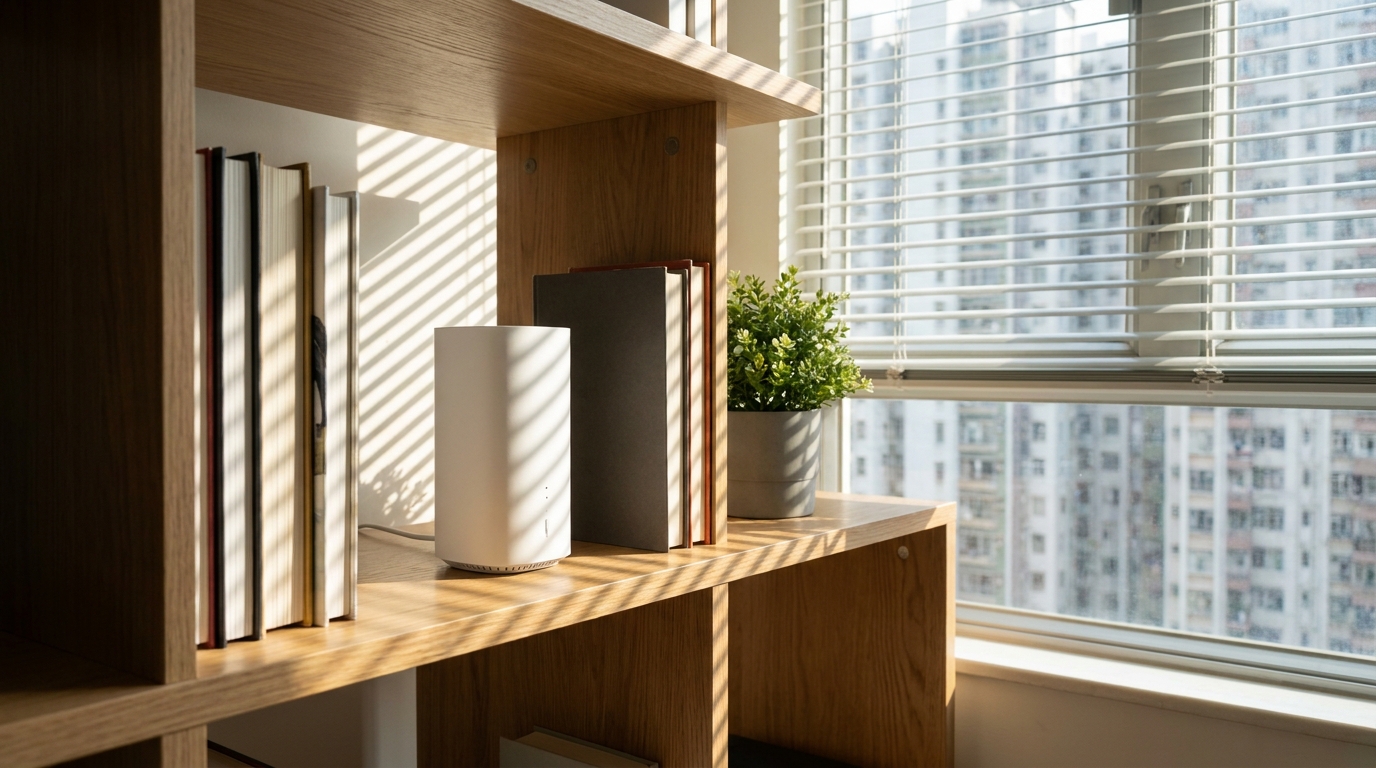
- Main Router Placement: Try to place it in the centre of the house, usually at an unobstructed high point in the living room (like on top of a TV cabinet or a shelf). Never stuff it inside a TV cabinet drawer, as this will severely block the signal transmission.
- Node Distance: The satellite nodes should be placed halfway between the main router and the dead zone (e.g., inside a room), such as in the hallway. A node needs to receive a strong signal from the main router before it can amplify and broadcast it into the room. If you place the node too deep inside the dead zone, it will receive a poor signal itself, and the Wi-Fi it pushes out will be painfully slow.
- Choose a Tri-band System: If you can't connect the nodes with LAN cables (Wireless Backhaul), it's highly recommended to buy a Tri-band Mesh Router. It reserves a dedicated band purely for communication between the nodes, so it won't fight with your phones for bandwidth. This makes the speed at least twice as fast.
4. Splitting the Bill and Contract Traps: Who Should Register?
When it comes to sharing a flat, talking about money is the easiest way to ruin friendships. Home broadband contracts usually lock you in for 24 or 36 months, but a flatmate might move out after just a year or so. So, whose name should the broadband be registered under? What happens if someone breaks the lease halfway through? If you don't iron out these details before moving in, arguments are bound to happen. We've compiled three common ways to handle this, so you and your flatmates can weigh up what works best:
| Method | Pros | Cons / Risks |
|---|---|---|
| Registered under Flatmate A's name | More contract choices, welcome offers (like supermarket vouchers) are usually the richest | If A moves out early, you have to transfer the name or eat the penalty fee; A has to chase everyone for money every month |
| Negotiate with the landlord to include broadband | Most hassle-free, included in rent, no risk of being tied down by a contract | Landlord might refuse, or only provide the cheapest/slowest plan; any faults have to be routed through the landlord |
| Use 5G Broadband (No contract/Short contract) | Plug-and-play, no wiring needed, extremely convenient to take with you when moving | Subject to mobile network reception, gaming ping tends to be high, easily congested with multiple users |
If you ultimately decide to have one flatmate sign the fibre broadband contract, we suggest setting up a mini-agreement for splitting the bill. For example, everyone could chip in six months' worth of broadband fees upfront into a shared account, so you don't have to chase each other for a few dozen bucks every month. Also, if you opt for 5G home broadband, you can consider providers like SmarTone or 3HK. While it might not beat fibre for gaming, it wins on flexibility. Some plans even waive the long-term contract, making it highly attractive for highly mobile co-living tenants.
⚠️ Warning: Never sign an excessively long contract (like 36 months) just to score a cheaper monthly rate! If you break the contract early, the telecom provider will chase you for all the remaining months' fees, and splitting that penalty will be a massive headache.
5. Summary: Sort Out Your Co-Living Broadband for a Drama-Free Flat
Flat-sharing is a great life experience, letting everyone look out for each other under one roof. But for a good quality of life, a smooth internet connection is absolutely essential. From calculating the whole flat's bandwidth needs and deciding whether to upgrade to a 2x1000M or faster plan, to investing in a solid Mesh Wi-Fi system to kill bedroom dead zones—every step directly impacts everyone's mood after a long day at work.
Most importantly, be upfront with your flatmates before signing any contract. Agree on whose name to register under, how to split the monthly fee, and what the exit strategy is if someone moves out early. Setting clear rules from day one will save you from awkwardness and resentment over a few dollars or sluggish internet speeds later on.
🔥 Recommended Plans and Next Steps
The broadband market is dazzlingly complex, with prices and promos changing every month or two. If you want to know which telecom provider currently offers the cheapest and best deal for your building, or if you have 2x1000M coverage, let King Broadband help! We gather all the latest quotes to help you and your flatmates easily find the perfect internet solution.
We hope this co-living broadband guide helps you out. Wishing you a happy flat-sharing life, where your nightly gaming and Netflix binges are always lightning-fast and lag-free!