Published: 28 September 2026 | Category: Practical Guide
1. Why Do YouTubers and Streamers Need Better Broadband?
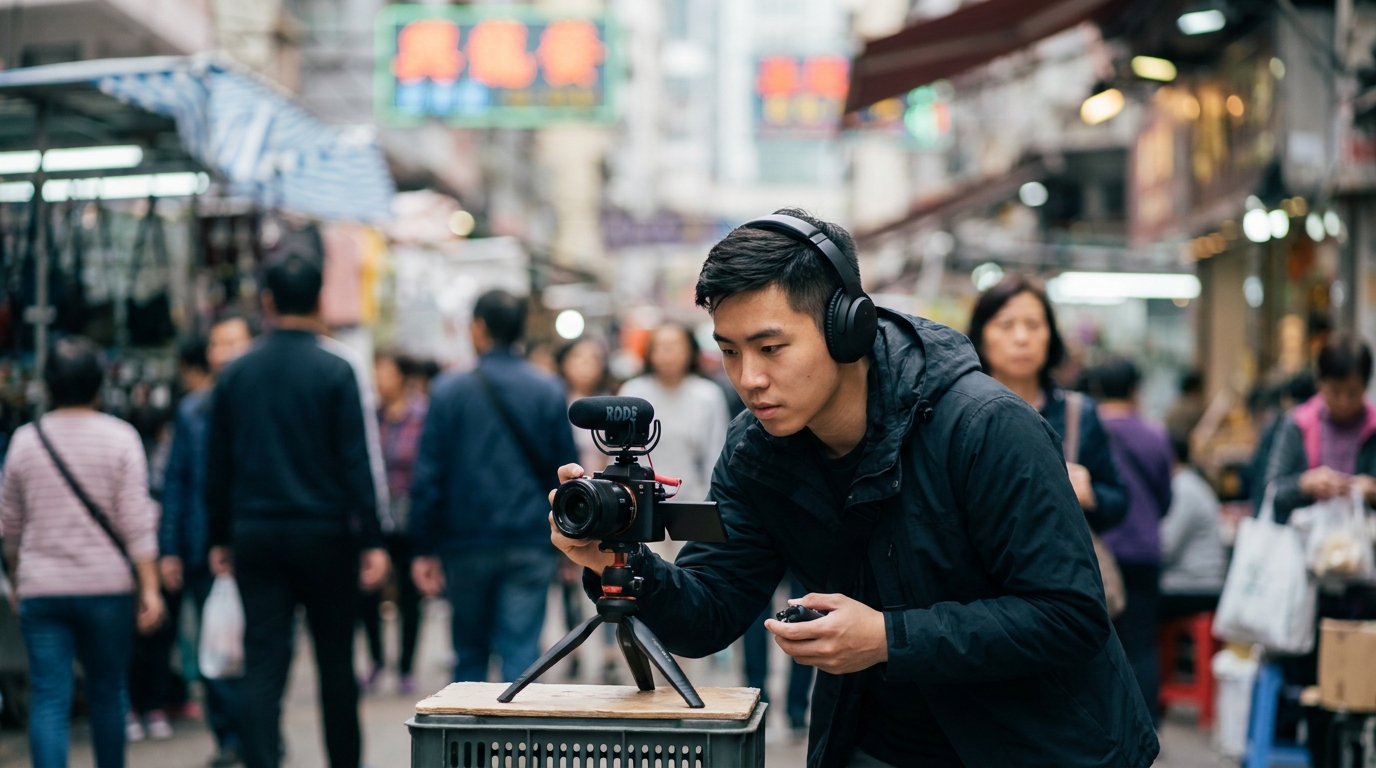
For the average Hong Kong household, browsing IG, shopping online, or binge-watching Netflix is all about download speed. But if you're an aspiring or active YouTuber or Twitch streamer, it's a whole different ball game! Content creators need to focus on upload speed and network stability (ping). Imagine you're streaming a game, right at the crucial moment of a team fight or getting a chicken dinner, and suddenly your network acts up, causing dropped frames or a total disconnect. The viewer experience tanks, and they'll probably just tune out. Plus, when YouTubers finish editing a 10-minute 4K video, the file size can easily hit tens of gigabytes. If your upload speed is only hovering around a few dozen Mbps, you'll be waiting until dawn for it to finish, seriously dragging down your workflow.
That's why creators can't just pick any random broadband plan. You have to check if the contract guarantees a "symmetrical" fibre connection. Most 1000M (1Gbps) plans on the market today, as long as they are true Fibre-to-the-Home (FTTH), offer symmetrical speeds—meaning both uploads and downloads can hit a practical speed of around 900Mbps. To ensure your stream is crisp and smooth, and your interactions with viewers are lag-free, investing in a high-quality home broadband plan is your most basic and worthwhile business tool. Below, we'll break down the actual network requirements for different video qualities, so you can find the most cost-effective plan that fits your needs.
- Upload Speed: Directly impacts stream quality and video upload times. The higher, the better.
- Ping / Latency: Affects gaming responsiveness and real-time viewer interaction. The lower, the better (ideally under 10ms).
- Packet Loss: The main culprit behind pixelated screens and dropped frames. You need this to stay at a solid 0%.
2. How Important is Upload Speed? Breaking Down Bandwidth Needs by Resolution
Many rookie streamers aren't sure how fast their upload speed actually needs to be. In reality, it all depends on the video quality you want to deliver to your audience. In streaming software (like OBS Studio), you'll set a value called "Bitrate". A higher bitrate preserves more visual details, which is especially crucial for fast-paced FPS or racing games to prevent the screen from pixelating whenever you move. However, a high bitrate also means you need more upload bandwidth to support it. Generally speaking, we recommend your actual physical upload speed be at least double your set bitrate, just to handle network fluctuations and background app data usage.
| Stream Quality / FPS | Recommended Bitrate (Mbps) | Minimum Upload Bandwidth Needed |
|---|---|---|
| 1080p @ 30fps (Just Chatting) | 3 - 6 Mbps | 15 Mbps |
| 1080p @ 60fps (Standard Gaming) | 6 - 9 Mbps | 25 Mbps |
| 1440p @ 60fps (High-Res Gaming) | 9 - 18 Mbps | 40 Mbps |
| 4K @ 60fps (Ultimate Visuals) | 20 - 51 Mbps | 100 Mbps+ |
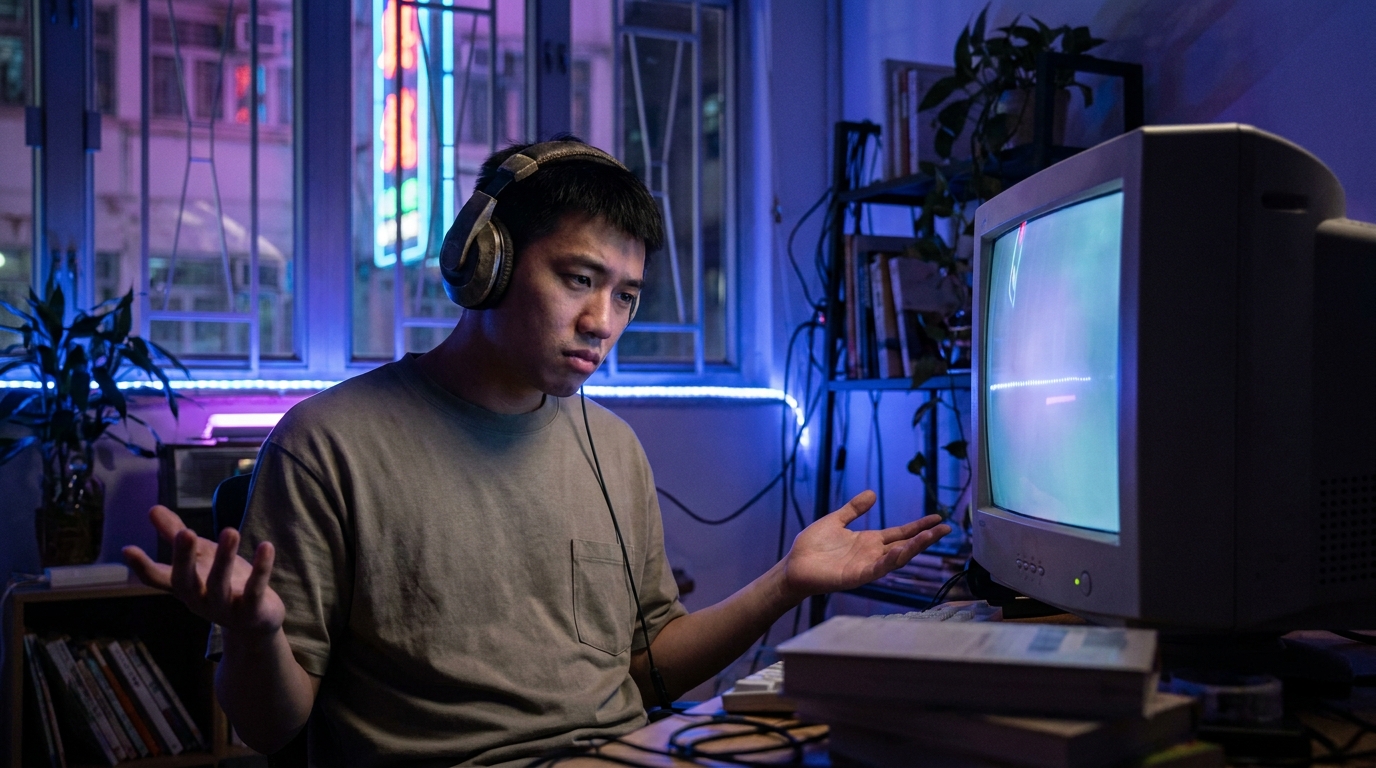
Looking at the table, you might think: "Hey, the max requirement is only 100Mbps, so my standard 1000M broadband is more than enough, right?" True, on paper, 1000M is plenty. But the catch is, if your home is still running on legacy VDSL (copper phone lines) or a shared building bandwidth plan, your upload speeds can plummet to just a few Mbps during peak hours—which is a disaster! Plus, while you're streaming, your family might be in the living room watching 4K Netflix or downloading games, eating into your bandwidth. That's why we strongly advise creators to upgrade to a true 1000M Fibre-to-the-Home (FTTH) plan to guarantee enough headroom.
💡 Tip: If you regularly upload massive 4K videos to YouTube, a 1000M broadband connection can get the job done in about 10 minutes. If you have the budget, there are even 2500M (2.5G) or 10000M (10G) plans on the market now, which can massively boost efficiency for studios or production teams.
3. Stability is King: FTTH vs 5G Broadband
5G home broadband has become super popular in Hong Kong recently, marketed as a plug-and-play, wire-free solution with monthly fees as low as $118 or even $98/mo. Many beginner creators consider using 5G broadband for streaming to save money or avoid drilling holes in a rented flat. But as professional telecom bloggers, we have to be brutally honest: if streaming is your main source of income or you demand top-tier video quality, absolutely do not rely on 5G broadband as your main connection! Why? Because 5G transmits via radio waves, making it highly susceptible to weather, thick concrete walls, and network congestion in your area. 5G download speeds might look great (sometimes hitting 300-400Mbps), but upload speeds are usually capped around 30-50Mbps. Worse, the ping fluctuates wildly, easily jumping from 20ms to over 100ms—a fatal flaw for gaming streams.
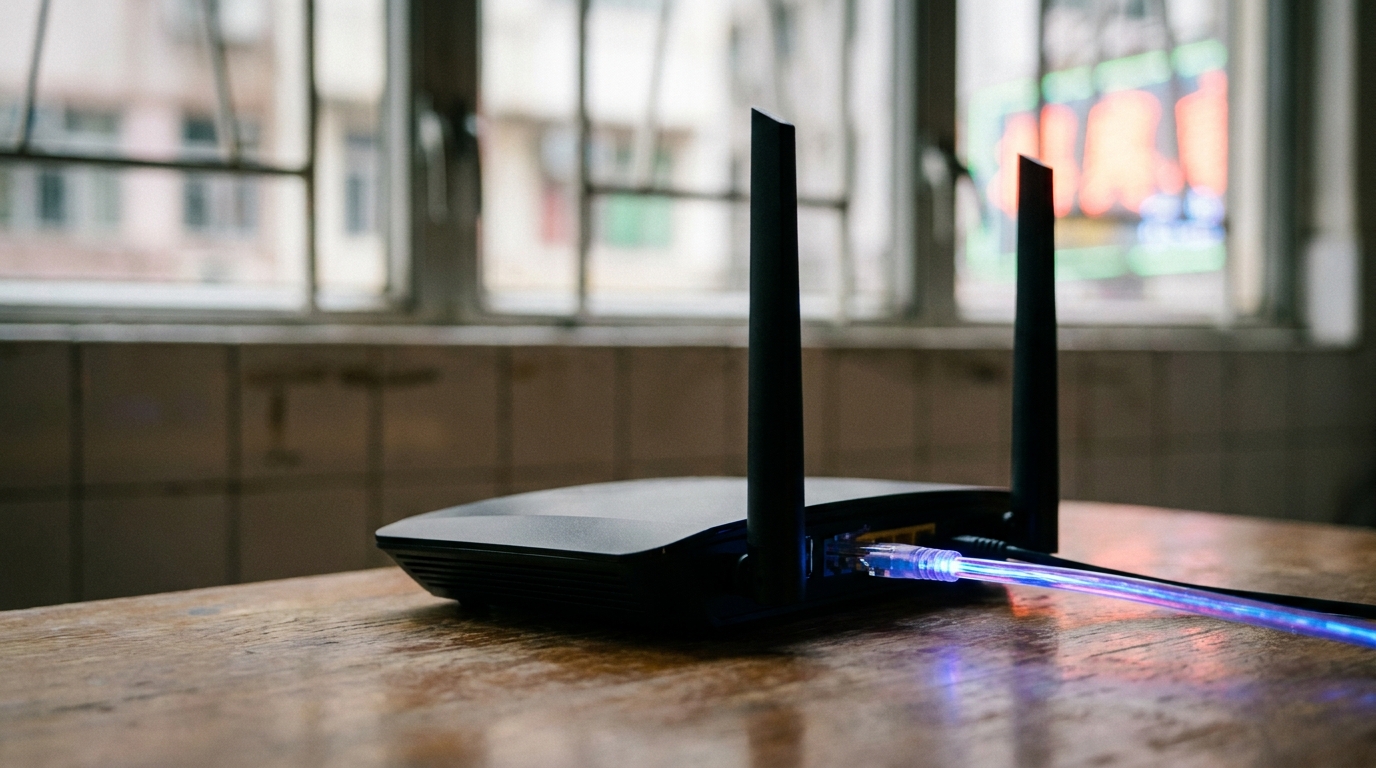
In contrast, Fibre-to-the-Home (FTTH) is currently the most stable and interference-resistant broadband technology available. A thin fibre optic cable runs directly from the exchange into your home modem, giving you a dedicated line. Here are the absolute advantages of FTTH over 5G for content creators:
- Ultra-low and stable ping: FTTH connections to local HK servers usually sit under 5ms, and connections to overseas servers (like Japan, Korea, or Taiwan) are rock solid without random lag spikes.
- True symmetrical speeds: A 1000M fibre plan delivers around 900Mbps upload speeds, completely crushing 5G's measly double-digit uploads.
- No FUP (Fair Usage Policy) limits: Some 5G plans throttle your speed after you hit 200GB of data. Streaming and uploading videos consume massive amounts of data, but true fibre is usually unlimited, so you never have to hold back.
⚠️ Note: If you're forced to use 5G broadband because you live in a tong lau or village house without fibre coverage, make sure to place your 5G router right next to a window with no obstructions. Always use a LAN cable to connect your PC directly to the router—never rely on Wi-Fi—to minimise latency as much as possible.
4. Hidden Advantages of Major HK Telecom Providers for Creators
When choosing broadband in Hong Kong, everyone knows the big names: HKT, HKBN, CMHK, SmarTone, or 3HK. For the average user, a 1000M plan looks pretty much the same across the board. But for YouTubers and streamers, the hidden devil is in the details—specifically "routing" and "international bandwidth". For instance, some Twitch and YouTube servers are located overseas or rely on specific CDNs (Content Delivery Networks). A telecom provider with massive international bandwidth and premium routing ensures your stream data takes the most direct path to its destination, without taking a detour through the web.
For example, HKT has always been strong when it comes to international bandwidth. They even offer a "Gamer Pack" plan boasting low latency and dedicated network routing, which is perfect for hardcore esports streamers. However, the monthly fee is a bit steeper, usually over $200. On the flip side, HKBN and CMHK have been very aggressive lately, offering incredible value for money. Many of their 1000M plans bundle a router or other value-added services for just $100 to $150/mo, making them highly attractive for new channels or creators on a tight budget. Ultimately, the most important factor is checking which provider has the best fibre coverage in your specific building.
🔥 Broadband Strategy for Creators
Don't just blindly chase the cheapest price. Before signing a contract, always ask two things: First, is it "true Fibre-to-the-Home (FTTH)" and not VDSL or coaxial cable? Second, is the plan "symmetrical" for uploads and downloads? If your budget is around $150 - $198/mo, you can easily score a top-tier 1000M fibre broadband plan from Hong Kong's major telecom providers.
5. Summary: The Ultimate Pre-Contract Checklist
Being a YouTuber or streamer already takes a ton of effort—brainstorming content, editing videos, and hyping up the chat. You definitely shouldn't let network issues drive you crazy on top of all that. Investing in a stable, fast-upload fibre broadband connection is basic respect for your channel and your audience, and it's key to boosting your workflow. To sum it up: FTTH is a must, symmetrical speeds are the baseline, and a direct LAN connection is common sense! To make sure you don't get ripped off, double-check this list before signing any new broadband contract:
- Confirm the tech: Ask the sales rep explicitly if it's FTTH. Say no to VDSL.
- Confirm symmetrical speeds: A 1000M plan must offer up to 1000M for both uploads and downloads (around 900Mbps in practice).
- Check router specs: If you plan to scrape by on Wi-Fi 6/6E, make sure the bundled router supports it. But again, always use a direct LAN cable for streaming.
- Watch the contract term and fees: HK broadband contracts are usually 24 or 36 months. Calculate the "average monthly fee" and check if the installation fee is waived.
If you're still on the fence about which provider is the most reliable for your building, or you're hunting for the best hidden deals, the smartest move is to shop around. Broadband promos change daily. To easily find the most cost-effective plan tailored for your streaming setup, make sure to use professional quotation platforms to compare prices. That way, you're fully covered and can focus entirely on racking up those views!