Published: 25 October 2026 | Category: Feature
1. The AI Smart Speaker Craze: Why is Everyone Buying Them?
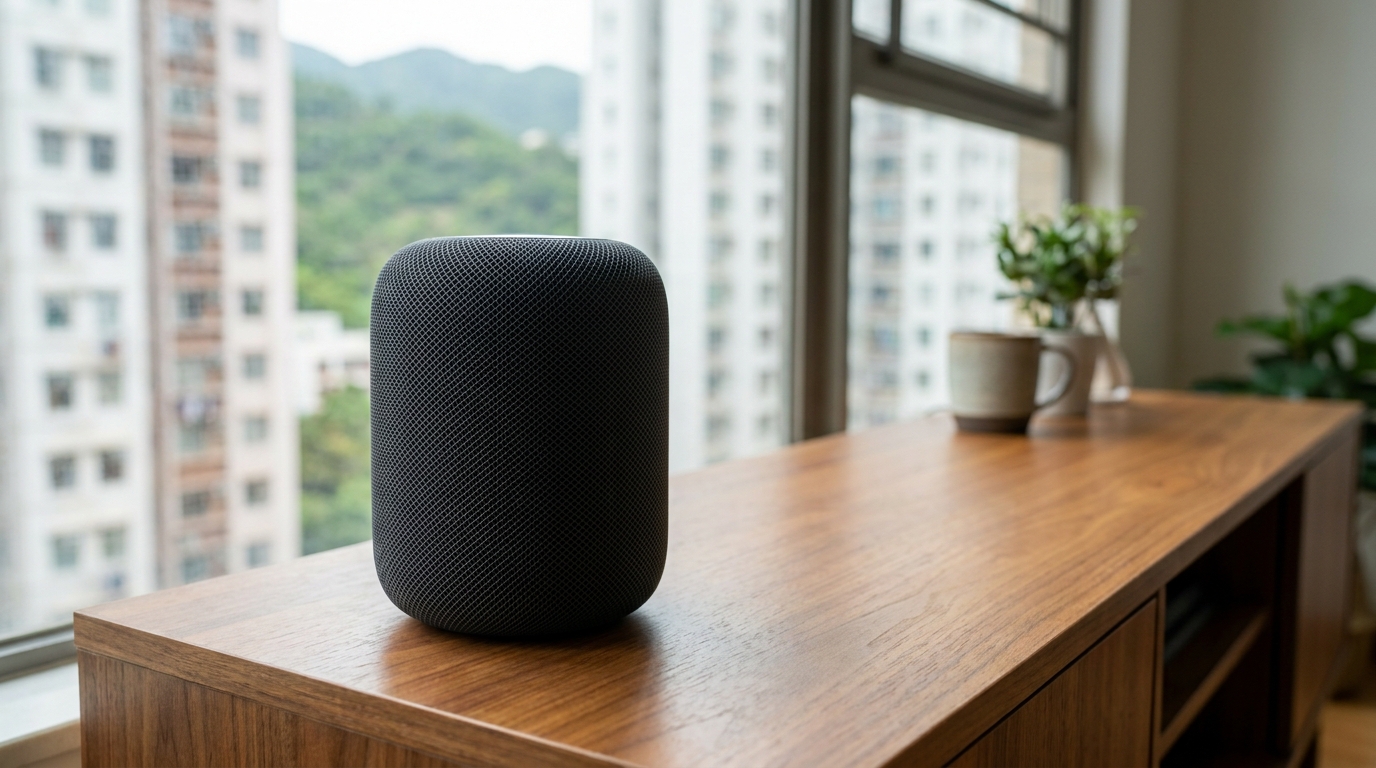
In recent years, smart homes have become increasingly popular in Hong Kong. Walking into your flat and saying "Hey Siri" or "Hey Google" to turn on the lights, play music, or check the weather has become a daily habit for many Hongkongers. Whether it's Apple's HomePod, Amazon's Echo, or Google's Nest series, these AI smart speakers are getting cheaper and more compact, with many people putting one in every room. But as our homes fill up with these 24/7 connected devices, a common question pops up: do these smart speakers eat up a lot of bandwidth? Will they cause lag when I'm gaming or watching Netflix?
To answer this, we first need to understand what a smart speaker actually does all day. Many people think they only work when you call their name, but in reality, they're constantly communicating with cloud servers in the background. Here are the most common network activities of AI smart speakers:
- Voice command processing: Instantly uploading your voice recordings to the cloud for analysis, then downloading the response.
- Music and podcast streaming: Connecting to platforms like Spotify, Apple Music, or YouTube Music for extended playback.
- Smart home hub communication: Acting as a HomeKit or Matter hub, continuously monitoring the status of smart bulbs, air conditioners, and door locks across your home.
- Background firmware updates: Quietly downloading system upgrades in the middle of the night to ensure security and add new features.
While the data transmitted each time might not seem like much, it adds up. Plus, if you have multiple devices running at once, it can definitely put your home broadband network to the test. Next, we'll break down the actual bandwidth consumption of the major brands.
2. Bandwidth Consumption Breakdown: HomePod, Echo & Nest
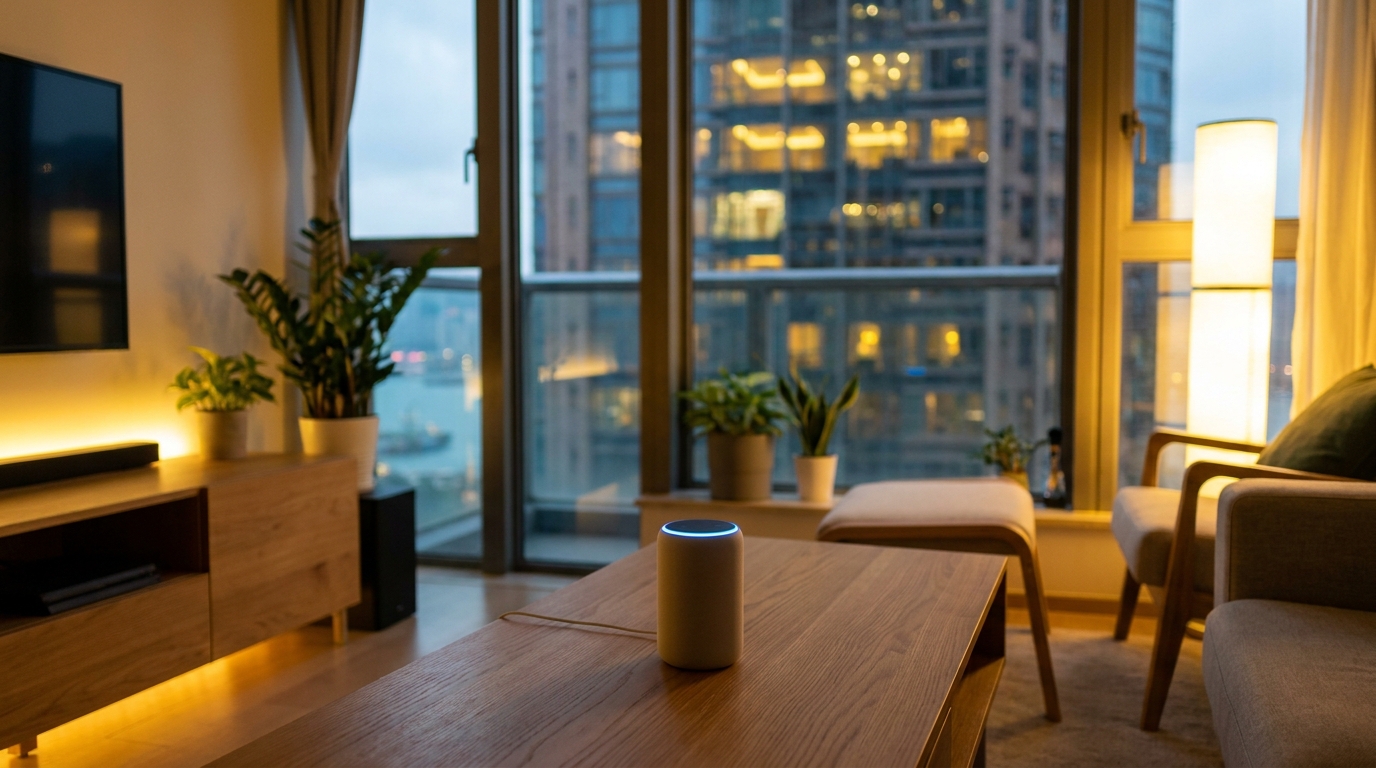
Different brands and models of smart speakers have noticeably different bandwidth requirements due to their default audio quality and features. For example, if you use an Apple HomePod to listen to Apple Music's Lossless audio, it will consume several times—or even over ten times—more data than listening to a standard MP3 on a Google Nest Mini. We've put together a comparison table so you can see at a glance roughly how much bandwidth they eat up in different states.
| Usage State | Apple HomePod (Full-size/Mini) | Amazon Echo (4th Gen) | Google Nest (Audio/Hub) |
|---|---|---|---|
| Standby Mode | Very Low (< 0.1 Mbps) | Very Low (< 0.1 Mbps) | Very Low (< 0.1 Mbps) |
| Standard Audio Streaming | Approx. 0.2 - 0.3 Mbps | Approx. 0.2 - 0.3 Mbps | Approx. 0.2 - 0.3 Mbps |
| Hi-Res / Lossless Audio | Approx. 1.5 - 5 Mbps (Lossless) | Approx. 1 - 3 Mbps (HD/Ultra HD) | N/A (Most only support standard) |
| Video Calls / Video Streaming | N/A (No screen) | Approx. 2 - 4 Mbps (Echo Show) | Approx. 2 - 4 Mbps (Nest Hub) |
As you can see from the table, if it's just on standby or checking the weather, the bandwidth used is negligible. But if you're an audiophile with HomePods all over the house and "Lossless Audio" turned on, every song you play will drain 5Mbps or more of bandwidth. If someone in your family is using a screen-equipped Echo Show or Nest Hub for video calls or watching YouTube, the bandwidth consumption multiplies. So, a single speaker isn't scary—what's scary is the combination of "multiple speakers + HD media."
3. The Invisible Network Killers Behind Smart Homes
Beyond just playing music and streaming video, smart home systems have a few hidden "network killers." Often, when you feel your home Wi-Fi suddenly slow down, it might not be your broadband provider (like HKT or HKBN) dropping the connection. Instead, it could be a traffic jam on your home intranet, or your router struggling to handle connection requests from so many smart devices.
The following scenarios are the most common culprits for silently draining your network resources:
- Multi-room Audio: Features like Apple's AirPlay 2 or Google's speaker groups allow you to play the same song synchronously across multiple speakers in your home. When this happens, data isn't just being downloaded from the internet; it's also being continuously transmitted back and forth at high speeds within your router to maintain zero-latency sync. This puts a massive load on your router's processor.
- Acting as a Smart Home Hub: If you use a HomePod Mini or Apple TV as a HomeKit hub, it needs to constantly ping your home's IP cams, smart plugs, and AC remotes 24/7 to check if they're online. The more devices you have, the denser the broadcast packets become, which can easily cause Wi-Fi network congestion.
- Cloud Backups and Log Uploads: Some camera-equipped smart devices (like Nest Cams used with the Nest ecosystem) will upload 1080p footage to the cloud 24/7. This continuous upload bandwidth consumption is much more likely to choke a typical household's asymmetric broadband than simple downloading.
⚠️ Note: If your home is still using an older single-band (2.4GHz) router, connecting multiple smart speakers and a dozen smart switches at the same time can easily trigger interference, slowing down even your phone's internet connection.
4. Practical Guide: How to Configure Settings Without Slowing Down Your Home Internet
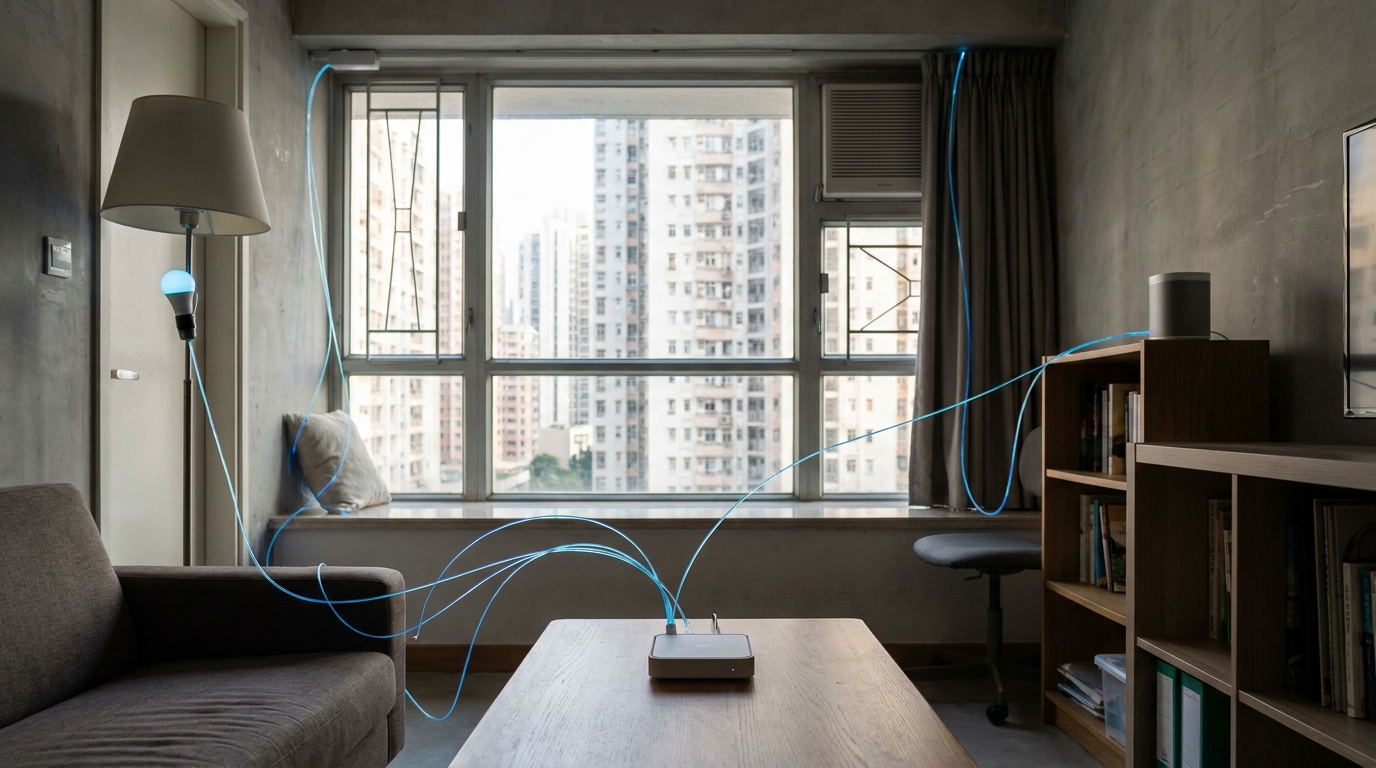
Now that we know smart speakers and various IoT devices can potentially slow down your network, how do we fix it? Actually, with just a little tweaking of your router settings, you can perfectly avoid network congestion. Here are a few practical network optimization settings:
- Band Management (2.4GHz vs 5GHz): Connect smart appliances that don't require high-speed transmission (like light bulbs and smart plugs) to the 2.4GHz band. For devices that need to stream high-quality music like HomePods, or devices used for video streaming like Nest Hubs and smart TVs, connect them to the 5GHz band to ensure they aren't fighting for bandwidth.
- Enable QoS (Quality of Service): Many modern routers feature QoS, allowing you to set the highest priority for "Gaming" or "Video Conferencing" (like Zoom), while lowering the priority for smart home background updates. This way, even if a speaker suddenly starts downloading an update, it won't cause ping spikes while you're gaming.
- Set Up a Dedicated IoT Guest Network: For both security and network smoothness, it's highly recommended to use your router's "Guest Network" or dedicated "IoT Network" feature. Put all your smart speakers and appliances on a separate SSID, completely isolating them from the phone/computer network you use for work and online shopping.
- Upgrade to a Mesh Wi-Fi System: If you have a larger flat (e.g., over 500 sq ft or with thick structural walls), smart speakers in dead zones will constantly retry their connections due to poor reception, dragging down overall performance. Switching to Mesh Wi-Fi ensures seamless coverage throughout your home.
💡 Tip: Reboot your router and smart speakers once a month to clear out accumulated cache. This will instantly make your network feel snappy again!

5. Summary: Upgrading Your Broadband to Build a Solid Smart Home Foundation
To sum up, a single AI smart speaker like a HomePod, Echo, or Nest won't actually eat up much bandwidth. But when you build a complete smart home ecosystem, complete with lossless music streaming and HD video surveillance, the demands on network stability and bandwidth will increase exponentially. If you start noticing the following situations at home, it might be time to consider upgrading your broadband plan:
- Asking Siri or Google to turn on the lights takes a few seconds to respond (or even gives a "network connection issue" error).
- When using AirPlay to sync music across the house, it frequently stutters, fluctuates in volume, or falls out of sync.
- Someone at home is listening to high-res streaming music, and someone else experiences severe lag (high ping) while gaming.
🔥 Recommended Action
Right now, major Hong Kong telecom providers (like HKT, HKBN, and CMHK) are heavily promoting 2000M (2Gbps) or even 2500M fibre broadband plans. Upgrading to 2000M can perfectly handle the extreme environment of dozens of smart home devices connected simultaneously. Want to know which provider offers the best deal and bundles the best high-end router? Head over to King Broadband to compare prices and find the perfect ultra-fast broadband solution for your home!
The whole point of a smart home is to make life more convenient. As long as you ensure your underlying broadband network is powerful enough and your router settings are correct, you can truly enjoy the technological fun that AI speakers bring. Get your internet foundation sorted, and you won't have to worry about adding as many HomePods or Nests as you want in the future!