
Published: 21 May 2026 | Category: Broadband Guide
1. Why Does 4K Streaming Always Lag?
After a long week of work, there's nothing better than grabbing some snacks on a Friday night, kicking back on the sofa, and binge-watching a hit 4K drama. But the moment you hit play, the dreaded loading circle appears, or the picture quality drops to a pixelated 720p mess. What a buzzkill! Why does Netflix or Disney+ still lag when you already have home broadband installed? While everyone's tolerance for buffering varies, the underlying physical reasons are exactly the same.
First off, we need to understand that 4K video has a resolution of 3840 x 2160, packing four times the detail of traditional 1080p Full HD. On top of the massive, pixel-dense picture, today's big-budget productions also feature HDR (High Dynamic Range) and Dolby Atmos spatial audio—all of which require a massive amount of data. The second you hit play, the streaming platform's servers start pumping this data to your TV or computer. If your home network's bandwidth isn't wide enough, or if there's a bottleneck causing a data traffic jam, your TV won't receive the data fast enough. This results in buffering—that spinning circle we all hate. So, to stream smoothly, broadband speed is absolutely the most critical first step.

2. Breaking Down Netflix and Disney+ Official Requirements
Many people wonder: just how fast does your broadband need to be for true 4K? Let's look at the official recommendations from the two streaming giants—Netflix and Disney+. Even though both stream in 4K, their minimum speed requirements differ slightly because they use different video compression technologies (codecs). Netflix is famous for its excellent compression, officially recommending a stable download speed of just 15 Mbps for 4K UHD quality. Disney+, on the other hand, offers IMAX Enhanced quality with a higher bitrate, so its official recommended speed is a bit higher at 25 Mbps.
| Streaming Platform | 1080p Recommended Speed | 4K UHD Recommended Speed | Real-World Safe Zone (Recommended Buffer) |
|---|---|---|---|
| Netflix | 5 Mbps | 15 Mbps | 50 Mbps |
| Disney+ | 5 Mbps | 25 Mbps | 100 Mbps |
| YouTube | 5 Mbps | 20 Mbps | 50 Mbps |
But here's the catch: the "recommended speed" provided by officials assumes your TV or device has "exclusive" access to that real-time speed. If your internet speed is exactly 25 Mbps, the moment someone else at home scrolls through IG or replies to a WhatsApp message, your speed drops below the threshold. The system will automatically downgrade your video quality from 4K to 1080p or even 720p, instantly pixelating the screen. Therefore, official figures are just a reference—you absolutely need to leave extra headroom for real-world usage.
3. Real-World Data: How Fast Does Your Home Broadband Actually Need to Be?
If the officials say 25 Mbps is enough, why does your 100M (100 Mbps) home broadband still lag? That's the gap between theory and reality! In Hong Kong, many residents in older tenement buildings (Tong Lau) or single-block flats are still stuck with 100M VDSL copper broadband. While that sounds like four times the official requirement, the reality is that the bandwidth is shared among the whole family. Just imagine: after dinner, the grandparents are watching YouTube in their room, the kids are playing online PS5 games while downloading updates, and your wife is on a Zoom call for work. By then, that 100M bandwidth is stretched incredibly thin. The actual speed left for your TV to stream Netflix might be less than 10 Mbps.
⚠️ Note: Wi-Fi signal loss through walls is another hidden killer! Even if you've signed up for 1000M broadband, if your router is in the living room and you're streaming in a bedroom behind two structural walls, you could lose over 70% of your Wi-Fi signal. Your actual received speed could easily drop below 50 Mbps.
Based on our tests, to guarantee a smooth 4K streaming experience at any time in a typical Hong Kong household (three or more people), a 1000M (1 Gbps) fibre broadband connection is the basic entry requirement. Even after accounting for network loss and your family's daily usage, a 1000M line will still deliver a solid 200-300 Mbps to your smart TV. With that, whether you're watching Disney+'s IMAX Enhanced or Apple TV+'s ultra-high bitrate 4K content, you'll never experience buffering, and the picture quality will hit its peak instantly.
4. Fixing the Lag: 4 Must-Check Areas
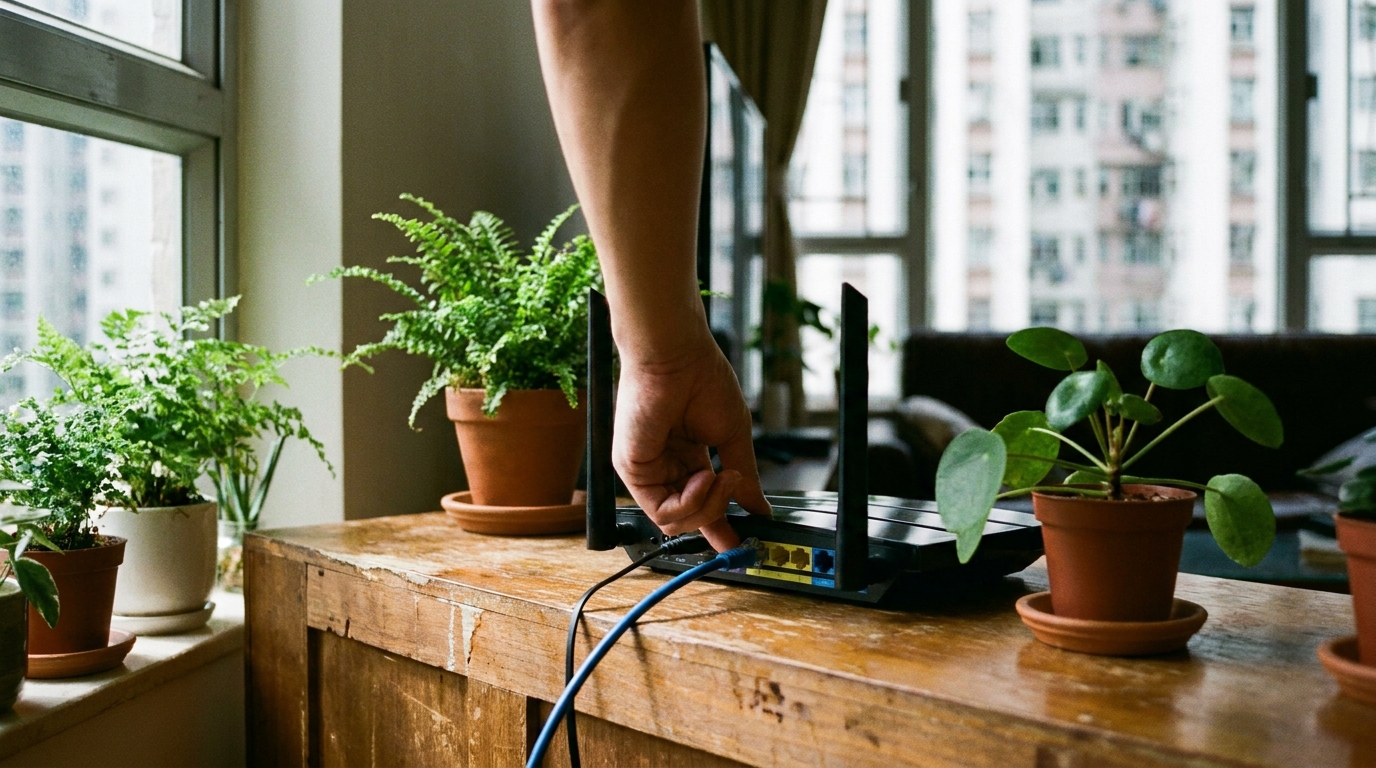
If you've already upgraded your broadband but your 4K streams still occasionally pixelate or buffer, it might not be your telecom provider's fault. It's highly likely there's a flaw in your home network setup. Follow these 4 must-check areas to sort out your network step by step:
- Your router is too old: If you're still using a Wi-Fi 4 or Wi-Fi 5 router from a few years ago, its processing power simply can't handle today's 4K data loads. We strongly recommend upgrading to a model that supports Wi-Fi 6 or even Wi-Fi 7 for a much more stable connection.
- Poor router placement: Many people think routers are ugly and hide them inside TV cabinets or behind sofas. Remember, Wi-Fi signals hate metal and thick wood. Your router should be placed in an open, elevated position with no obstructions to maximize its performance.
- No LAN cable for your TV: 4K streaming demands stability! If your TV is close to the router, we absolutely recommend using a physical LAN cable to connect them directly. A wired connection guarantees zero interference and ultra-low latency, ensuring not a single drop of data is lost.
- Crazy background downloads: Check if someone at home has BitTorrent running on their computer, or if a console is downloading a massive multi-GB game. These background tasks will hog all your network's upload and download bandwidth.
💡 Tip: If your home is too large or has many dead zones, consider switching to a Mesh Wi-Fi system. Place a couple of satellite nodes in the hallway and bedrooms, and you'll be able to enjoy smooth 4K streaming in every corner of your house!
5. Which Provider Should You Choose for a Broadband Upgrade?
If you find that your home broadband is genuinely too slow (like if you're still on 100M), it's time for a major upgrade! Fibre-to-the-Home (FTTH) services from major Hong Kong telecom providers are highly mature now, and 1000M is basically the standard. If you live in a village house, HKT's coverage and stability usually make it the top choice. If you live in a large private estate or public housing, the 1000M plans from HKBN, CMHK, and SmarTone offer fantastic value, with monthly fees often coming in at under $100.
For larger families, or if someone in the house is a hardcore gamer who frequently downloads massive files, there are now 2000M (2x1000M or 2.5G) options available. Providers like 3HK and HKT offer these ultra-fast plans for around $150 to $198 a month, which is actually incredible value for money. With 2500M bandwidth, even if your kid is gaming in their room, you can stream Disney+ 4K in the living room without affecting each other. Everyone gets a smooth experience.
🔥 Recommended Plans
For average households, we strongly recommend jumping straight to a 1000M fibre broadband plan from any major provider. If your family has multiple smart TVs, tablets, and computers running simultaneously, consider upgrading to a 2000M or 2500M plan to reserve plenty of bandwidth and say goodbye to lag for good.

Summary: Ultimate Tips for Smooth Streaming
To sum up, if you want to comfortably enjoy stunning 4K quality on Netflix or Disney+ at home, relying solely on the official 15-25 Mbps recommendation is definitely not enough. In reality, we have to deal with shared bandwidth among family members, Wi-Fi signal loss, and network latency. To fix buffering issues once and for all, keep these key points in mind:
- Upgrade your home broadband to at least a 1000M (1 Gbps) Fibre-to-the-Home connection.
- Ensure you're using a router that supports Wi-Fi 6 or above, and place it in an open area.
- Whenever possible, plug a LAN cable directly into your smart TV or TV box for maximum stability.
- Large families should consider 2000M or 2.5G broadband plans to properly distribute data traffic.
Binge-watching is all about relaxing—there's no point getting frustrated over slow internet and ruining your weekend vibe. If you're ready to give your home network a major overhaul, remember to compare the latest offers from major telecom providers before upgrading. Find the most cost-effective and stable fibre broadband plan based on your living environment and your family's internet habits. Here's to smooth streaming every day, and never seeing that buffering circle again!