
Published: 20 October 2026 | Category: In-Depth Analysis
1. What is 2500M Broadband? Why is Every Telco Pushing It?
For years, Hong Kong's fiber broadband market has been highly polarized. You either stick with the mass-market, highly cost-effective 1000M (1Gbps), or you're a hardcore tech enthusiast chasing ultimate speeds with a 10000M (10Gbps) plan. But as our internet demands grow, 1000M is starting to feel a bit lacking, while 10000M is simply too expensive—easily costing around $1,000 a month, not to mention the cost of upgrading your entire home to 10G network gear. Enter 2500M (2.5Gbps) mid-tier fiber broadband!
Recently, major telcos like HKT, HKBN, and CMHK have been aggressively pushing 2500M plans. Why the sudden hype?
- Exploding file sizes: Files are getting massive. A single PS5 or PC game easily tops 100GB, and 4K or even 8K video streaming is becoming the norm, demanding much higher bandwidth.
- Multiple connected devices: We have more internet devices at home than ever. Phones, tablets, PCs, smart TVs, and a whole ecosystem of smart home gadgets are all fighting for bandwidth.
- The Wi-Fi 7 era: With the upgraded specs of next-gen routers, 2.5G is set to become the gold standard for the next few years.
The launch of 2500M perfectly fills this mid-tier market gap, letting you enjoy speeds two and a half times faster than 1000M at a relatively wallet-friendly price.
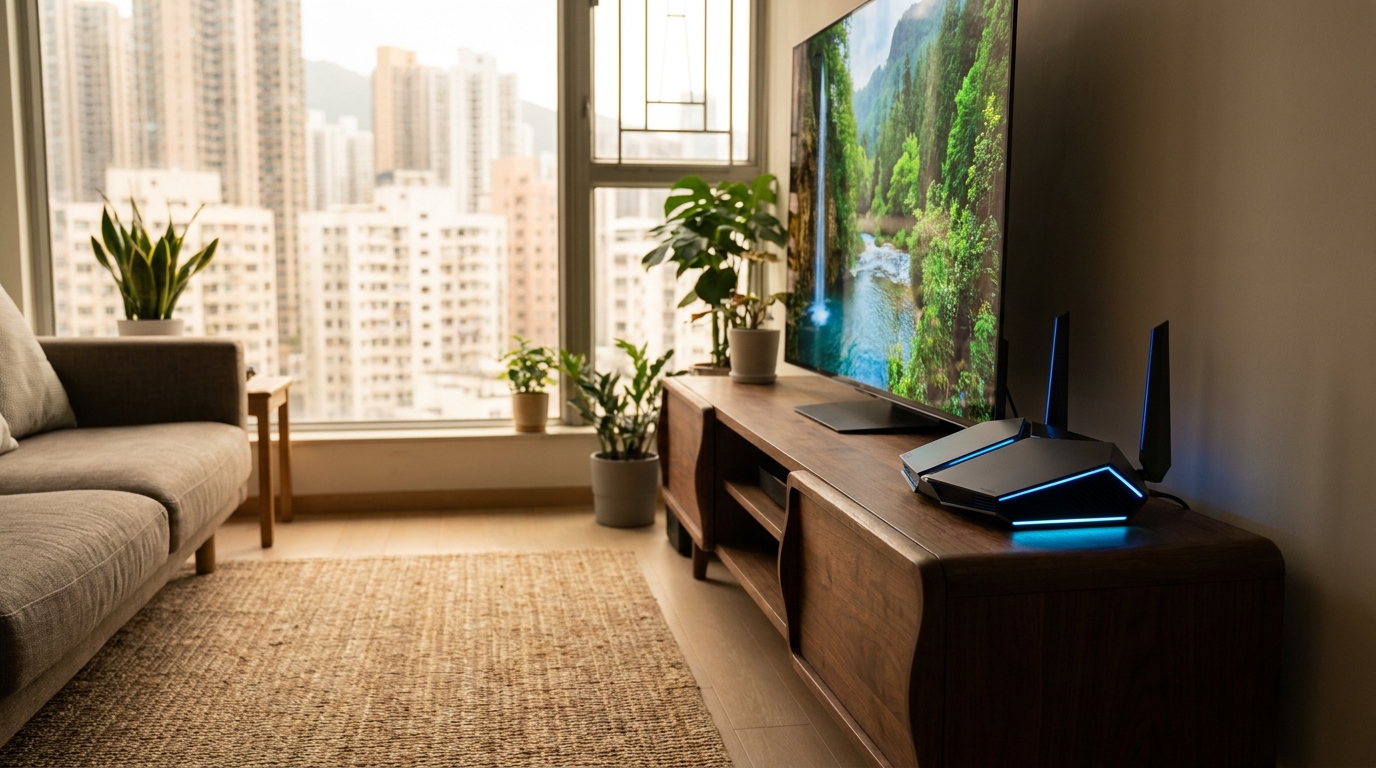
2. 1000M vs 2500M vs 10000M: Speed and Price Showdown
When buying anything, cost-performance ratio is key, so let's dive straight into a speed and price showdown. The pricing strategies of major telcos in the market are pretty clear right now. Check out the comparison table below to see which speed suits you best:
| Feature | 1000M (1Gbps) | 2500M (2.5Gbps) | 10000M (10Gbps) |
|---|---|---|---|
| Estimated Monthly Fee Range | $100 - $150 | $198 - $298 | $800 - $998+ |
| Time to Download 100GB Game | Approx. 14 mins | Approx. 5.5 mins | Approx. 1.5 mins |
| Hardware Requirements | Very Low (Standard router is fine) | Medium (Requires 2.5G WAN/LAN) | Very High (Full 10G setup) |
| Target Audience | Average households, light internet users | Heavy users, multi-device households, SMEs | Tech enthusiasts, large enterprise servers |
Looking at the numbers, 2500M is absolutely the most cost-effective choice right now. For just an extra few dozen to a hundred bucks a month, you get an additional 1.5Gbps of bandwidth. It perfectly solves the network congestion when the whole family is streaming, gaming, and downloading during prime time at night. Plus, with fierce competition among telcos, switching providers or renewing your contract often comes with extra perks like a free high-end router or waived installation fees, making it a seriously good deal.
3. The Hidden Costs of Upgrading to 2500M: Is Your Router Ready?
However, upgrading to 2500M isn't just as simple as making a phone call to change your plan! Many people complain after upgrading, asking "Why isn't the speed any faster?" The truth is, the bottleneck is highly likely your own home hardware. To fully max out 2500M speeds, your network equipment must be up to spec. You definitely need to watch out for these hidden costs.
⚠️ Note: If you're using an older router that only supports 1000M (Gigabit), even if you install 2500M broadband, your top speed will be hard-capped at 1000M, completely wasting your monthly fee!
First, your router must have a 2.5G WAN port (to connect to the telco's modem) and at least one 2.5G LAN port (to connect to your PC). Second, if you plan to max out 2500M over Wi-Fi, you'd better prepare a router that supports Wi-Fi 6E or the latest Wi-Fi 7. That's because older Wi-Fi 6 routers struggle to break the 1Gbps wireless speed barrier in real-world environments.
Finally, your desktop or laptop needs to support a 2.5G LAN card. If it's an older PC or a MacBook, they often lack a built-in 2.5G port. In that case, you'll need to hit up Sham Shui Po or a computer center to buy a USB Type-C to 2.5G adapter, which usually costs a few hundred bucks. Once you've sorted all this out, you can truly experience the power of mid-tier fiber.
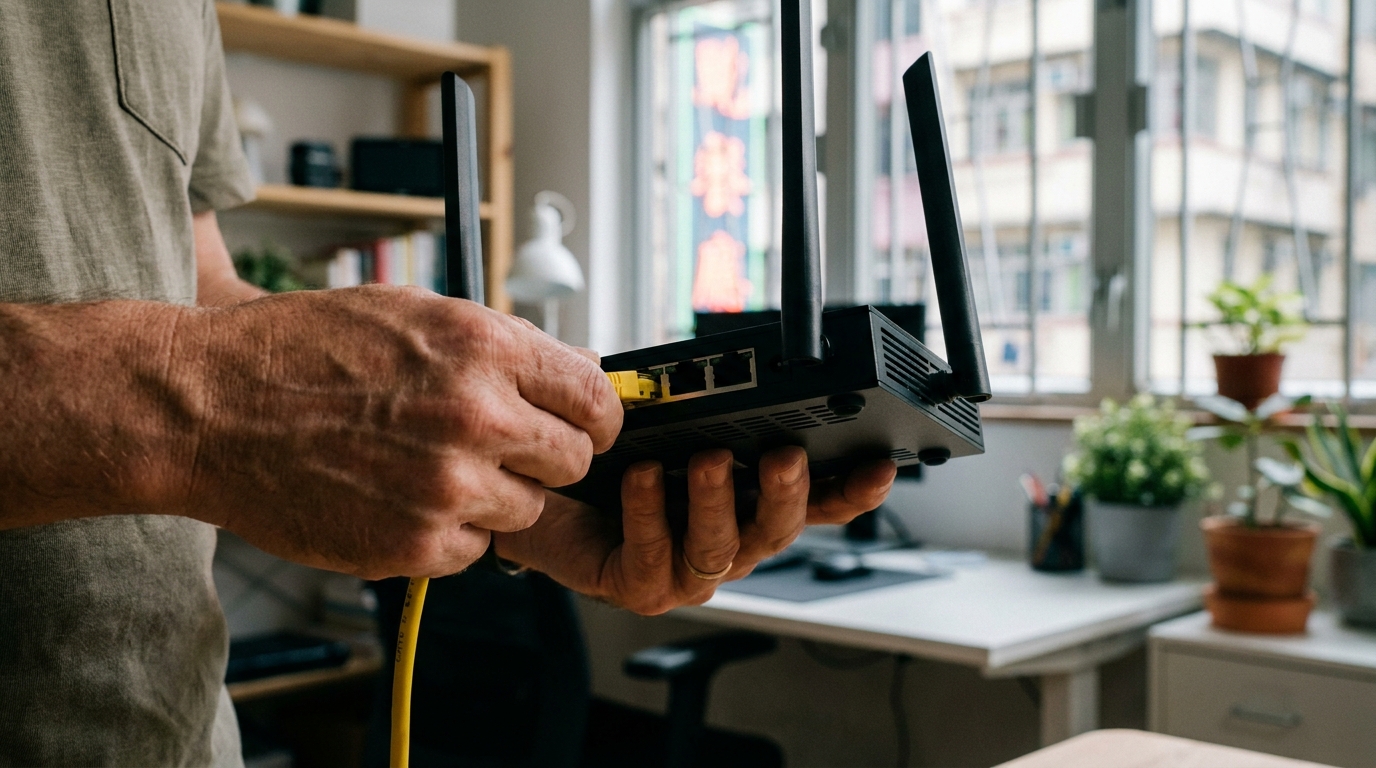
4. SMEs vs Home Users: Who Needs 2500M the Most?
So who actually needs 2500M broadband the most? We can break users down into two main categories: "home" and "SMEs".
Let's talk about home users first. If you have a family of 4 to 5, after dinner every night, dad is watching 4K Netflix, mom is on her iPad watching YouTube, the eldest son is in his room playing PS5 while chatting on Discord, and the youngest daughter is downloading tens of GBs of school materials. If you're on 1000M, there's a high chance of a "bandwidth war," and the gamer will be screaming about high ping and lag. 2500M perfectly handles this kind of multi-tasking, multi-device heavy usage scenario, ensuring everyone gets enough bandwidth.
As for SMEs, 2500M is an absolute godsend. This is especially true for design studios, video editors, or offices that frequently use a NAS (Network Attached Storage). When you're moving hundreds of GBs of raw files or massive images every day, 1000M will have you waiting forever. 2500M drastically cuts down file transfer times, directly boosting your team's productivity.
🔥 Recommended Plan Strategy
If you're a content creator (YouTuber / photographer), or if your home has over 15 connected smart devices, we highly recommend upgrading straight to 2500M. Keep an eye out for contracts from major telcos that bundle the latest Wi-Fi 7 router—it solves your hardware headaches in one go and offers the best bang for your buck!

5. Summary: Is 2500M Broadband Really Worth It?
To sum up, 2500M broadband is absolutely the "golden ratio" plan worth paying attention to in the Hong Kong telecom market right now. It solves the bottlenecks of 1000M during heavy multi-device usage, while avoiding the dauntingly high monthly fees and extreme hardware barriers of 10000M. As Wi-Fi 7 technology becomes more widespread, 2.5G network ports are already becoming standard on many next-gen routers and motherboards. Upgrading to 2500M now is essentially future-proofing your network needs for the next few years.
Of course, if you only use WhatsApp and browse text-heavy websites, 1000M is still more than enough—there's no need to waste your money. But if you're a hardcore AV enthusiast, a gamer who frequently downloads massive games, or an SME handling large files, 2500M is absolutely worth the price of admission.
💡 Tip: Before deciding to upgrade, remember to compare the latest quotes and welcome offers from major telcos like HKT, HKBN, and CMHK. Pay special attention to whether a high-end router is bundled in the contract, and do the math before you pull the trigger!